


Cricut EasyPress Mini™ LT
Our compact, easy-to-use handheld heat press with a single setting — ideal for popular iron-on projects like T-shirts, baby clothes, and more.
With its precision tip, Cricut EasyPress Mini™ LT helps you access hard-to-reach spaces like around buttons or seams and for uniquely shaped projects.
Combining the speed of a heat press and the convenience of an iron, this mini but mighty press delivers results that stand the test of time.
- Press With the Best: Designed and built by the brand you know and trust, Cricut™ heat presses are the perfect complement to a Cricut cutting machine — engineered for versatility, ease of use, and pro-looking results every time.
- Pro-Level Personalisation: Use with heat transfer vinyl to make pro-looking, personalised projects that are vibrant and long lasting even after repeated washes.
- Easy-to-Use Heat Guide: Our user-friendly Cricut Heat Guide provides compatible materials and blanks, precise time settings, and step-by-step pressing instructions.
- Advanced Design: Built with a ceramic-coated heat plate that delivers dry, edge-to-edge heat and reaches temperatures up to 180°C (355°F). The precision tip gives you control & accuracy while you press.
- Convenient: Compact and portable.
- Designed for Safety: Includes an insulated safety base, and a ceramic-coated heat plate for extra protection. Cricut products conform with applicable product standards like UL, CSA, FCC, and IEC standards. Cricut products are also listed or certified Nationally Recognised Testing Labs (NRTLs) such as TUV and Intertek.
- World-Class Design & Support: Cricut products are designed and tested in the USA. Our US-based Member Care team is available worldwide via phone and chat. Hours of operation may vary based on country.

-
Single heat setting reaches up to 180 °C (355 °F)
-
Ideal for iron-on (HTV) projects like personalised apparel
-
Easily press hard-to-reach places with precision tip
-
Compact and protable
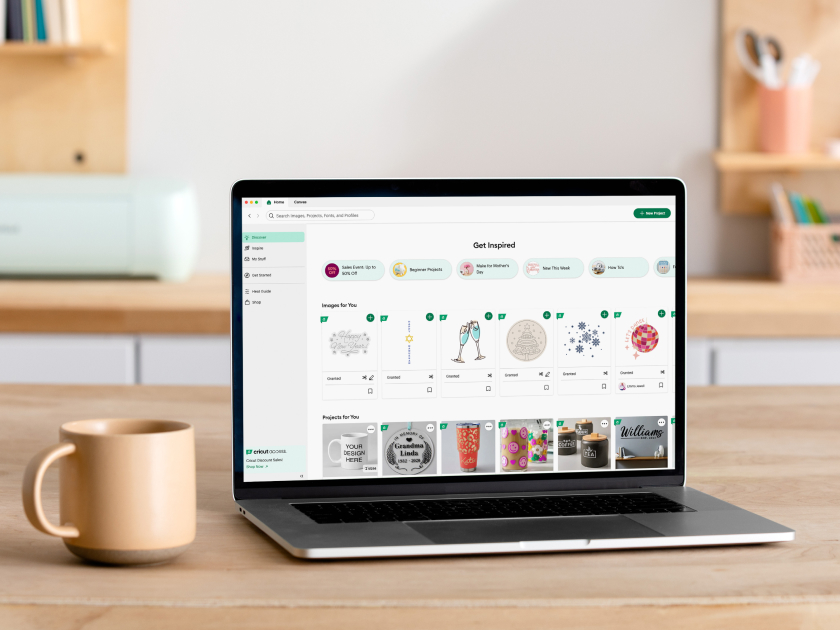
Werk je eigen ontwerp uit of haal inspiratie uit de Cricut-bibliotheek.
Voeg een naam of andere tekst toe aan je project en experimenteer met kleuren, lettertypes en effecten.
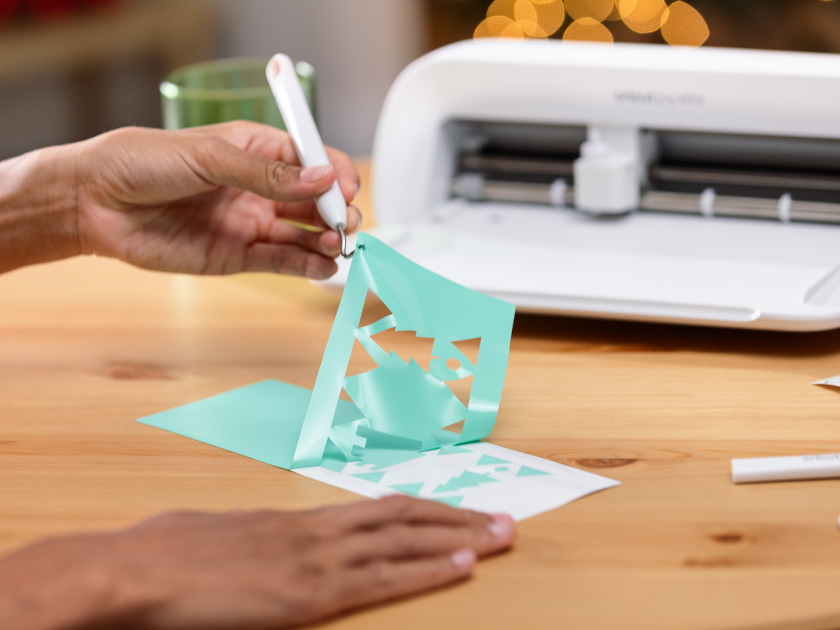
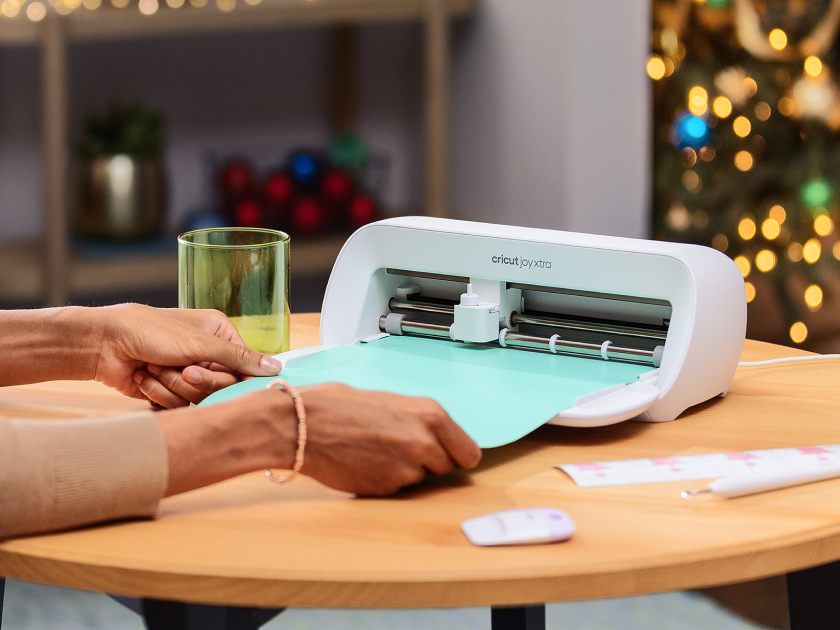
Laat je Cricut-snijmachine het werk doen: die snijdt alle vormen nauwkeurig uit.
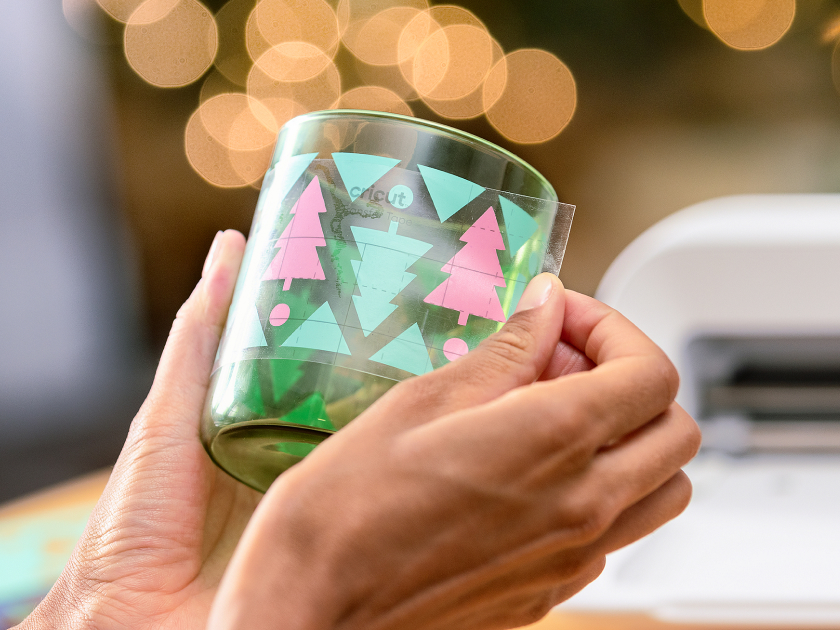
Zet de onderdelen in elkaar of breng je ontwerp op bijna alles aan, van notitieboekjes tot nachtlampen en van T-shirts tot draagtassen.
