


Cricut Joy™ + Starter Kit



Get what you need to start — and keep — making! Includes our ultra-compact smart cutting machine, plus the materials you need to make tons of simple decals and labels. Works with free Design Space® app.
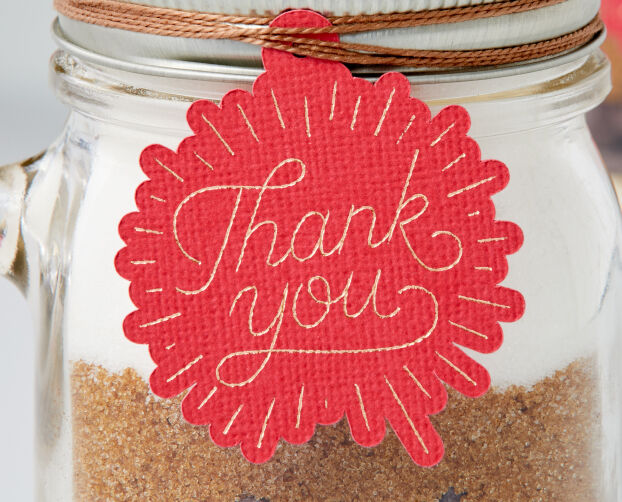
- Cricut Joy works with 50+ materials, including popular materials like vinyl, iron-on & cardstock
- Cuts intricate designs with precision
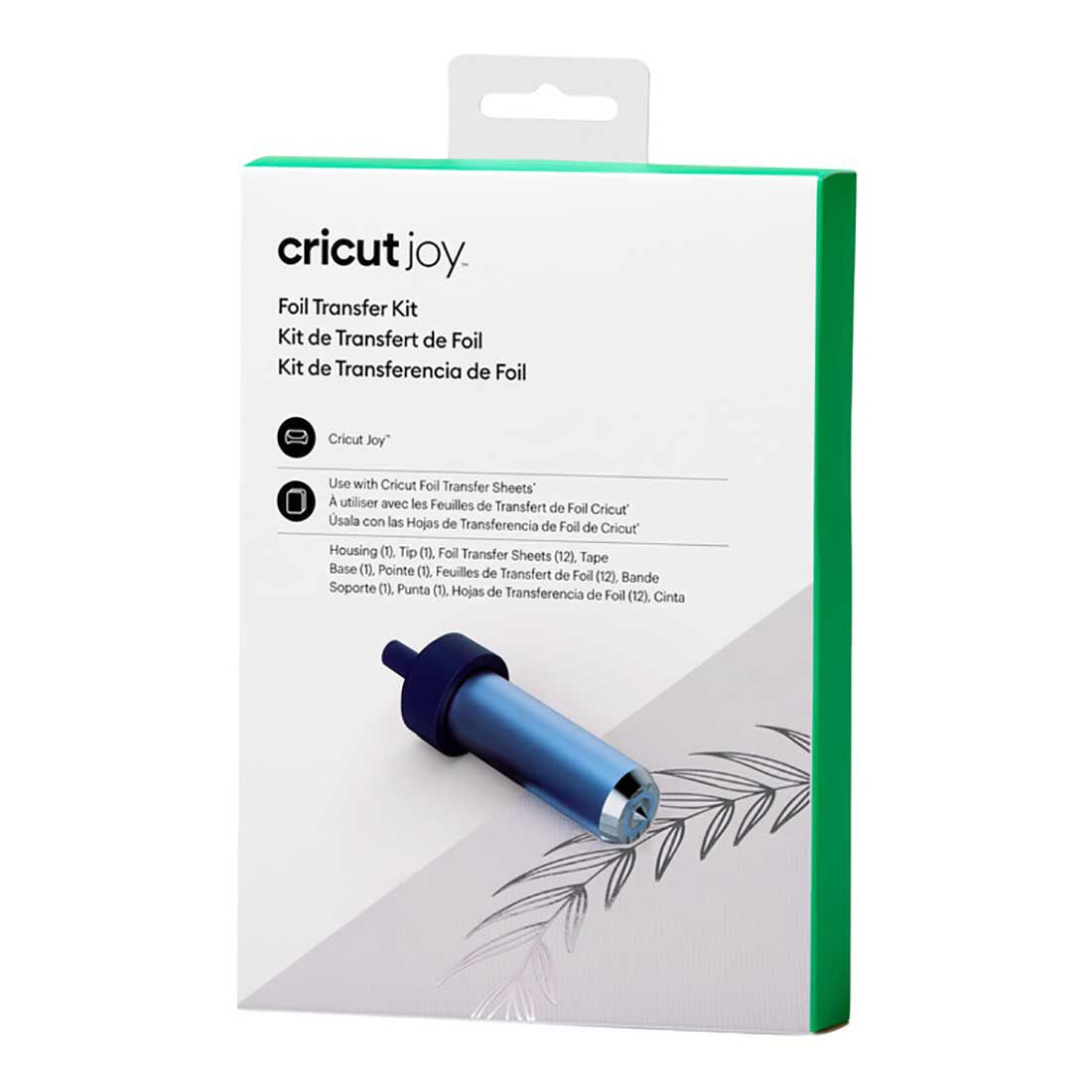
- Machine writes, draws & foils
- Free, easy-to-learn Design Space app
- Bluetooth® wireless technology*
- Upload & cut your own designs or choose from the Cricut Design Space library
- World-class customer support is available via phone or chat
- Cricut Manufacturer Warranty
- Cricut Joy machine
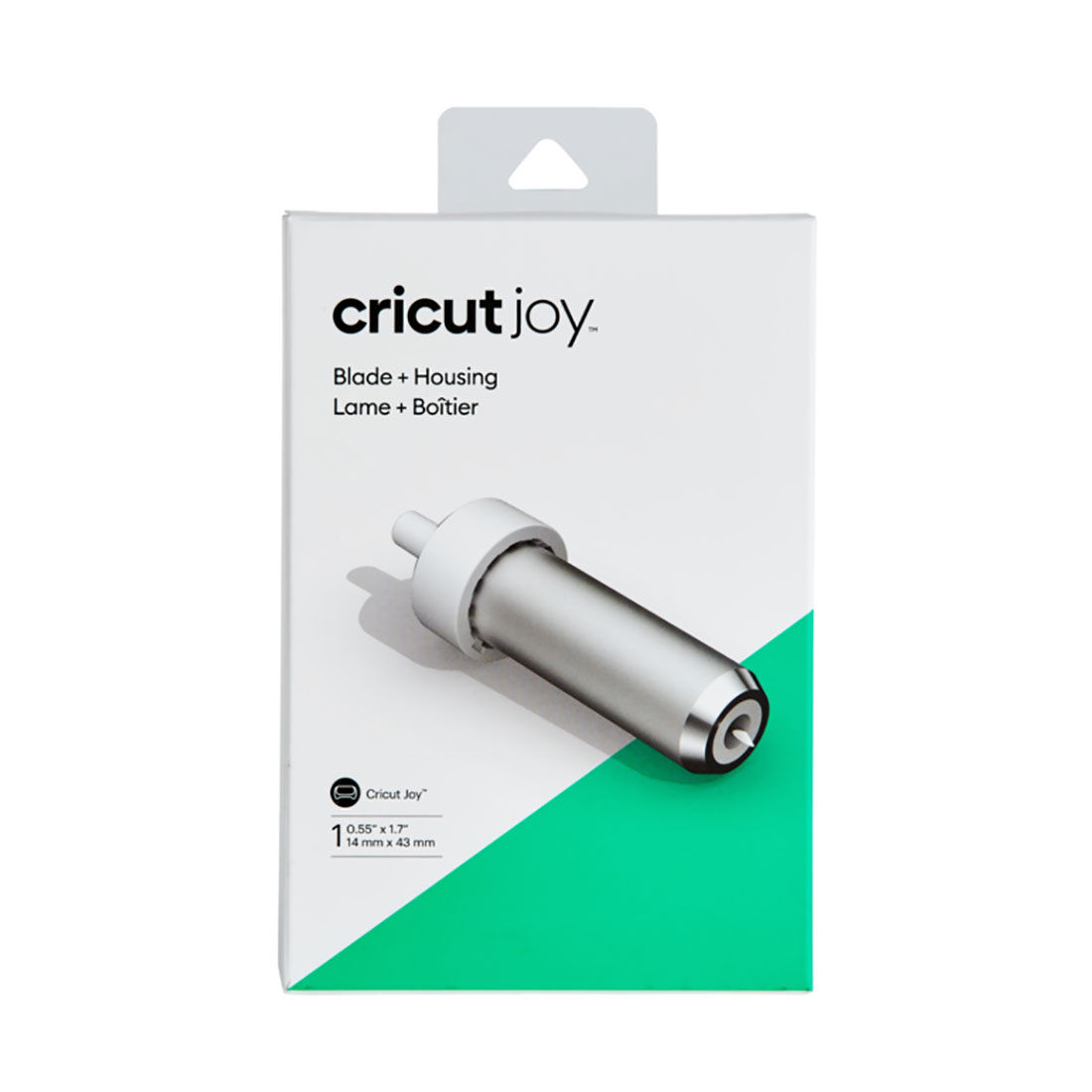
- Premium Fine-Point Blade + Housing
- Fine Point Pen, Black (0.4 mm)
- StandardGrip Mat, 4.5 in x 6.5 in (11.4 cm x 16.5 cm)
- Power adapter
- Welcome card
- Free trial subscription to Cricut Access™ (for new subscribers)
- 50 free, pre-designed projects in Design Space
- Material for a practice cut
Bundled with:
- Starter Tool Set, (1 ct)
- Cricut Joy™ Card Mat, 4.5 in x 6.25 in (11.4 cm x 15.9 cm)
- Cricut Joy Standard Grip Mat, 4.5 in x 12 in (11.4 cm x 30.5 cm)
- Cricut Joy Insert Cards, Cards: 4.25 in x 5.5 in (10.8 cm x 14 cm), Inserts: 4 in x 5.25 in (10.2 cm x 13.3 xm), Envelopes: 4.4 in x 5.75 in (11.1 cm x 14.6 cm), (12 Cream Cards) (12 Gold Matte Holographic Cards) (12 White Envelopes)
- Cricut Joy Smart Vinyl Sampler, Beachside - Permanent, 5.5 in x 12 in (13.9 cm x 30.4 cm) in Tulip, Mint, Teal, Coral, Tangerine Cricut Joy
- Smart Iron-On Classics Sampler, 5.5 in x 12 in (13.9 cm x 30.4 cm) (3 sheets) in Black, Gold, Silver


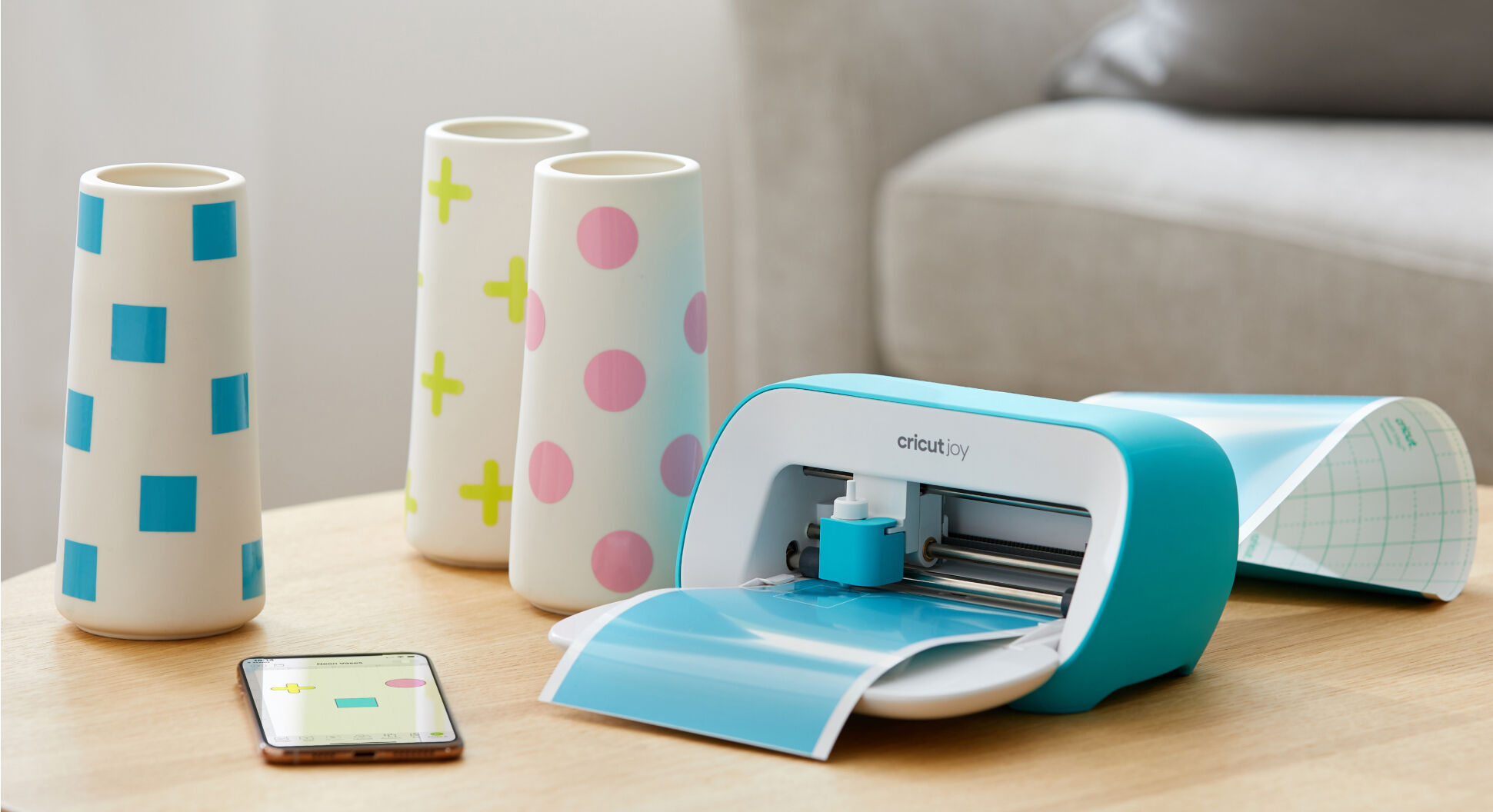
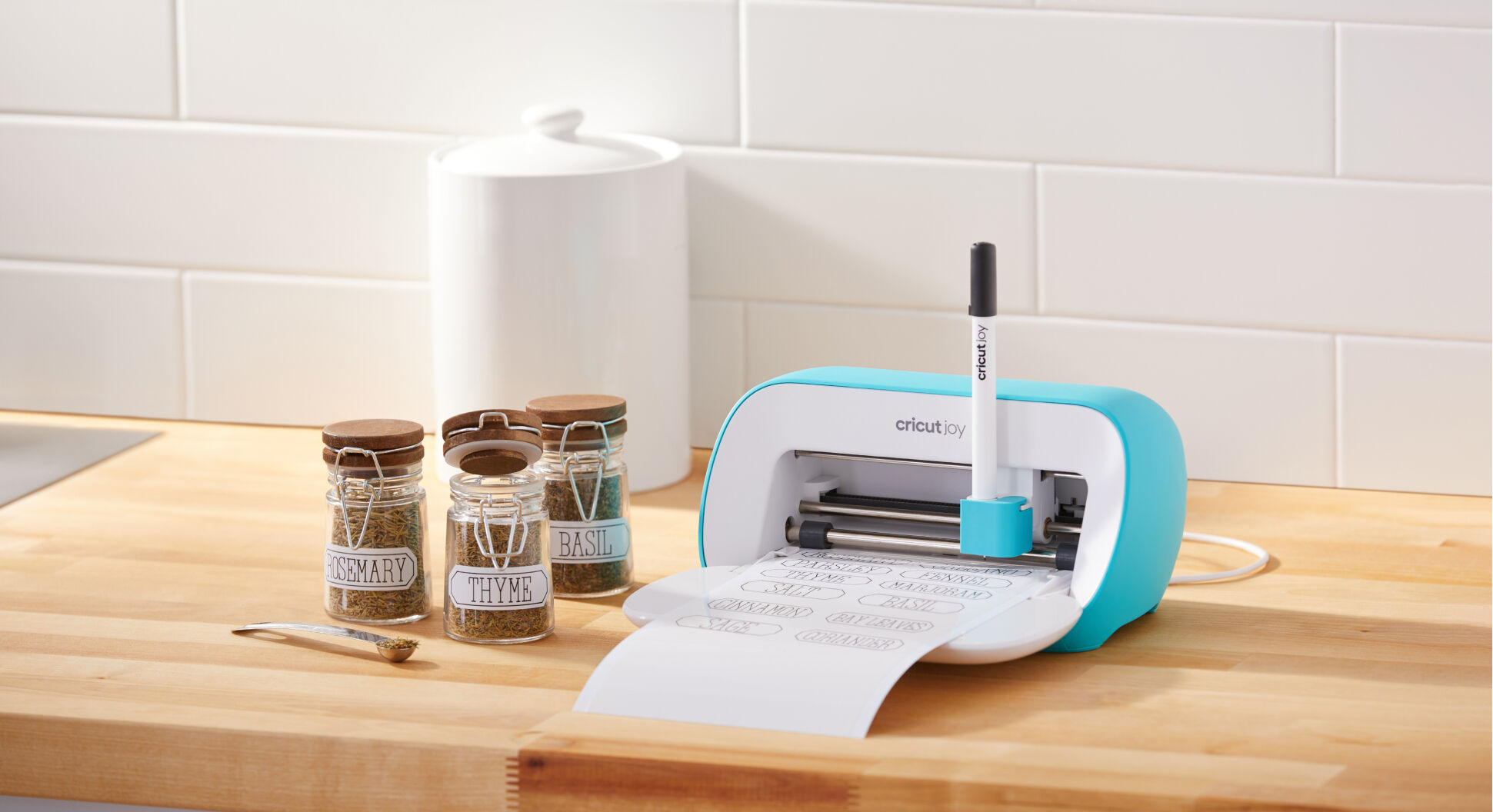
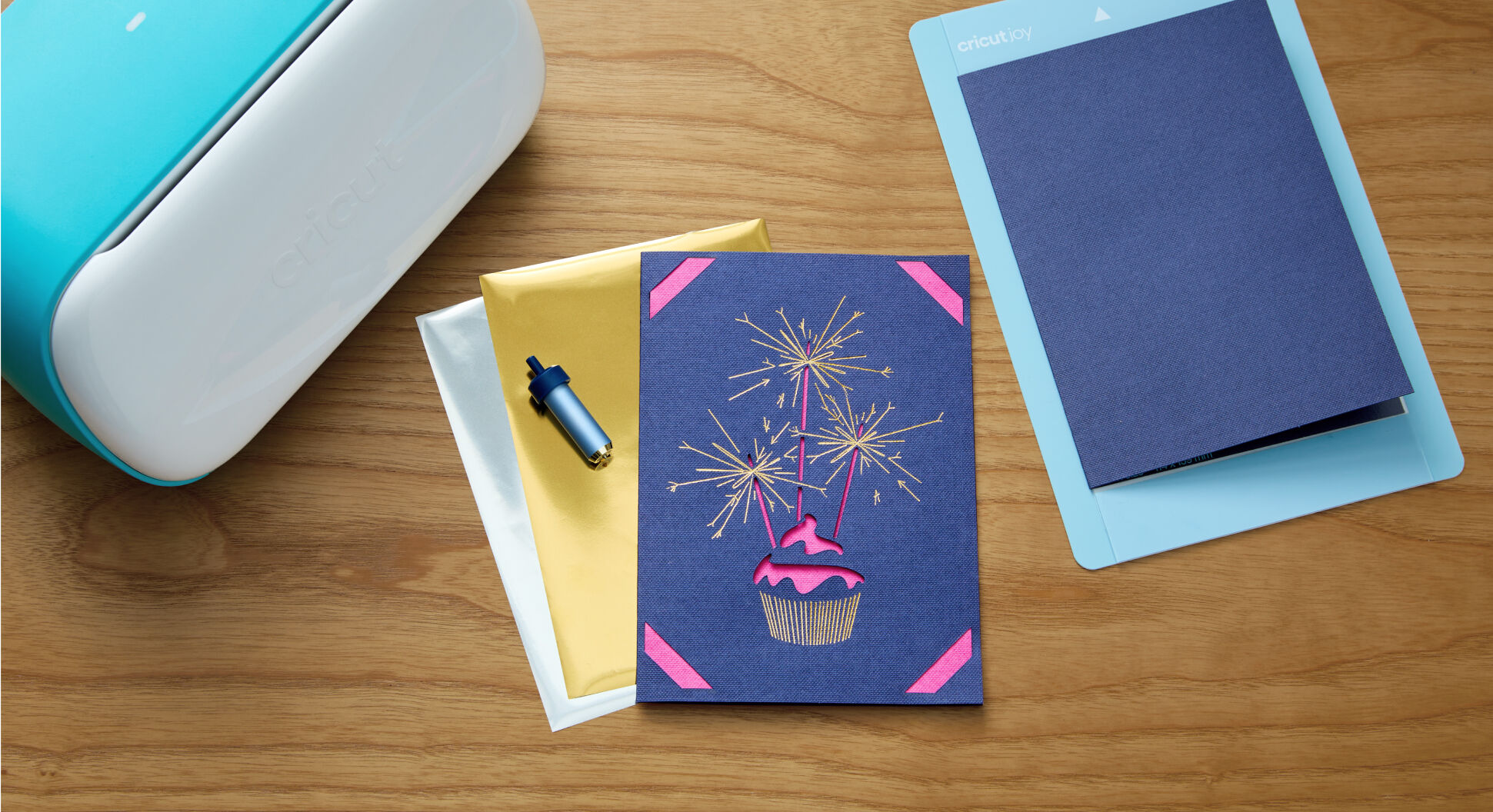
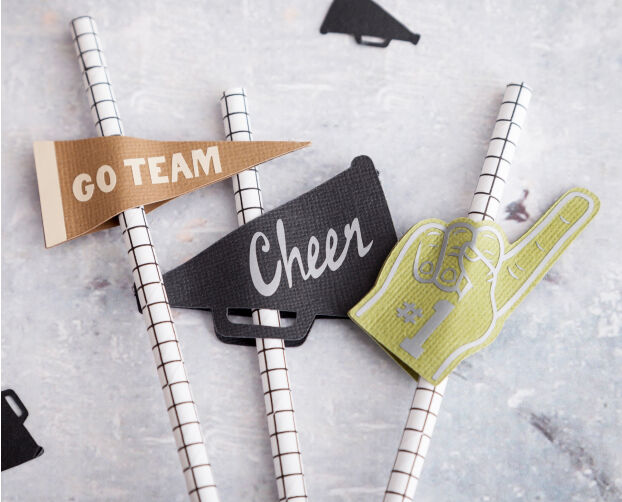


-
Works with all popular materials
-
No design experience required
-
Online courses & workshops
-
Easy-to-learn Design Space app
Our easy-to-learn app works with every Cricut cutting machine. From the app, you design your project, then send it to your machine.5 Compatible with: iOS, Android, Apple & Windows
Cricut Access™ is our paid, in-app subscription that helps you get the most out of your making with unlimited use of the Design Space library, exclusive design features, and discounts on all cricut.com purchases.
Connect with our community of 8 million members & growing who share, like, and celebrate creativity every day.

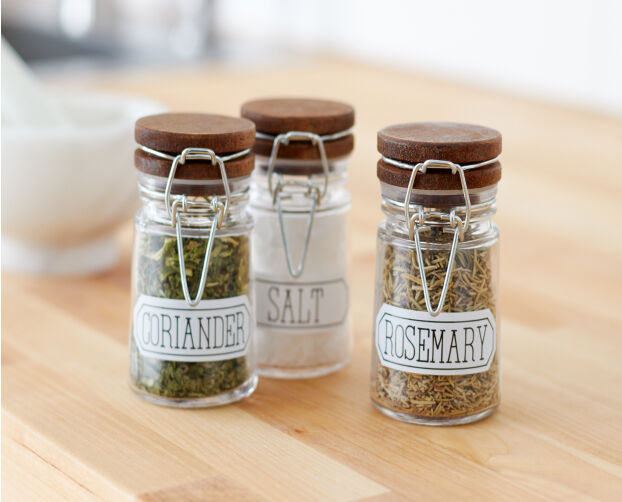
You can make simple fun or functional projects with Cricut Joy, including small vinyl decals, written labels, cards, gift tags, and custom mugs.
You’ll need a compatible device and high-speed internet connection.5 To start making, you'll also need materials, a machine mat, and some basic tools. Consider buying a Cricut bundle to get everything you need in one click. For the full list of available tools, check out the Tools section above.
No, the machine does not require a subscription. Design Space is free for everyone and offers basic fonts and images you can use to create and customize projects. If you want to be able to do everything our design software can offer, a paid Cricut Access subscription can unlock design features, access to more fonts and images, as well 1,000+ project templates and priority member care.
Along with the machine, you will get the Cricut Joy Blade, which cuts our most popular materials, including vinyl, iron-on (HTV), and paper. For the full list of included items, please see the Included section at the top of this page. Note: The practice materials in your box can be used to complete free, guided lessons in the design app.
We have numerous resources to help you find the right machine for you, including a comparison chart (cricut.com/compare), and a machine quiz (cricut.com/machine-quiz).
Yes! We have free, step-by-step tutorials in Design Space to help you get started with your Cricut Joy machine. Additionally, we have education and training on our YouTube channel.

Our most compact machine for fun and functional everyday projects like custom cards, simple decals & labels to organize anything and everything.

Fits-in-any-space cutting machine for popular projects like full-color stickers, custom cards, T-shirts & so much more.

Our ultimate cutting machine that does it all! With more power and tools to cut wood, engrave metal & debs leather. Plus, make popular projects like cards, T-shirts & stickers.