.jpg?sw=240&q=65 "Cricut Maker™ 5")


.jpg?sw=2310&q=65 "Cricut Maker™ 5")
Cricut Maker™ 5


Introducing Cricut Maker™ 5, the ultimate Smart Cutting Machine that works with more tools and materials than any other Cricut™ Machine.
Cut everything from delicate fabric and paper to thicker materials like Wood – plus, engrave metal, deboss leather and more.1 Take on the widest range of projects including full-colour stickers, personalised apparel, signs, unique fabric appliques and more.2 With our intuitive design app, it's never been easier to bring your one-of-a-kind ideas to life.
This Machine comes bundled with materials and tools to get started, and make up to 30 projects3 right out of the box.
- Make with 300+ materials: Precision-cuts popular materials like Vinyl, Iron-On, Cardstock and Fabric – plus, thicker materials up to 3 mm, including leather and foam core board.1 It also engraves materials up to 3 mm like metal, acrylic and more.2
- Works with 13 tools: This machine cuts, engraves, writes, draws, foils, scores, debosses and more (speciality tools sold separately).1 Plus, it features a new hassle-free snap-in Pen Holder.
- Effortless design experience: Easily turn your ideas into ready-to-make designs with Design Space™, our free easy-to-use app.4
- Includes supplies to get started: This machine comes with tools and materials you need to start making, including a Premium Fine Point Cutting Tool6 and Scoring Tool, plus popular materials like Cardstock, Vinyl, and Iron-On.
- Sleek, modern design: 30% more compact than previous models, Cricut Maker 5 features a new look and a simplified making experience – all with the same dependable 12 in (30.5 cm) cutting performance.
- Create with over 2 million images & projects: Our ever-growing content library includes a total of 1.8 million+ images, 1,500+ fonts, 300,000+ projects and 50,000 templates – and it's all yours with a Cricut Access Subscription.5
- Helpful resources: We've made your crafting journey easier with how-to videos, step-by-step instructions, cheat sheets, an engaged community and our Member Care team of experts available worldwide.
1 Additional tools & accessories sold separately. For compatible tools, see cricut.com/blades
2 For compatible materials, see cricut.com/materials
3 Based on 4 in x 6 in (10.2 cm x 15.2 cm) average size using included materials
4 Requires mobile phone, tablet or computer with Bluetooth® wireless and high-speed internet connection. System requirements may change. For details and updates on compatibility with all devices, browsers and operating systems, see cricut.com/systemrequirements
5 Cricut Access™ is a paid Subscription that automatically renews until cancelled. While some Digital Content is available to all users by way of a la carte purchases, other Digital Content and certain software features are only available through paid Cricut Access Subscription. See cricut.com for all terms and details.
6 Tools shown may differ in box. All machines include a pre-installed cutting blade – either with a metal housing or a new Cutting Tool.
7 Limited Warranty. See cricut.com/warranty, or write to the manufacturer or authorised region representative at the applicable address, for full Terms and Conditions.
*Cricut Maker 5 is not intended for use by children 12 years and younger. Pens are water-based, acid-free; conforms to ASTM-D4236. The Bluetooth® word mark and logos are Registered Trademarks owned by the Bluetooth SIG, Inc. and any use of such marks by Cricut, Inc. is Licensed.
- Cricut Maker 5 machine in Slate Blue
- Premium Fine Point Cutting Tool (pre-installed in machine)6
- Scoring Tool
- Dual-Sided Marker (0.4 mm & 1.0 mm) in Black
- Light Grip Machine Mat, 12 in x 12 in (30.5 cm x 30.5 cm)
- Welcome card
- USB cable Power Adapter
- Free Trial Subscription to Cricut Access™ (for new customers)5
- Materials for a practice cut
- Cricut Manufacturer Warranty7
Bundled with:
- Mini Weeder Paper Ruler, 12 in (30.5 cm)
- Smart Iron-On™, 2 sheets 9.5 in x 13 in (24 cm x 33 cm) in Gold
- Smart Vinyl™, 3 sheets 9.5 in x 13 in (24 cm x 33 cm) in Black
- Transfer Tape, 3 sheets 9.5 in x 13 in (24 cm x 33 cm)
- Value Cardstock, 2 sheets 8.5 in x 11 in (21.6 cm x 27.9 cm) in Red
- Value Cardstock, 3 sheets 8.5 in x 11 in (21.6 cm x 27.9 cm) in White
- Dimensions: 19.8 in x 7.5 in x 4.7 in (50.2 cm x 19.05 cm x 11.9 cm)
- Weight: 10.9 lbs (4.94 kg)
- Max cut size using machine mat (small): 11.5 in x 11.5 in (29.2 cm x 29.2 cm)
- Max cut size using machine mat (large): 11.5 x 23.75 (29.2 cm x 60.3 cm)
- Max cut size using Smart Materials: 12 in x 12 ft (30.5 cm x 3.6 m)
- Cut speed: 14.1 IPS


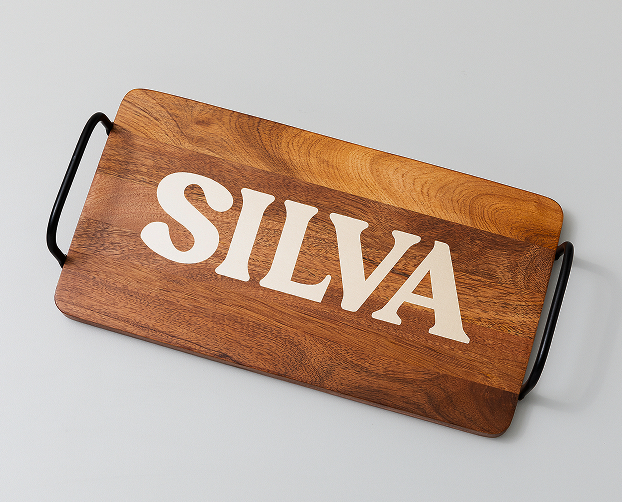
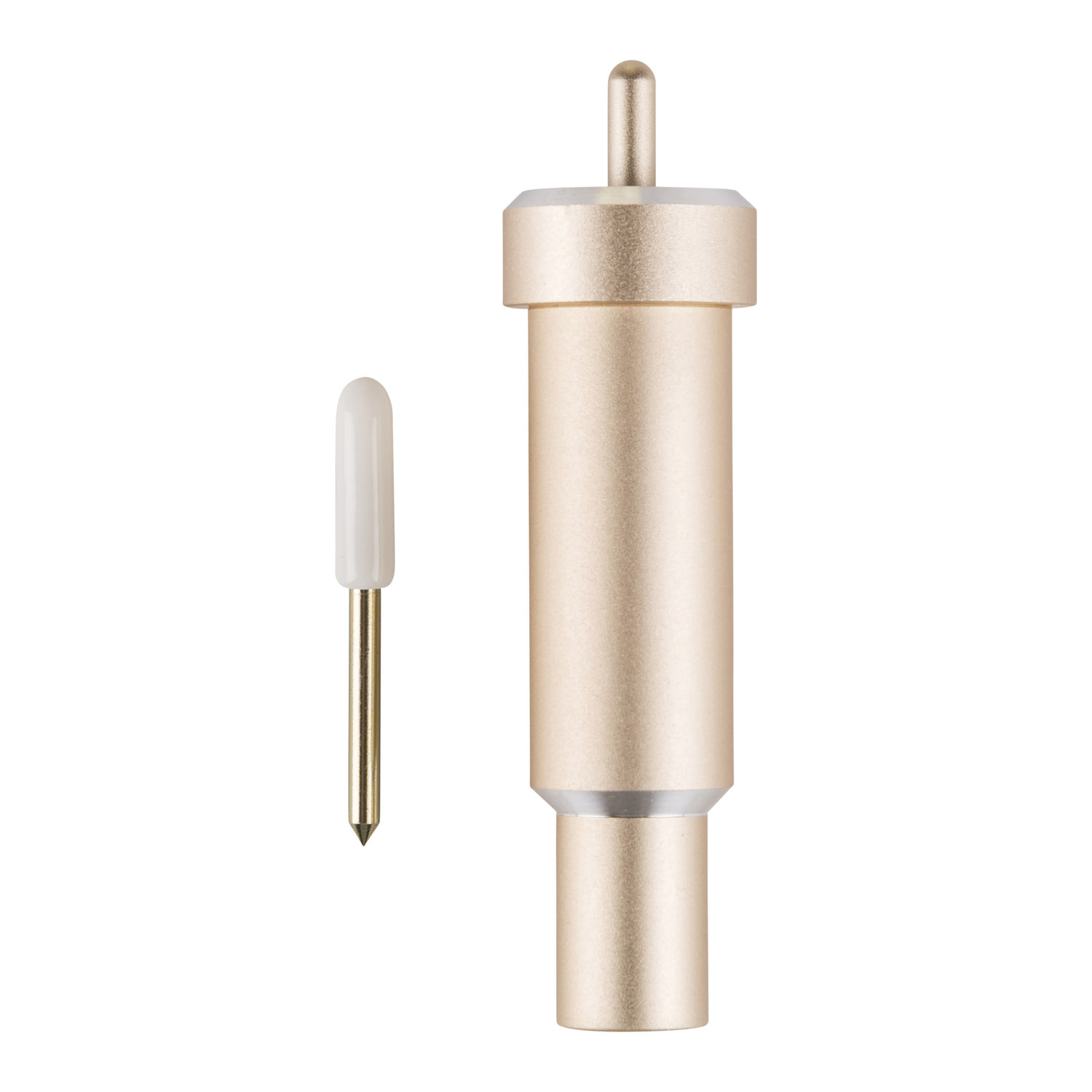
Cuts shapes to perfection out of cardstock, vinyl & more
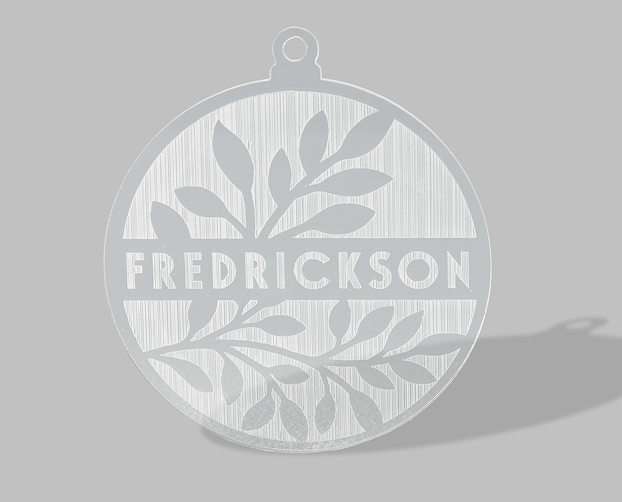
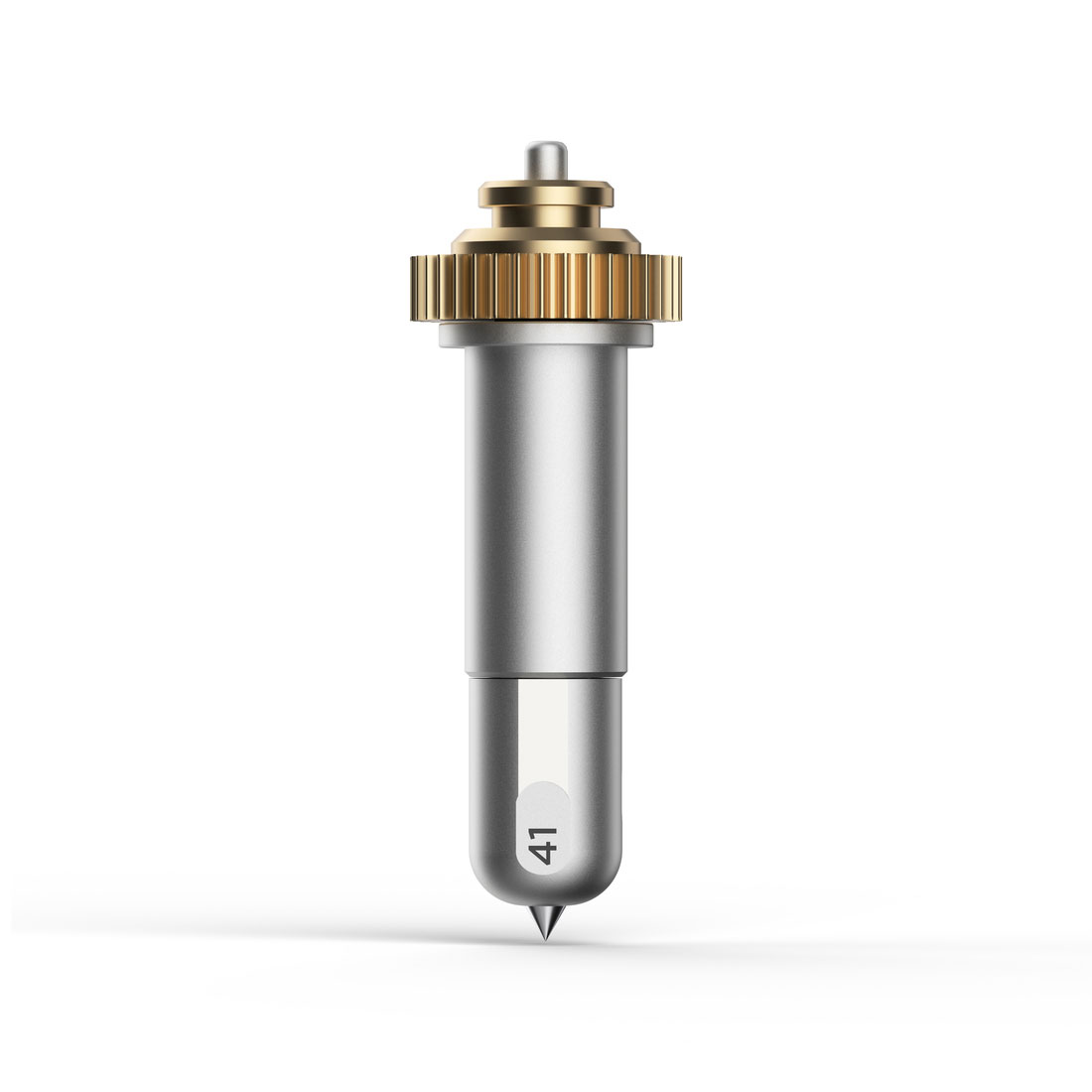
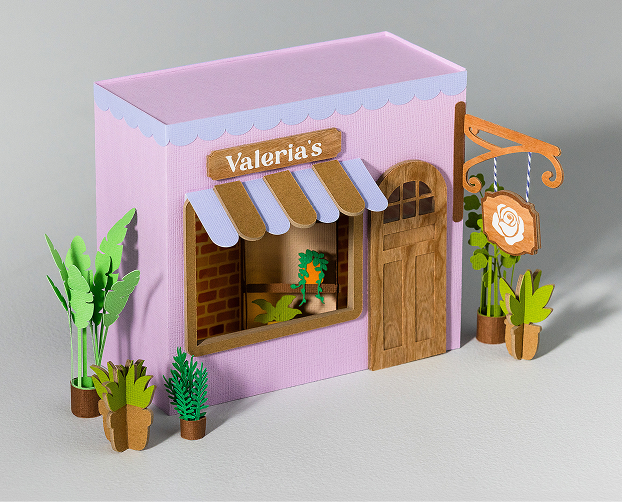
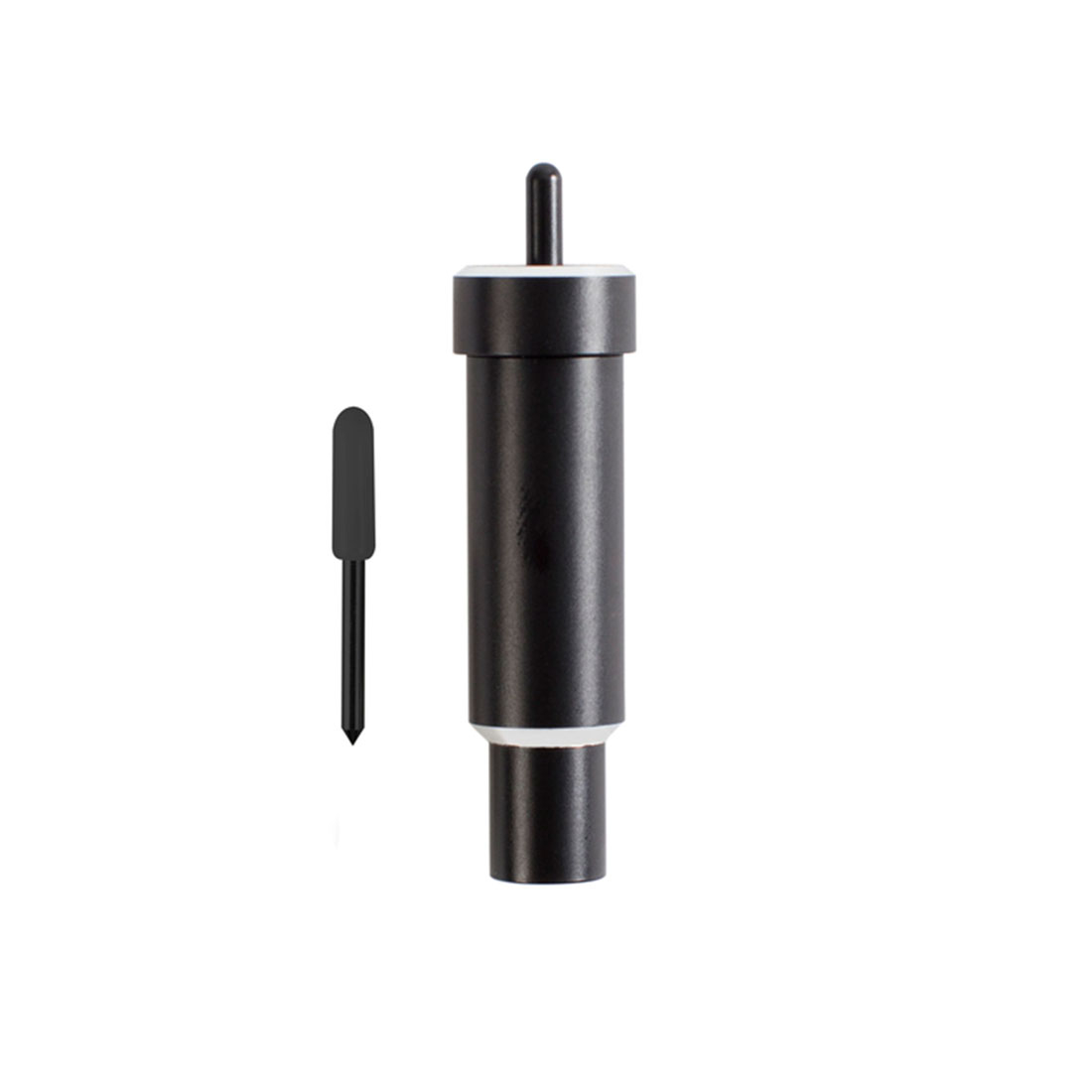
Cuts thicker materials up to 1.5 mm like rubber sheets & craft foam
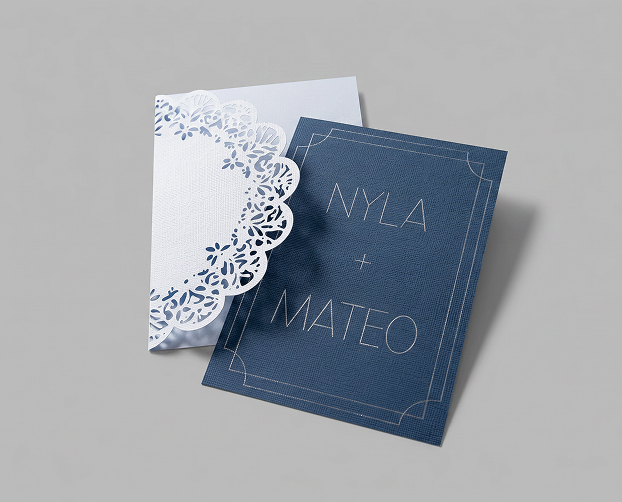
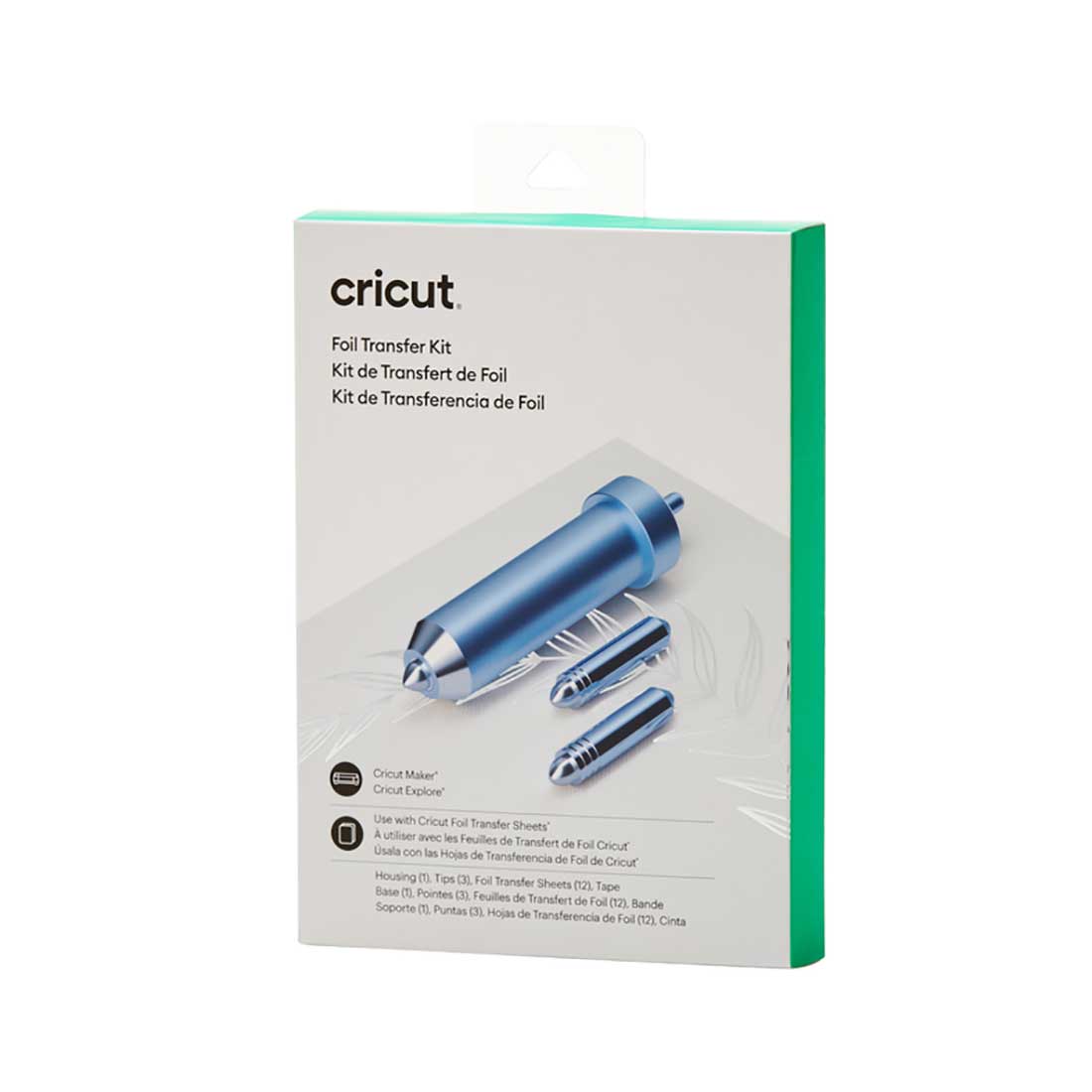
Embellish cards, gift tags & more with a pro-level foil finish
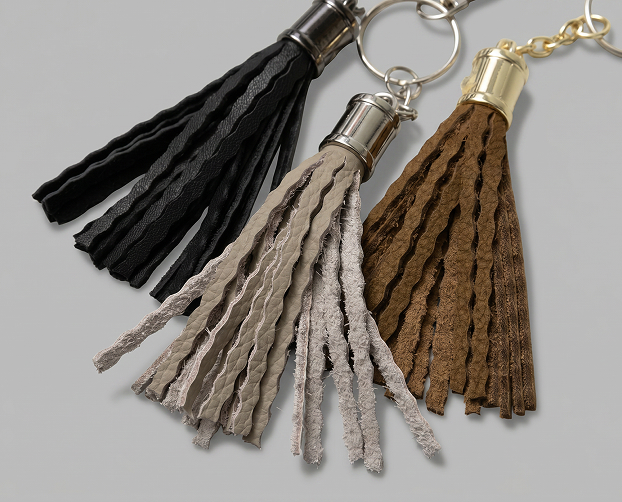
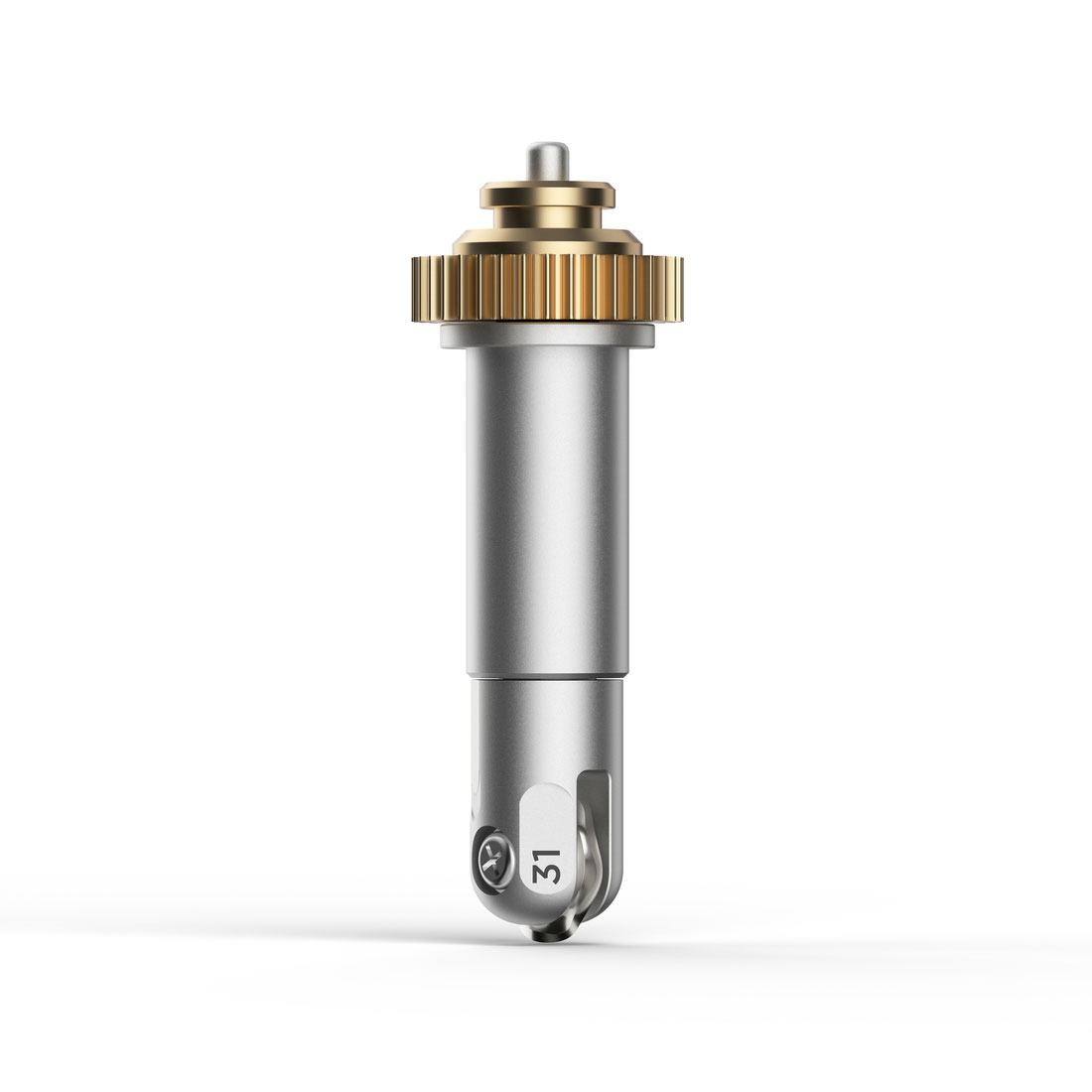
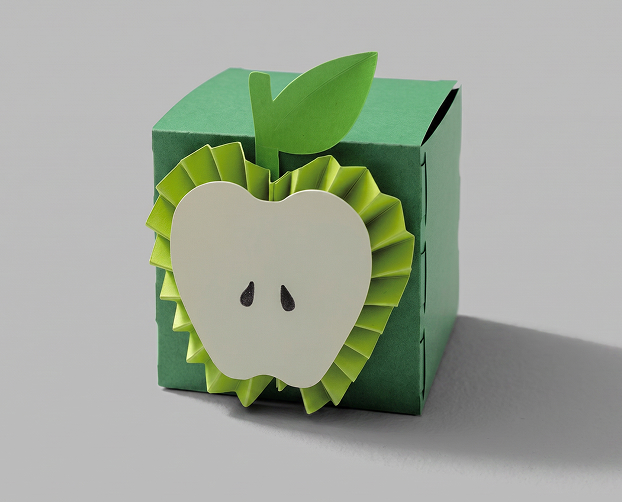
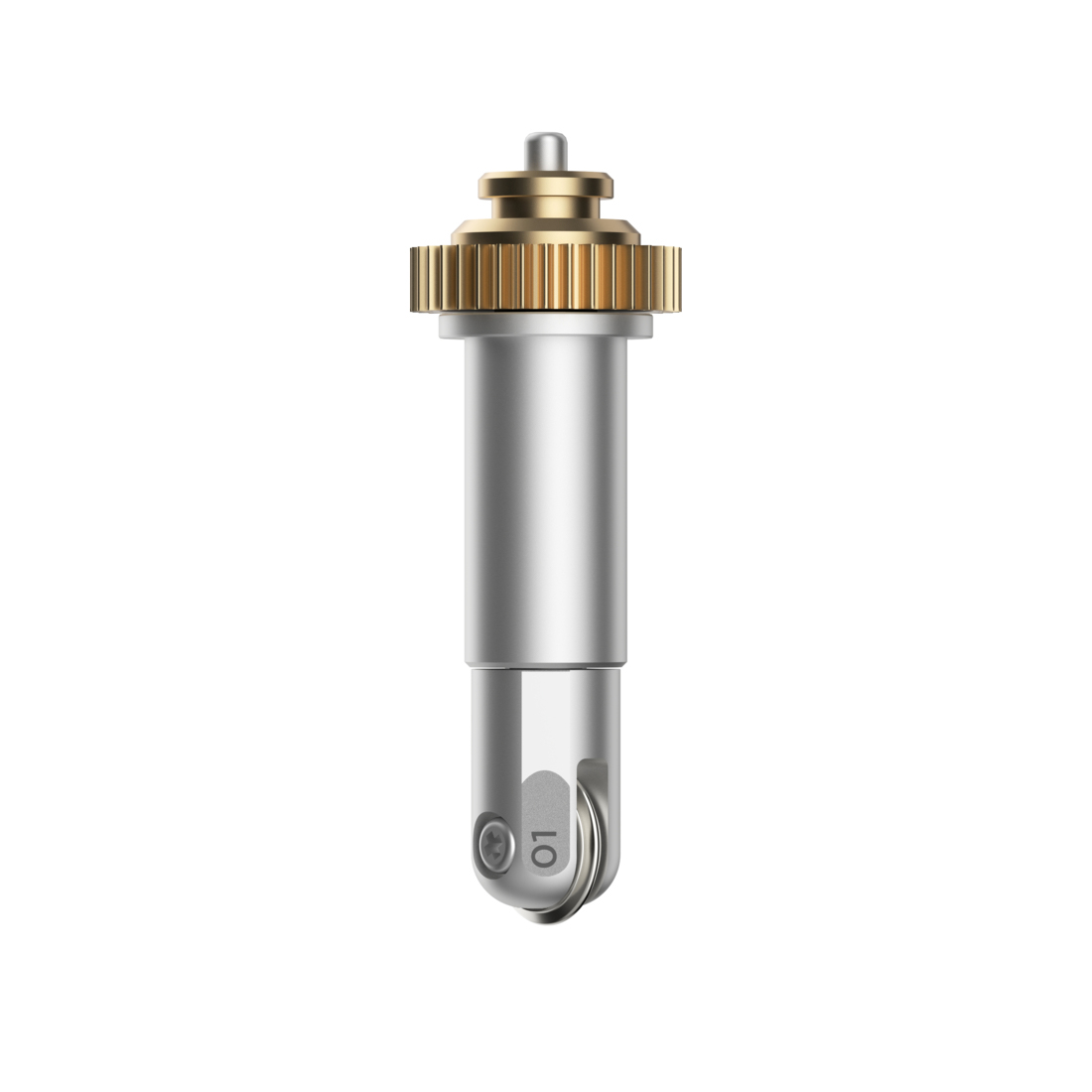
Makes creases for crisp folds in 3D projects, boxes & more
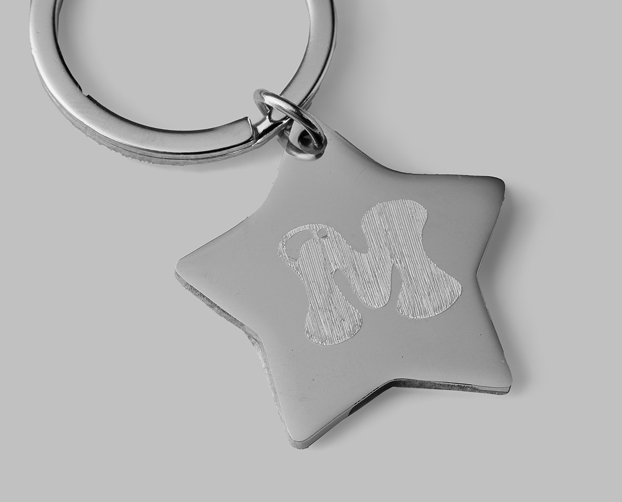
Inscribes personalised designs in metal, leather, plastic & more
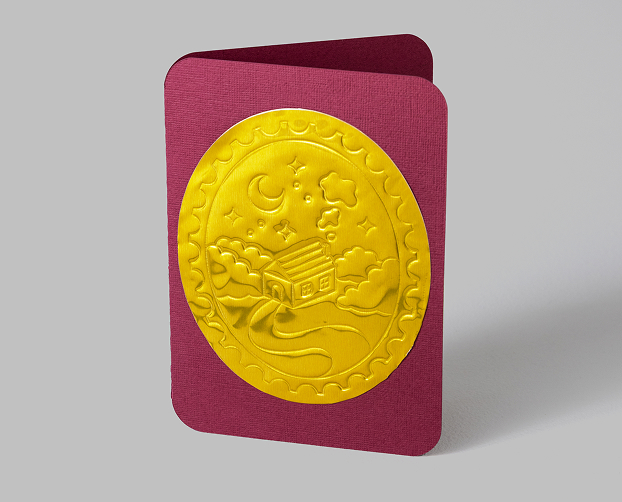
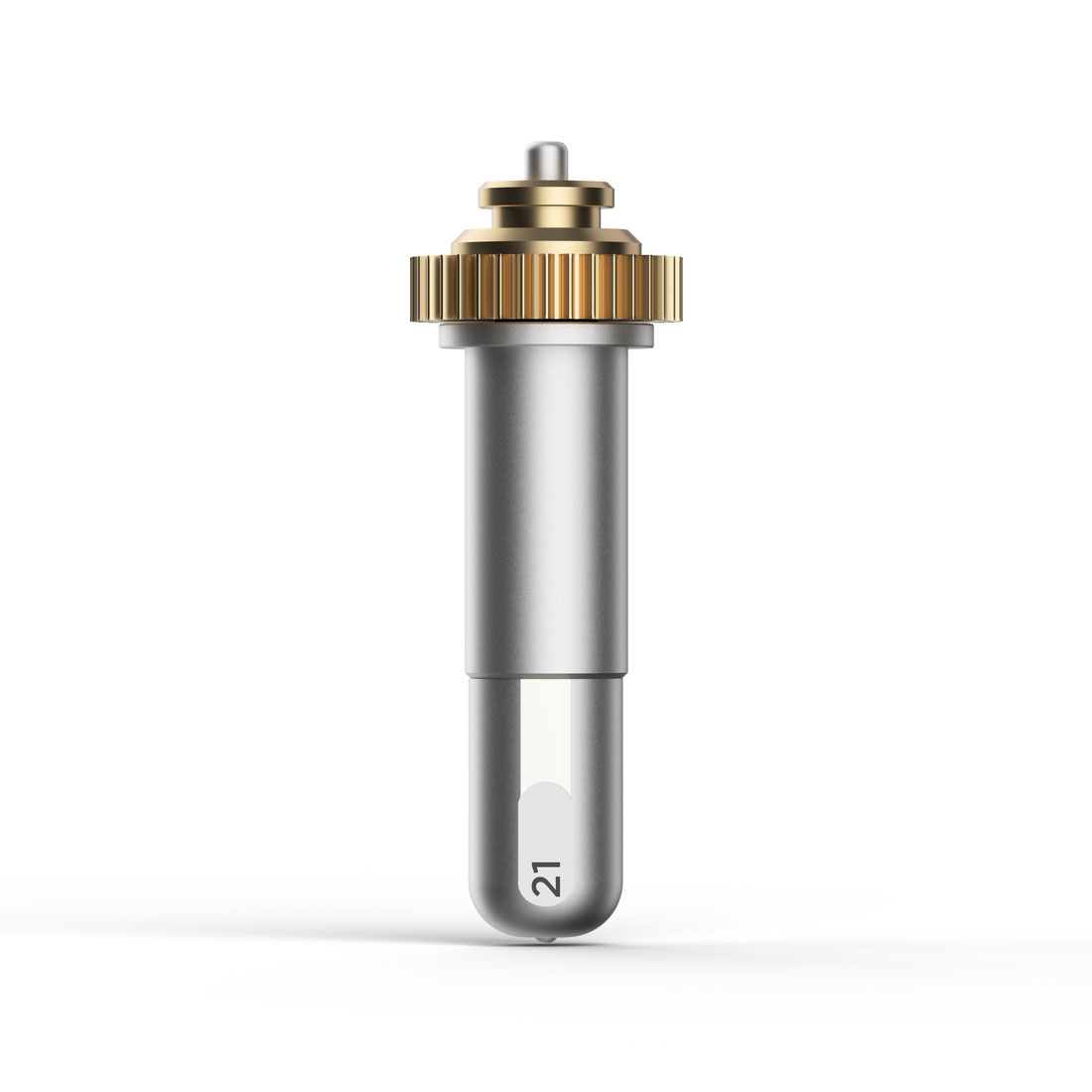
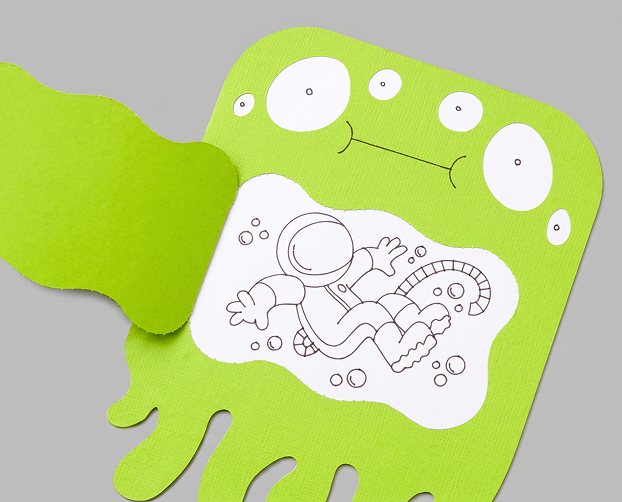
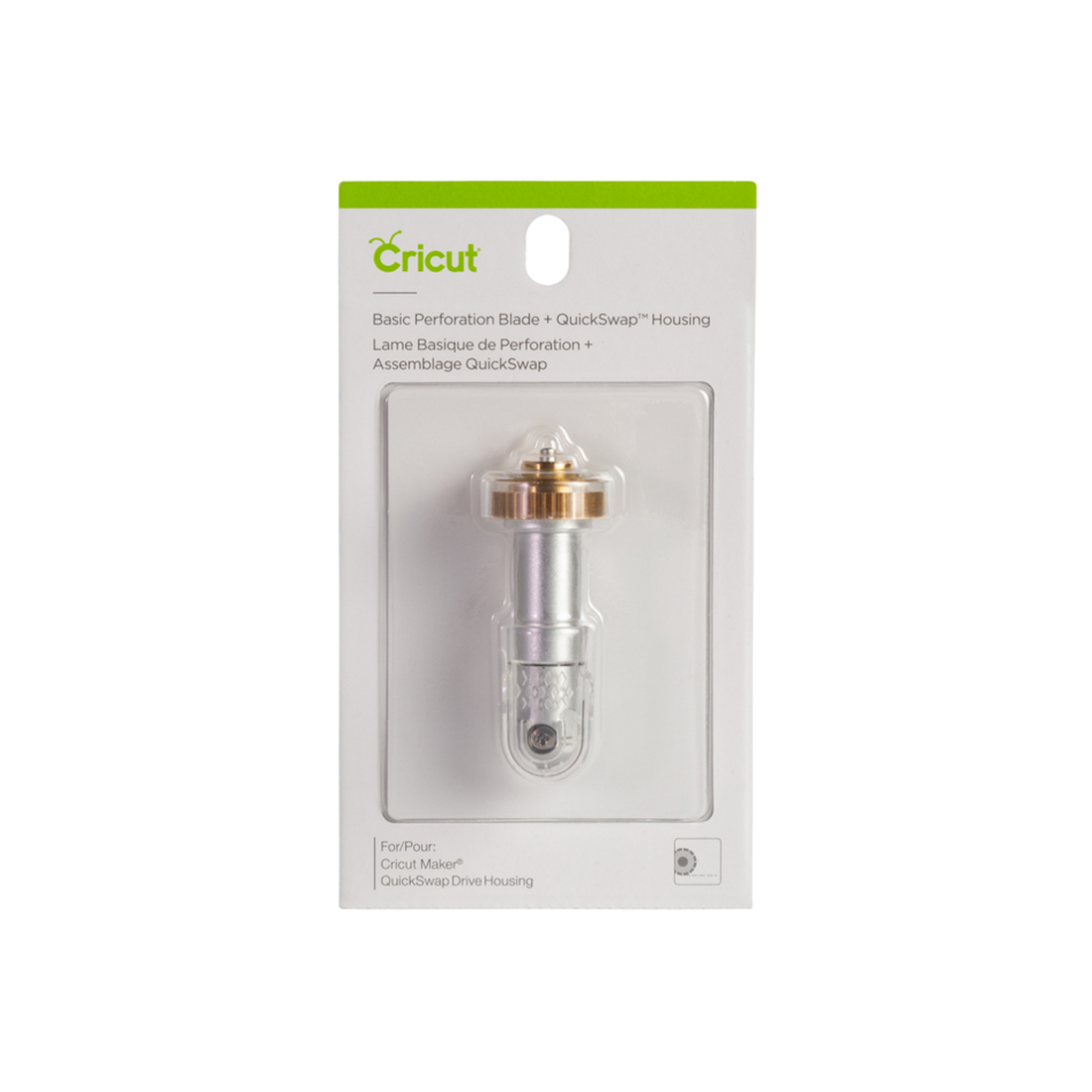
Creates uniform, finely perforated lines for tear-offs & peel-aways
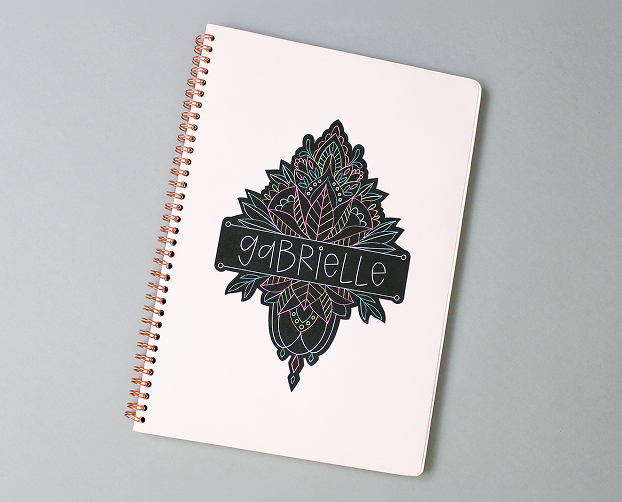
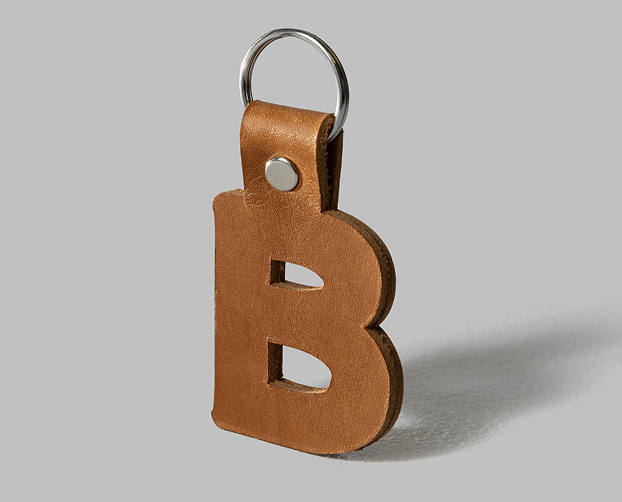
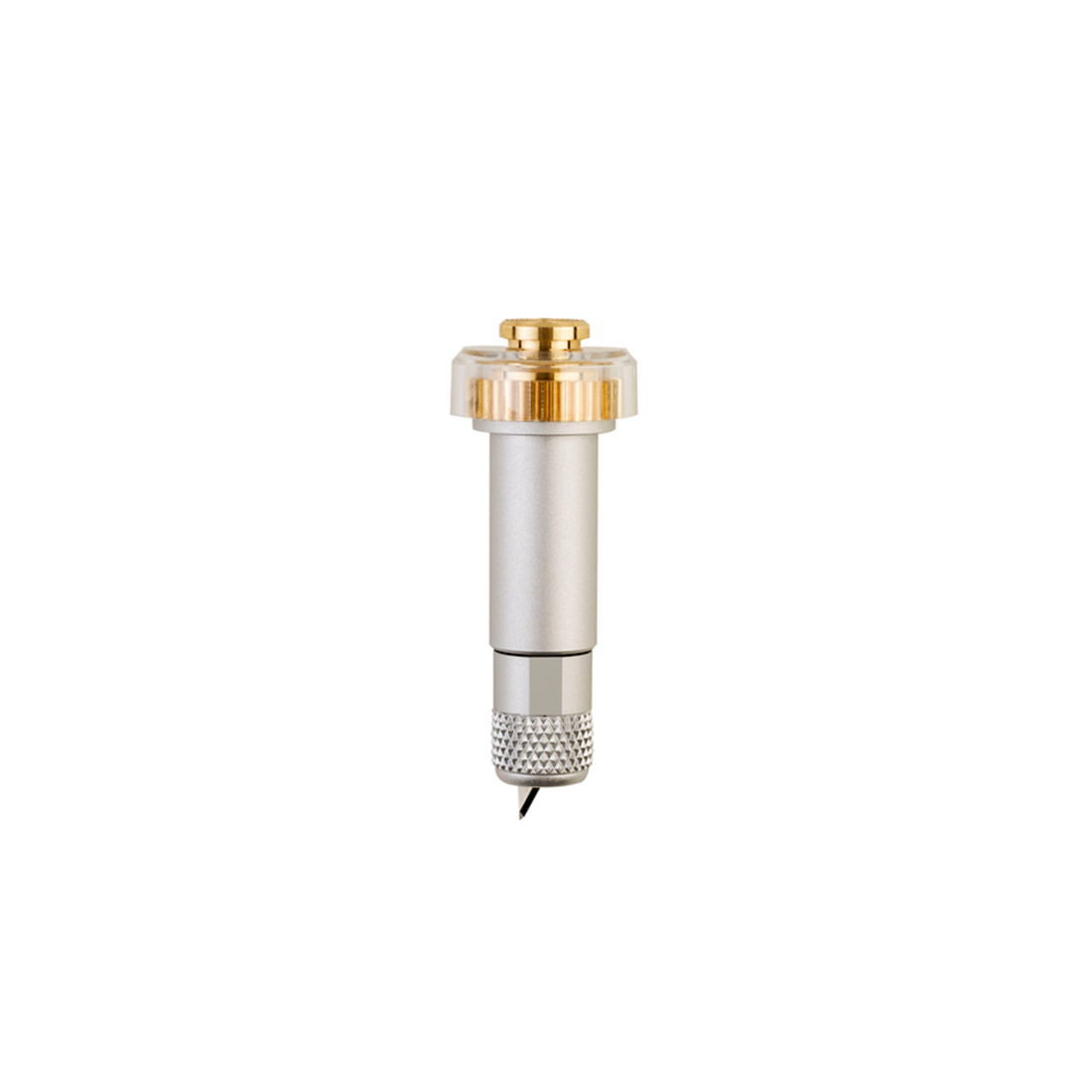
Cuts thicker & denser materials up to 3 mm like leather & foam core board