Maker Quiz Results
Your match: Cricut Maker™ 4
Meet Cricut Maker™ 4, the next generation of our ultimate cutting machine. Personalise without limits – cut wood, engrave metal and deboss leather. Plus, make popular projects like vinyl transfers, full-colour stickers, cards and T-shirts. Keep scrolling to learn more about your match.
Start making right out of the box
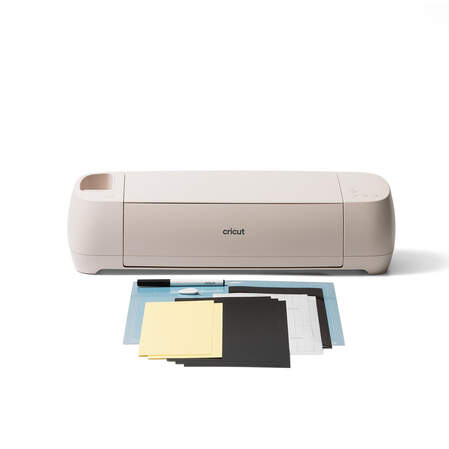
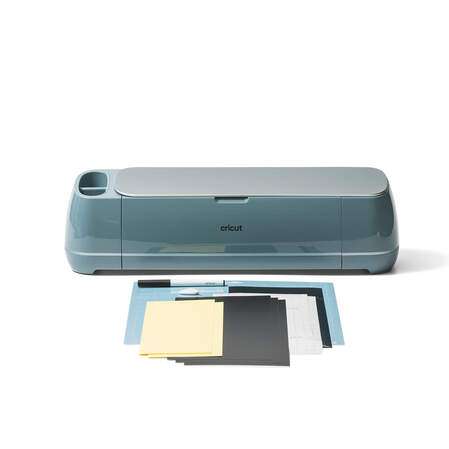
Skip the stress and get everything you need with a Cricut Maker 4 bundle.
See what's possible
Make up to 250 projects¹
Get started with confidence and skip the extra trips to the shop with the Cricut Explore™ 4 + Everything Bundle. This bundle includes the supplies you need to make up to 250 projects like vinyl transfers, T-shirts, cards, full-colour stickers and paper crafts.
Sized to delight
About the size of two reams of paper, Cricut Maker™ 4 fits perfectly on your desk, kitchen counter or wherever you craft, and helps you create projects up to 11.7 in (29.7 cm) wide by 12 ft (3.66 m) long.²
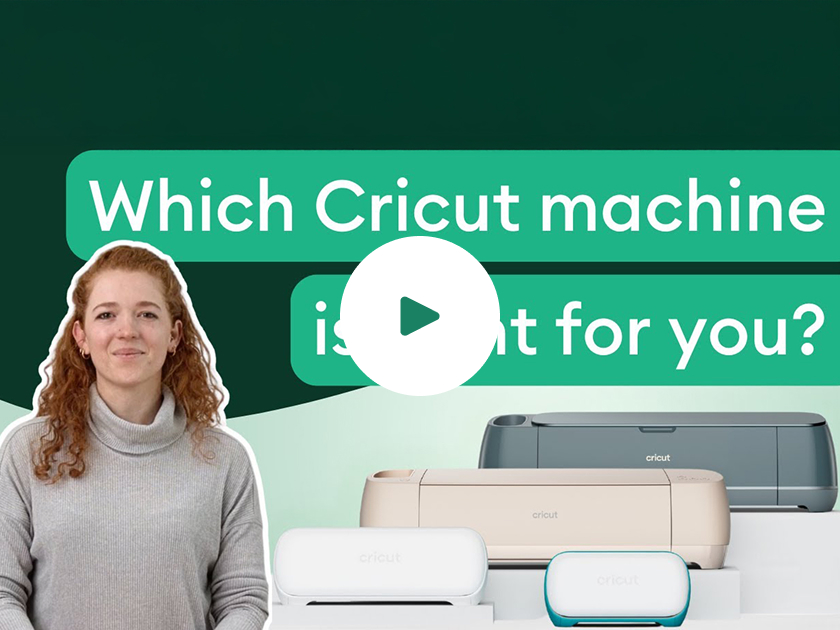
Compare cutting machines
FAQ
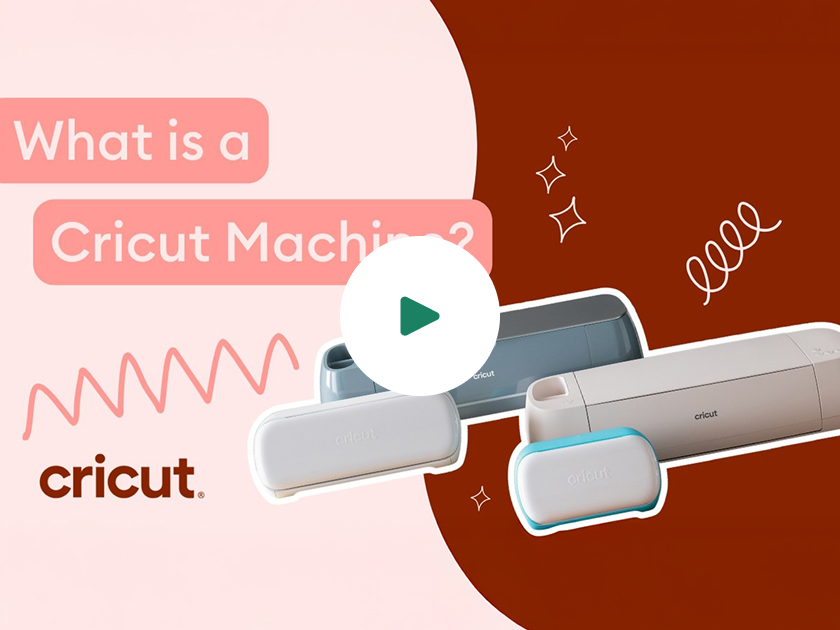
The go-to Cricut cutting machine for wood and other advanced projects, Cricut Maker™ 4 can help you make all the popular projects – large vinyl transfers, full-colour stickers, personalised apparel and cards – plus, leather jewellery, engraved metal tags, quilts and so much more.
No, the cutting machine does not require a subscription. Design Space is free for everyone and offers basic fonts and images you can use to create and customise projects. If you want to be able to do everything our design software can offer, a paid Cricut Access subscription can unlock design features, access to more fonts and images, as well as 1,000+ project templates and priority Member Care.
Cricut Maker™ 4 can cut thicker and more dense materials like chipboard and balsa wood up to 2.4 mm thick with the Knife Blade (sold separately).
No! We have free, step-by-step tutorials in Design Space to help you get started with your Cricut Maker™ 4 machine. We also have how-to videos on our YouTube Channel.
With the Cricut Adaptive Tool System and QuickSwap™ Housing, you can easily swap between using different tool tips, including the Engraving Tool Tip, Debossing Tip, Perforation Blade, Scoring Wheel and Wavy Blade. QuickSwap tools only work with Cricut Maker™ cutting machines.
1 Based on 4 in x 6 in (10.2 cm x 15.2 cm) average size using included materials.
2 For compatible materials & Smart Materials™, see cricut.com/materials