


Cricut Explore™ 4 + Essentials Bundle


Make custom vinyl decals, T-shirts, full-colour stickers, cards, and more with Cricut Explore™ 4. You can even make in multiples. This machine delivers speed, precision, and accuracy, cutting up to 2X faster than the previous model.1 It comes with easy-to-follow setup instructions online. Bundle includes the cutting machine, plus popular materials and tools you'll need to start making right out of the box. No design experience required. Works with free Design Space™ app.
- Cuts intricate designs with precision
- Writes, draws, foils, scores & more3
- Compatible with your home inkjet printer to print then cut full-colour designs
- Free, easy-to-learn Design Space™ app
- Bluetooth® wireless technology
- Bundle includes must-have tools and materials to make up to 100 projects, a £120 value5
- Upload & cut your own designs or choose from the Cricut Design Space library
- Free video tutorials & beginner cheatsheets
- World-class customer support is available via phone or chat
- Cricut Manufacturer Warranty6
- Cricut Explore 4 smart cutting machine
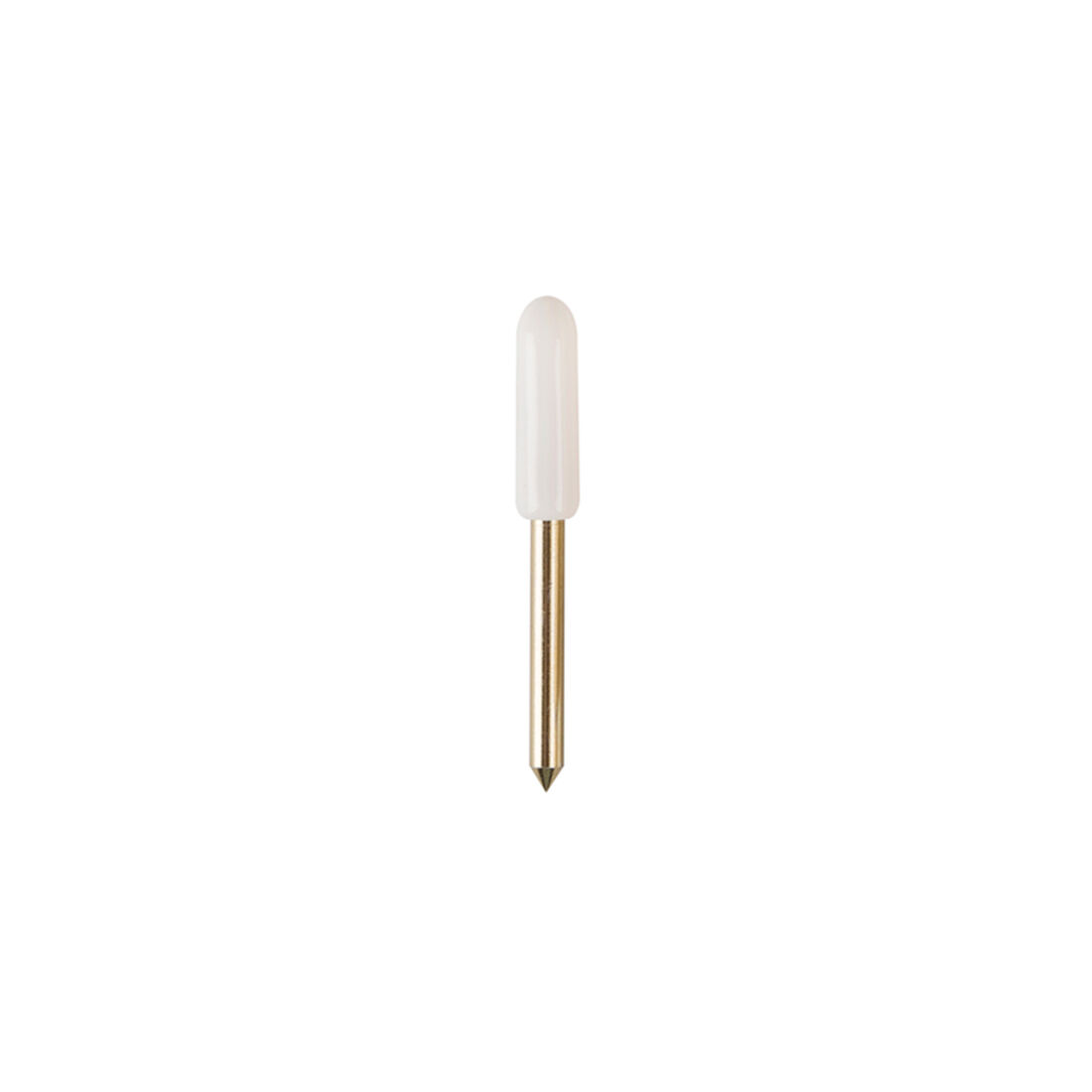
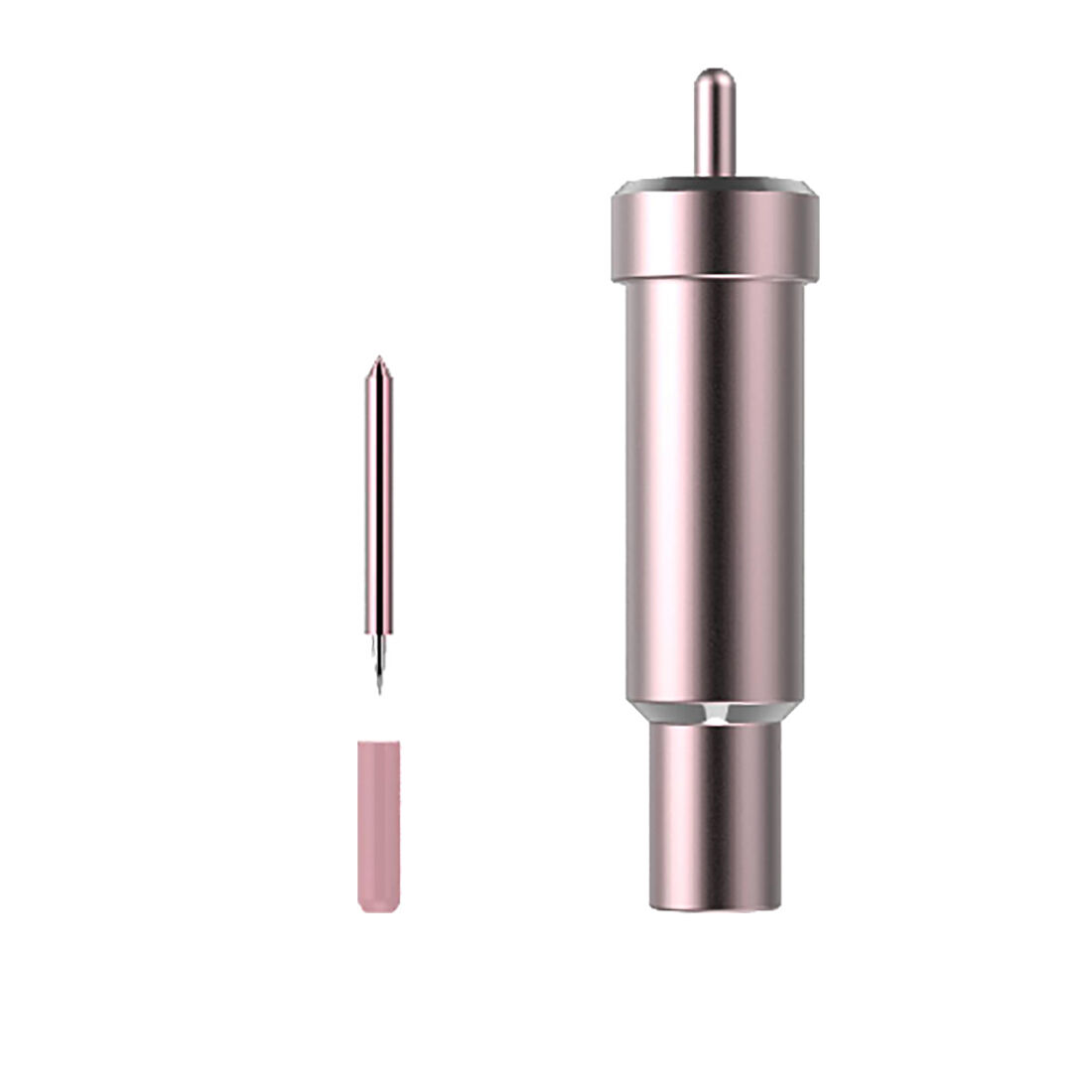
- Premium Fine-Point Blade + Housing
- Light Grip Machine Mat, 12 in x 12 in (30.4 cm x 30.4 cm)
- Fine Point Pen (0.4 mm)
- Mini Weeder
- Materials for a practice cut
Bundled with:
- Scoring Stylus in Lilac
- Scraper in Lilac
- Spatula in Mint
- Weeder in Rose
- Fine Point Pen (0.4 mm) in Magenta
- Smart Iron-On™, 6 sheets 13 in x 12 in (33 cm x 30.4 cm), 1 each in Black, White, Ocean Blue, Grass Green, Red, Maize Yellow
- Smart Vinyl™ - Permanent, 6 sheets 13 in x 12 in (33 cm x 30.4 cm) 1 each in Black, White, Ocean Blue, Grass Green, Red, Maize Yellow
- Cardstock Sampler, Mermaid 6 sheets 12 in x 12 in (30.4 cm x 30.4 cm)
- Transfer Tape, 5 sheets 12 in x 12 in (30.4 cm x 30.4 cm)


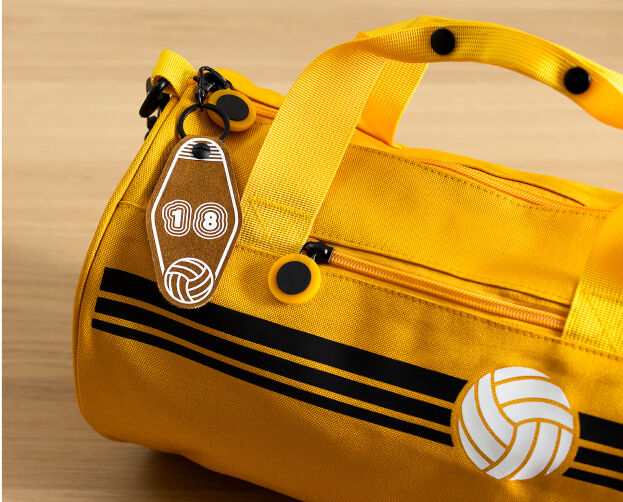
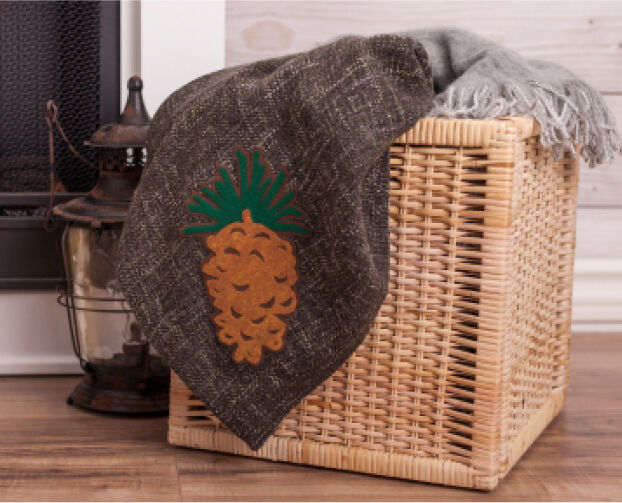
Easily cuts through bonded fabric
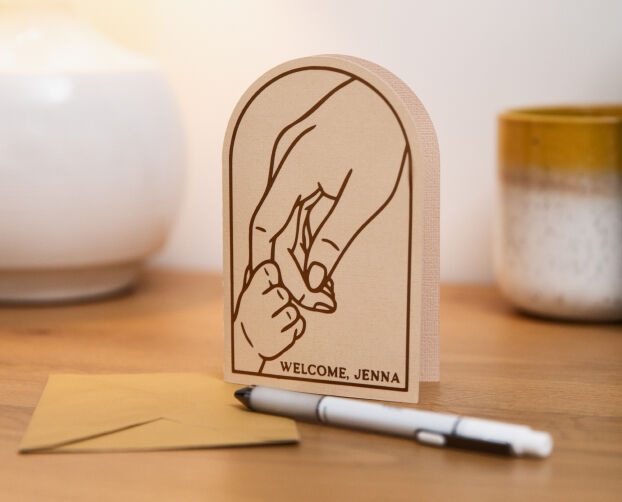
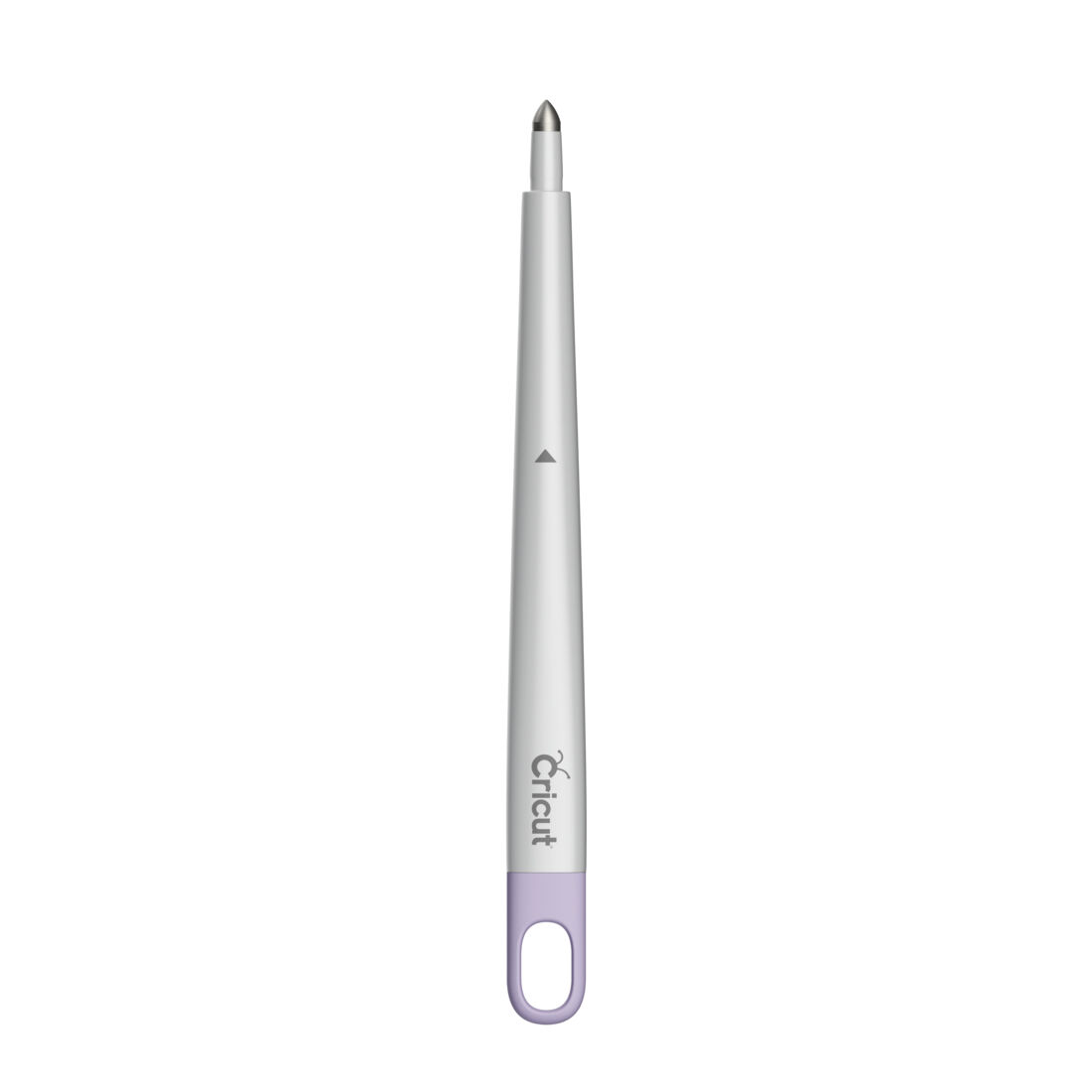
Creates foldable creases for cards, invitations & more
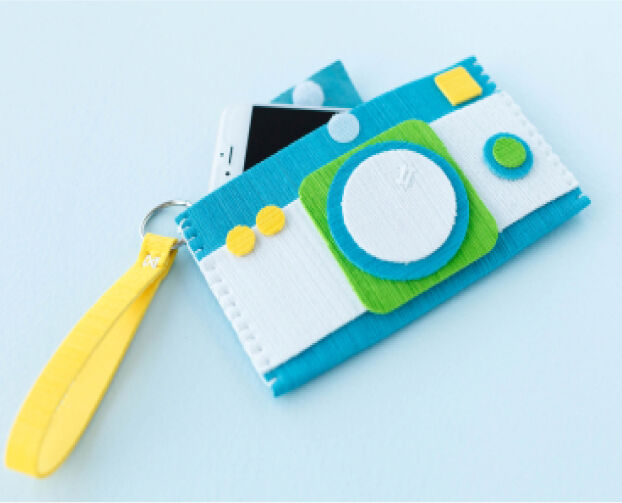
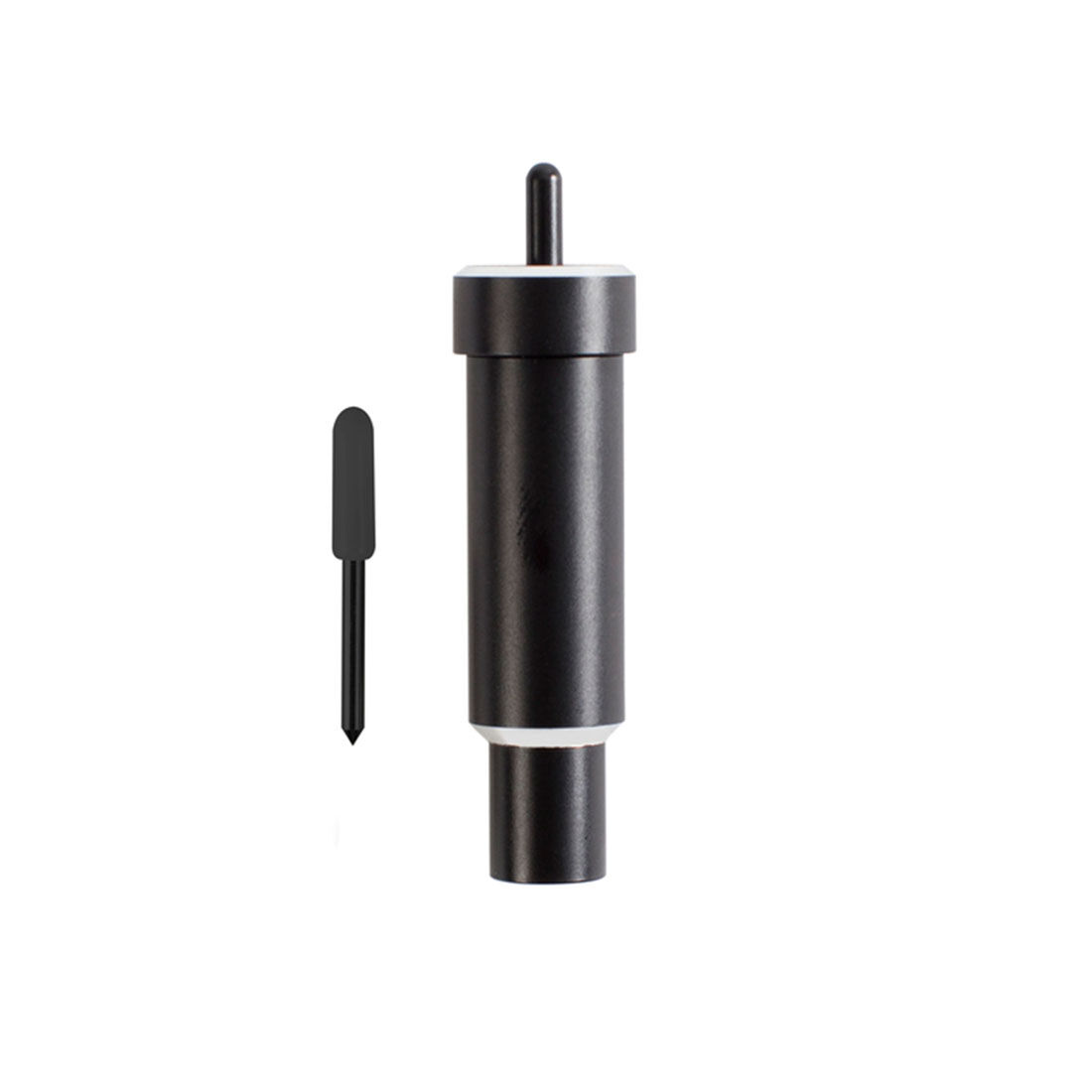
Cuts thicker materials up to 1.5mm like poster board and craft foam
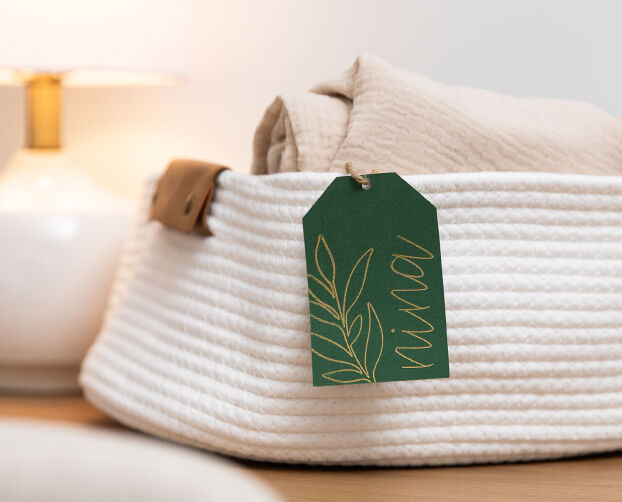
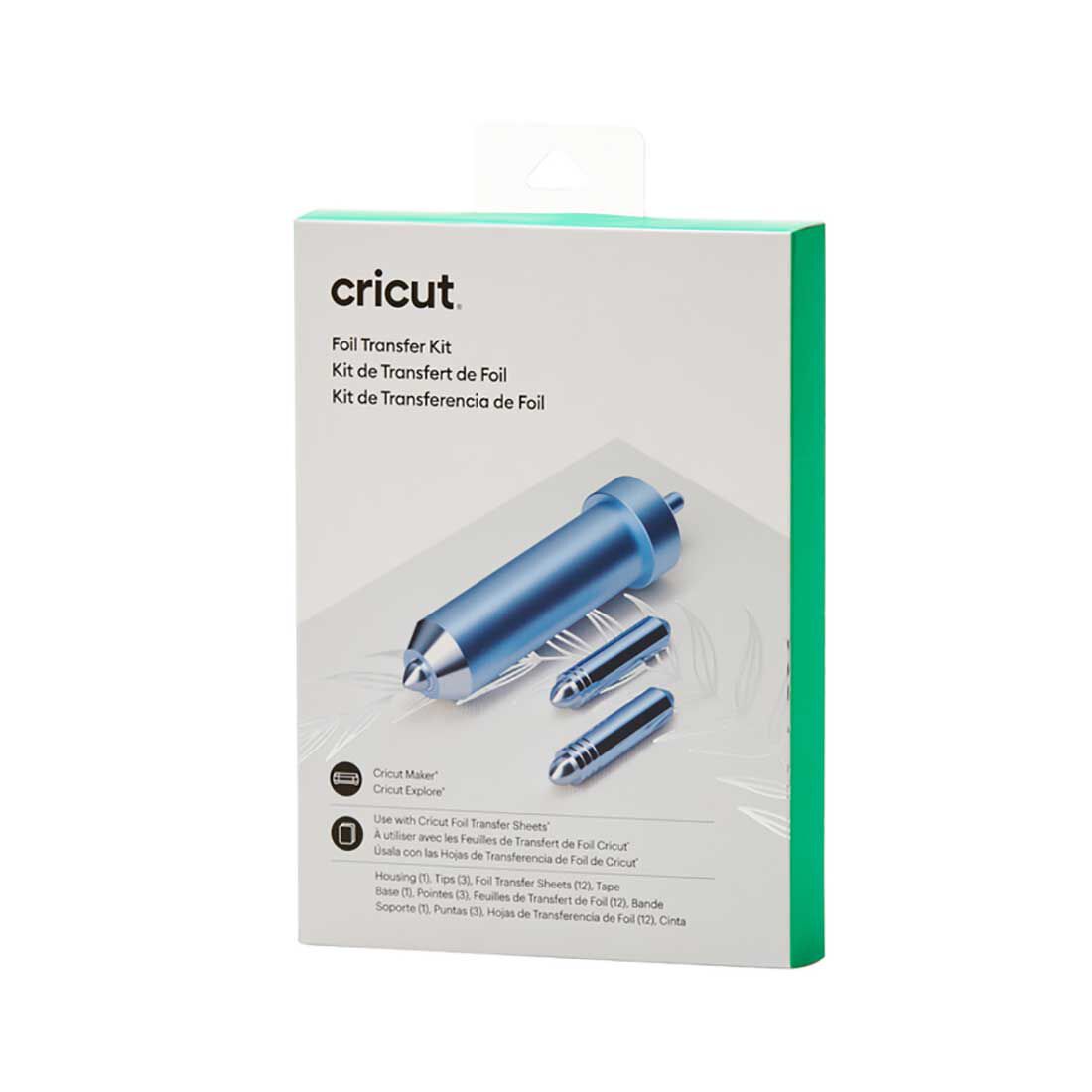
Embellish cards, gift tags & more with a pro-level foil finish
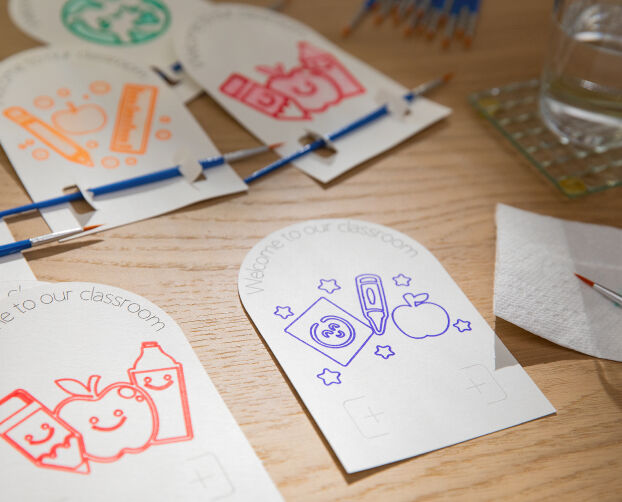
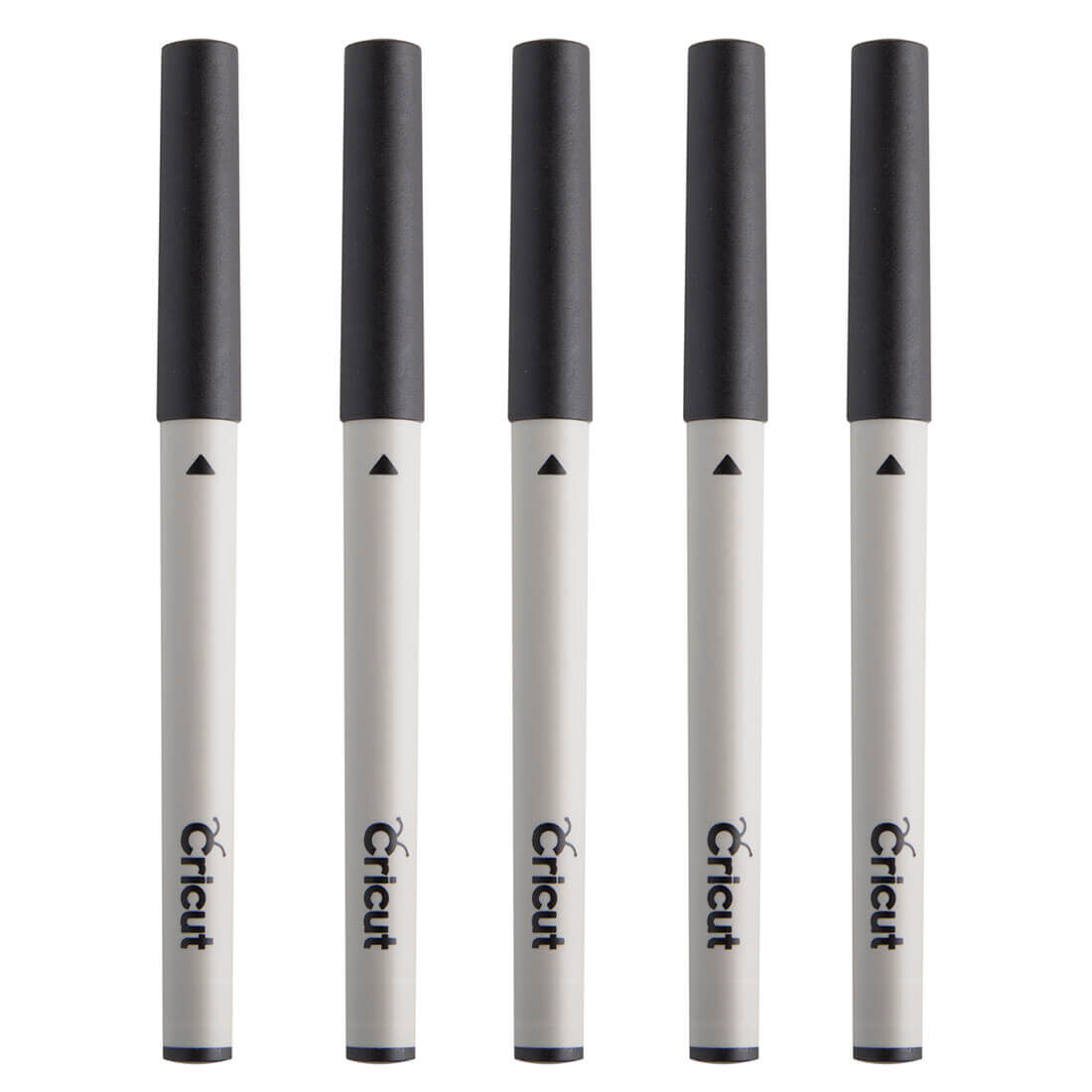
Adds written text and drawn shapes to projects


-
Works with 300+ materials
-
No design experience required
-
Free workshops & online courses
-
Easy-to-learn Design Space app

You can make all the popular projects with Cricut Explore 4, including large vinyl decals, full-color stickers, personalised apparel, labels, cards, mugs & more — you can even make in multiples.
Ensure whatever table, workbench, or desk you use is sturdy and stable. The work space needs to provide enough clearance in the front and back of the machine for materials and mats to feed through. We recommend a work space with minimum dimensions of 88.3 cm (34.8 in) x 108 cm (42.5 in) x 105 cm (41.3 in). Align the front of the machine with the edge of the table. For the best experience, bundle your machine with a Docking Stand for Cricut Venture (sold separately).
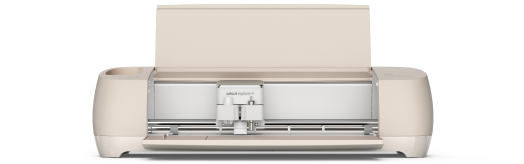
For the crafter looking to create popular projects like vinyl decals, stickers, cards, and T-shirts. You can even make in multiples.
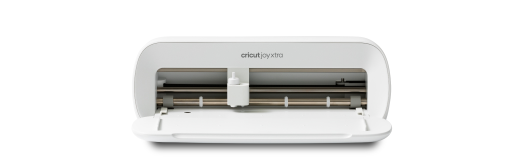
Our fits-in-any-space cutting machine for popular projects like full-colour stickers, custom cards, T-shirts & so much more.
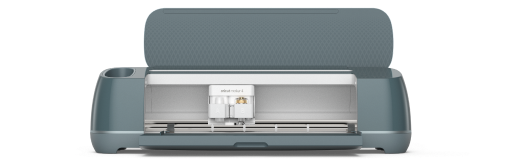
Our ultimate cutting machine that does it all! With more power and tools to cut wood, engrave metal & deboss leather. Plus, make popular projects like cards, T-shirts & stickers.