Discover Heat Presses
Press with the best
From personalised apparel and accessories to custom home decor, Cricut heat presses are thoughtfully designed to help you press with confidence. Get consistent, pro-quality results with edge-to-edge heat and step-by-step guidance from the Cricut Heat Guide.
Designed to deliver
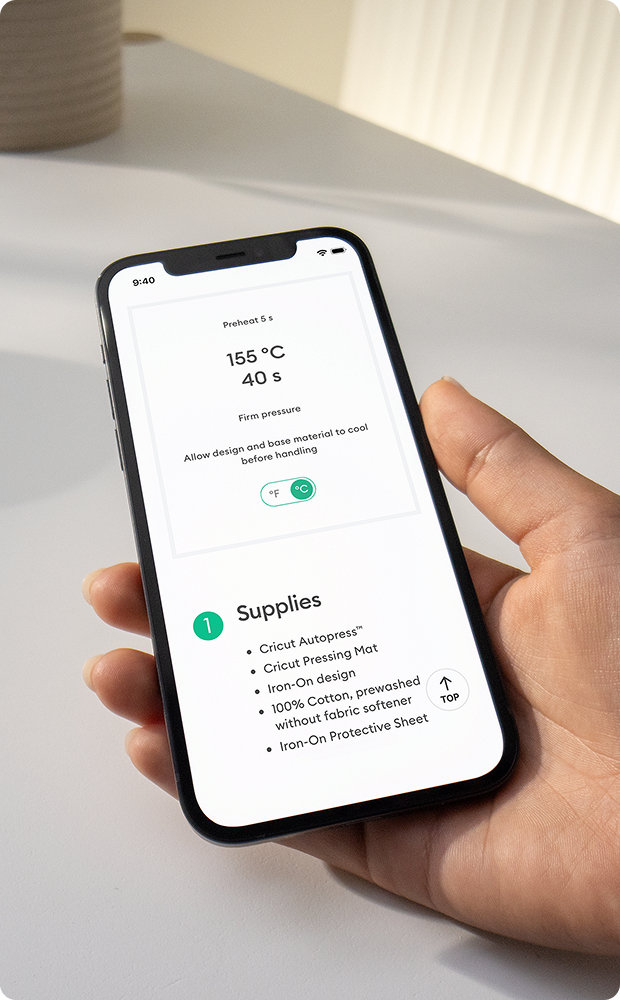
Confidence in every press
Get the right settings and step-by-step guidance in the Cricut Heat Guide.
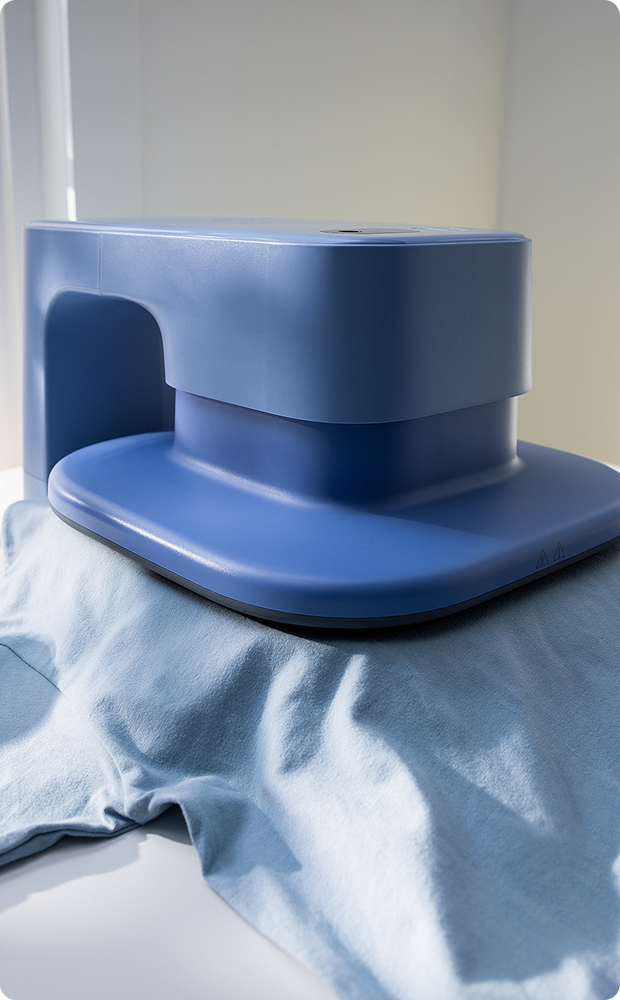
Consistent heat
Edge-to-edge heat deliver even, reliable results with every press.

Pro results that last
Create personalised projects ready to show off and made to last.
Compare heat presses
Get to know our presses


Get step-by-step guidance
Our interactive Heat Guide provides precise settings and step-by-step instructions for every heat transfer project. Available online and in Design Space® for Cricut AutoPress™ 2.
FAQ
A heat press is a crafting tool that applies consistent heat and varying pressure to transfer designs onto compatible blanks. With a Cricut™ heat press, you can personalise T-shirts, sweatshirts, tote bags, hats, mugs, coasters, and more using materials like iron-on (HTV), Infusible Ink™, and sublimation products.
A household iron can work for some iron-on (HTV) projects, but a heat press delivers more consistent heat and even pressure for longer-lasting results. A heat press is recommended for frequent crafting and is required for projects using Infusible Ink™ or sublimation materials to ensure you use the right heat and pressure.
Each Cricut heat press operates a bit differently. Visit the Cricut Help Center for step-by-step setup, safety, and use instructions for your specific heat press.
To get started, you’ll first need to decide what you want to make, since some heat presses are better for specific projects. Once you’ve found the Cricut heat press you want to work with, you then need a compatible blank, and a heat-transfer material such as iron-on (HTV), Infusible Ink™, or sublimation material. Depending on your project, you may also need a Cricut cutting machine to cut out your design, a weeding tool to remove excess material, a pressing mat to protect your workspace, heat-resistant tape to hold your design in place, and protective paper to place between your design and the heat press. You can find recommended time, temperature, and pressure settings for your projects in the Cricut Heat Guide.
The right Cricut heat press depends on what type of project you want to make, the size of your project, and the quantity. See the compatibility chart above to find the right heat press for your project.
Handheld presses offer flexible, hands-on control, and require makers to apply manual pressure. Specialty presses are designed for specific projects, such as hats or mugs. Automatic heat presses apply precise heat and pressure automatically with less effort, making them ideal for larger batches and repeat projects.
Choose a heat press that fits your blank and covers your design area. Smaller, handheld presses are great for compact projects, like small designs on small blanks, while larger presses are better for bigger designs and batch making, like multiple T-shirts. Refer to the comparison chart above to find the right heat press for you.
Cricut heat presses work with iron-on (HTV), Infusible Ink™, sublimation materials, and more on compatible fabrics and blanks. Compatibility varies by heat press, transfer material type, and the base you want to work with. Visit the Cricut Help Center for a full list of compatible materials.
Use the Cricut Heat Guide to find the recommended time, temperature and pressure settings for your heat press and materials. For Cricut AutoPress™ 2 heat presses, use the interactive Heat Guide in the Design Space™ mobile app.
Yes. Cricut heat presses are simple to use and provide consistent results, making them a great choice for beginner makers. Choose a heat press that fits the types and sizes of projects you want to make.