Discover Sticker Machines
Create custom stickers and photo prints.
At home. In minutes.
What can you do with Cricut StickerPix?
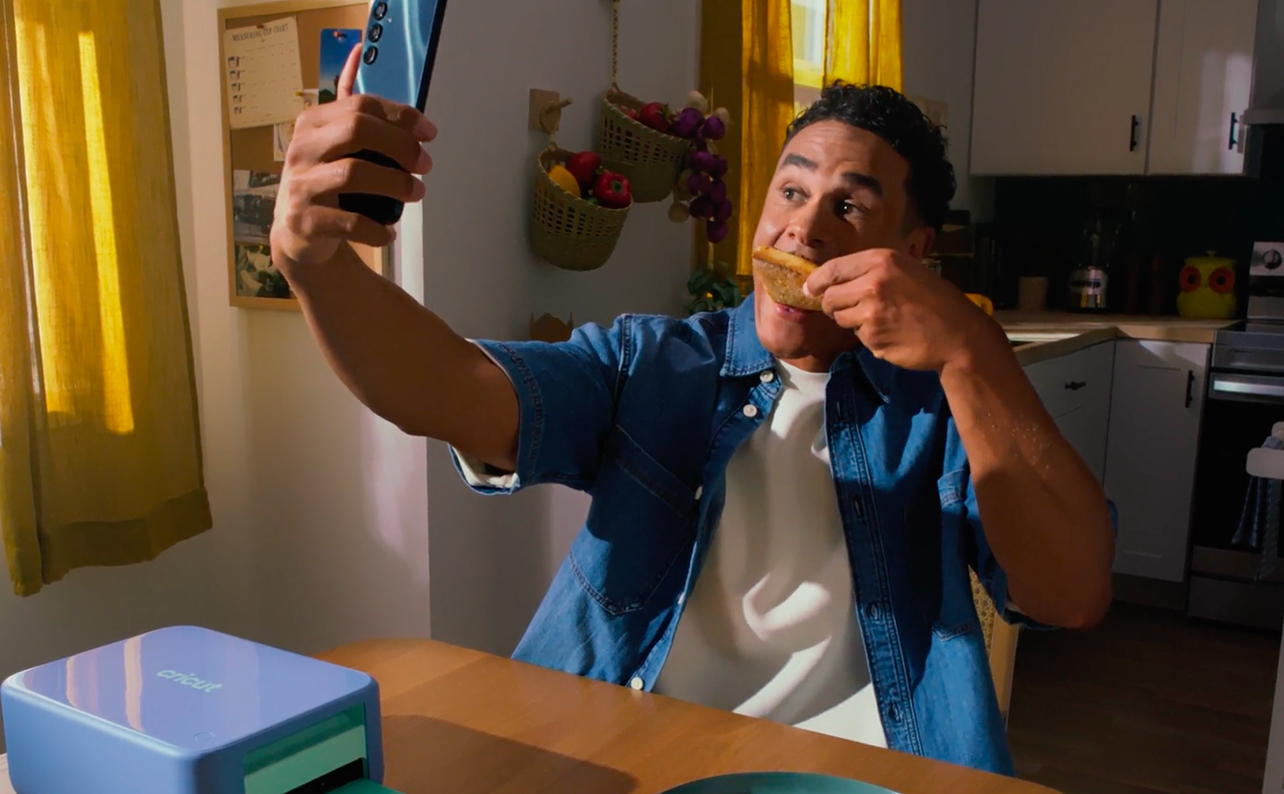
Make at home, ready in minutes
Print, laminate & cut* at the push of a button – right from home. Because great ideas shouldn't have to wait.
Feels like magic
- High resolution 300 DPI
- Vibrant Color
- Water-resistant
- Fade-resistant
- Scratch-resistant
Meet the machines
One cuts your stickers into custom shapes. The other uses pre-cut sticker sheets.


Why Cricut?
Trusted products. Seamless experience. Expert support.
-
Industry leaderThe trusted leader in cutting machines.
-
Since 2006U.S.-based company with 20 years of innovation.
-
Designed for qualityThoughtfully designed and rigorously tested for reliable performance.
-
World-class supportMember Care team of experts providing global support.
-
Integrated ecosystemSoftware, machines, and materials work seamlessly together.
-
Trusted by millionsMillions of people choose Cricut to help turn their ideas into something real.
FAQ
Totally depends on what you’re after! If you want to work with custom shapes we recommend Cricut StickerPix Print + Cut so you can precision-cut your stickers, labels, and more.
A dye-sublimation printer uses heat to transfer dye directly into the surface of the material rather than spraying droplets of ink onto it. The result is smooth, continuous colour that is especially well suited to photos.
Yes, Cricut StickerPix works with compatible mobile devices and the Design Space® app,* allowing you to design and print photos and stickers directly from a phone or tablet.
The printer heats a ribbon of coloured dye and transfers it into the coated surface of the material one colour at a time, then finishes with a clear protective layer. Because the dye becomes part of the material, prints are smooth and durable.
Upload the photo, choose a sticker type (varies by machine), then print using Cricut Sticker Sheets. With Cricut StickerPix machines, you can do both in the free Design Space® app.¹
Pre-cut stickers come in set shapes already cut into the sheet. Custom-shape stickers are cut to whatever outline your design has. Kiss-cut means only the sticker is cut and the backing stays intact so it peels easily; die-cut means the sticker and its backing are both cut through. Cricut StickerPix machines only print on Pre-cut Sticker Sheets (Cricut StickerPix Print) or on kiss-cut (Cricut StickerPix Print + Cut).
Cricut StickerPix machines laminate your stickers as it prints, making them water-, scratch-, and fade- resistant.
Yes, if it is designed to feed adhesive-backed sticker material. Cricut StickerPix™ machines are built for both, so you can switch between Photo Paper and Sticker Sheets on the same machine.
Label printers are built for text — shipping labels, barcodes, and organisation — and usually print in one or two colours on plain label stock. Sticker printers print full-colour photos and designs, and have an adhesive backing.
Pre-cut sticker printing on the Cricut StickerPix Print is compatible with Cricut Sticker Sheets only. Also, the ink and materials for each machine are not compatible with each other - you must use Cricut StickerPix ink & materials only for that machine.
Cricut StickerPix Print + Cut supports 4 in x 6 in Photo Paper and 4 in x 7 in Sticker Sheets and Cricut StickerPix Print supports 4 in x 6 in Photo Paper and 4 in x 6 in Pre-cut Sticker Sheets.
¹Certain software features require paid subscription. See cricut.com for terms and details.
²Full content library requires paid Cricut Access™ subscription. Terms & conditions apply.
³Limited Warranty. See cricut.com/warranty, or write to the manufacturer or authorized regional representative at the applicable address, for full terms and conditions.
*Cricut StickerPix™ machines are not intended for use by children 12 years and younger. Requires a mobile phone, tablet, or computer with Bluetooth® wireless and a high-speed internet connection. System requirements may change. For details and updates on compatibility with all devices, browsers, and operating systems, see cricut.com/systemrequirements.
Only Cricut StickerPix Print + Cut™ has cutting capabilities with an included blade; Cricut StickerPix Print™ prints on Cricut Pre-cut Sticker Sheets.
⚠️ CALIFORNIA WARNING: Can expose you to Bisphenol A, a carcinogen and reproductive toxicant. See [www.P65Warnings.ca.gov](http://www.P65Warnings.ca.gov).
Cricut™, Cricut StickerPix™, Cricut StickerPix Print™, and Cricut StickerPix Print + Cut™ are registered or applied-for trademarks of Cricut, Inc. in the U.S. and other countries. All other trademarks are the property of their respective owners. Microsoft and Windows are registered trademarks of the Microsoft group of companies. macOS is a trademark of Apple Inc., registered in the U.S. and other countries and regions. iOS is a trademark or registered trademark of Cisco in the U.S. and other countries and is used under license. Android is a trademark of Google LLC. The Bluetooth® word mark and logos are registered trademarks owned by Bluetooth SIG, Inc., and any use of such marks by Cricut, Inc. is under license.