


Cricut Joy Xtra™
Our fits-in-any-space, looks-good-anywhere smart cutting machine. Cricut Joy Xtra™ cuts, writes, draws, and foils to make popular projects like full-colour stickers, custom cards, T-shirts, vinyl decals & more.
Works with free Design Space™ app.
*Cricut Joy Xtra requires compatible computer or mobile device with Bluetooth® wireless and high-speed internet connection. System requirements may change. See Cricut website for specific details and updates on compatibility with all devices, browsers, and operating systems. Compatible materials, tools & accessories sold separately. See website for details. The Bluetooth® word mark and logos are registered trademarks owned by Bluetooth SIG, Inc. and any use of such marks by Cricut, Inc. is under license. Cricut Joy Xtra is not intended for use by children 12 years and younger.
- Works with 50+ materials, including popular materials like vinyl, iron-on & cardstock1
- Compatible with your home inkjet printer to print then cut full-colour designs
- Cuts intricate designs with precision
- Writes, draws, foils, and more2
- Works with popular material sizes, including US Letter and A4
- Free, easy-to-learn Design Space™ app
- Bluetooth® wireless technology3
- Upload & cut your own designs or choose from the Cricut Design Space library
- Free live workshops, online courses & beginner cheatsheets
- World-class customer support is available via phone or chat
- Cricut Manufacturer Warranty4
- Cricut Joy Xtra
- Cricut Joy Xtra machine
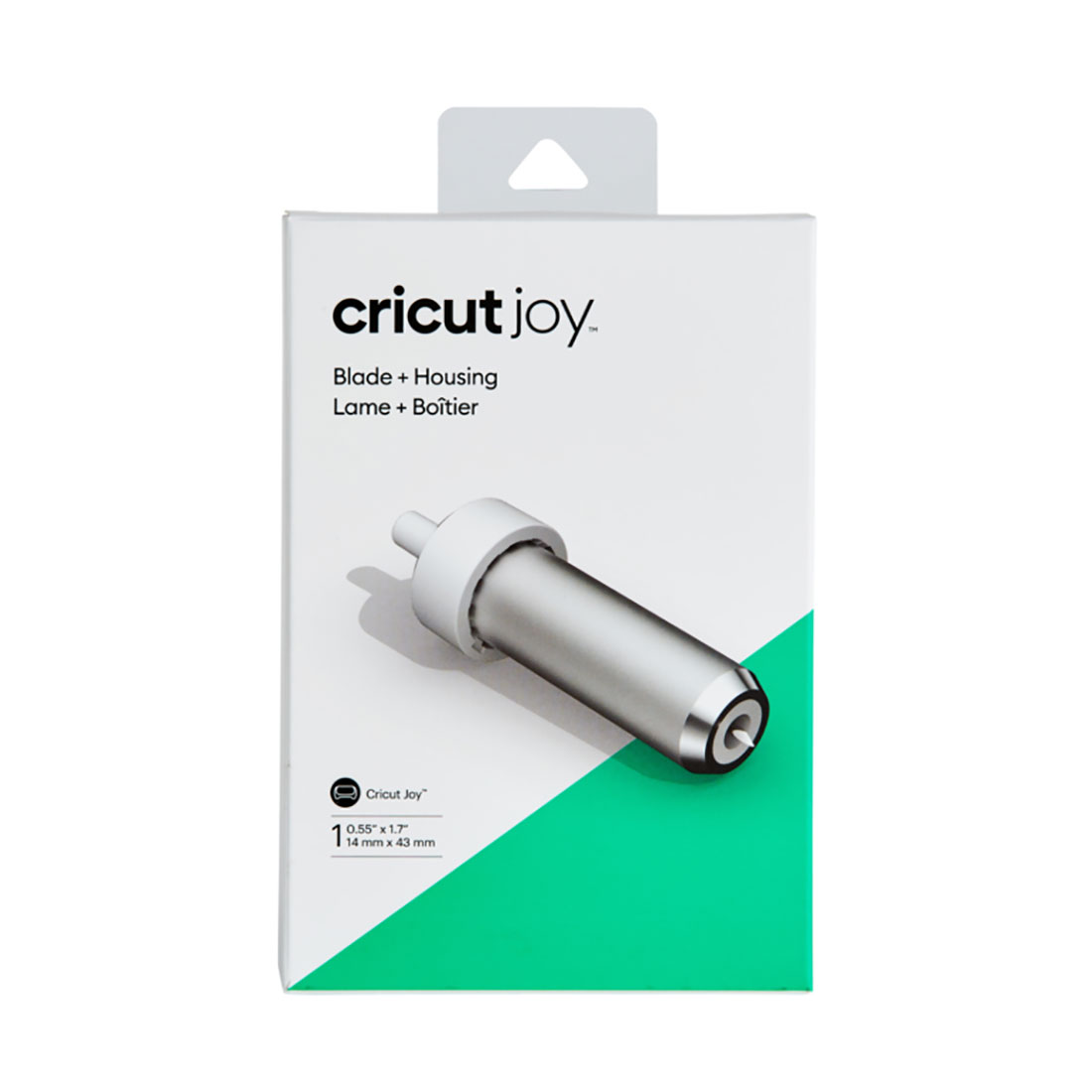
- Premium Fine-Point Blade + Housing
- Cricut Joy™ Fine Point Pen
- Cricut Mini Weeder
- Welcome card
- Power cable
- Free trial subscription to Cricut Access™ (for new subscribers)
- 100 free, pre-designed projects in the companion app
- Materials for a practice cut
- Dimensions: 12.5 in x 6 in x 5.5 in (31.7 cm x 15.2 cm x 13.9 cm)
- Weight: 6 lbs (2.7 kgs)
- Max cut size using machine mat: 8.2 in x 11.7 in (20.8 cm x 29.7 cm)
- Max cut size using Smart Materials: 8.5 in x 4 ft (21.6 cm x 1.2 m)
- Cut speed: 5.65 in per second


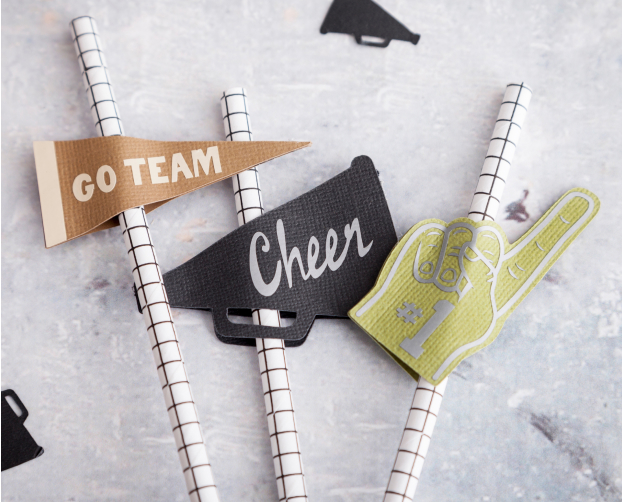
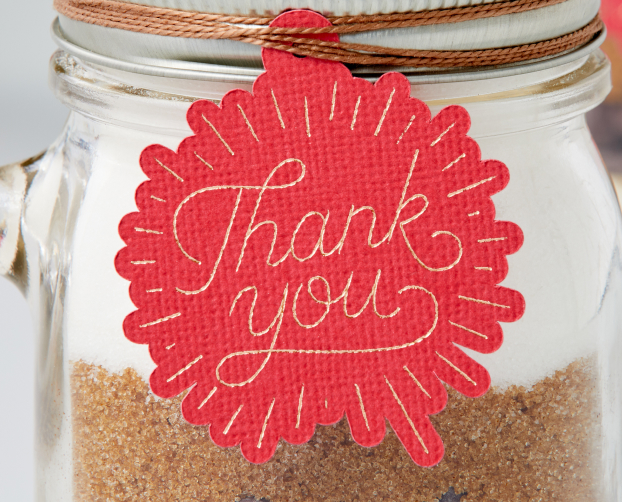
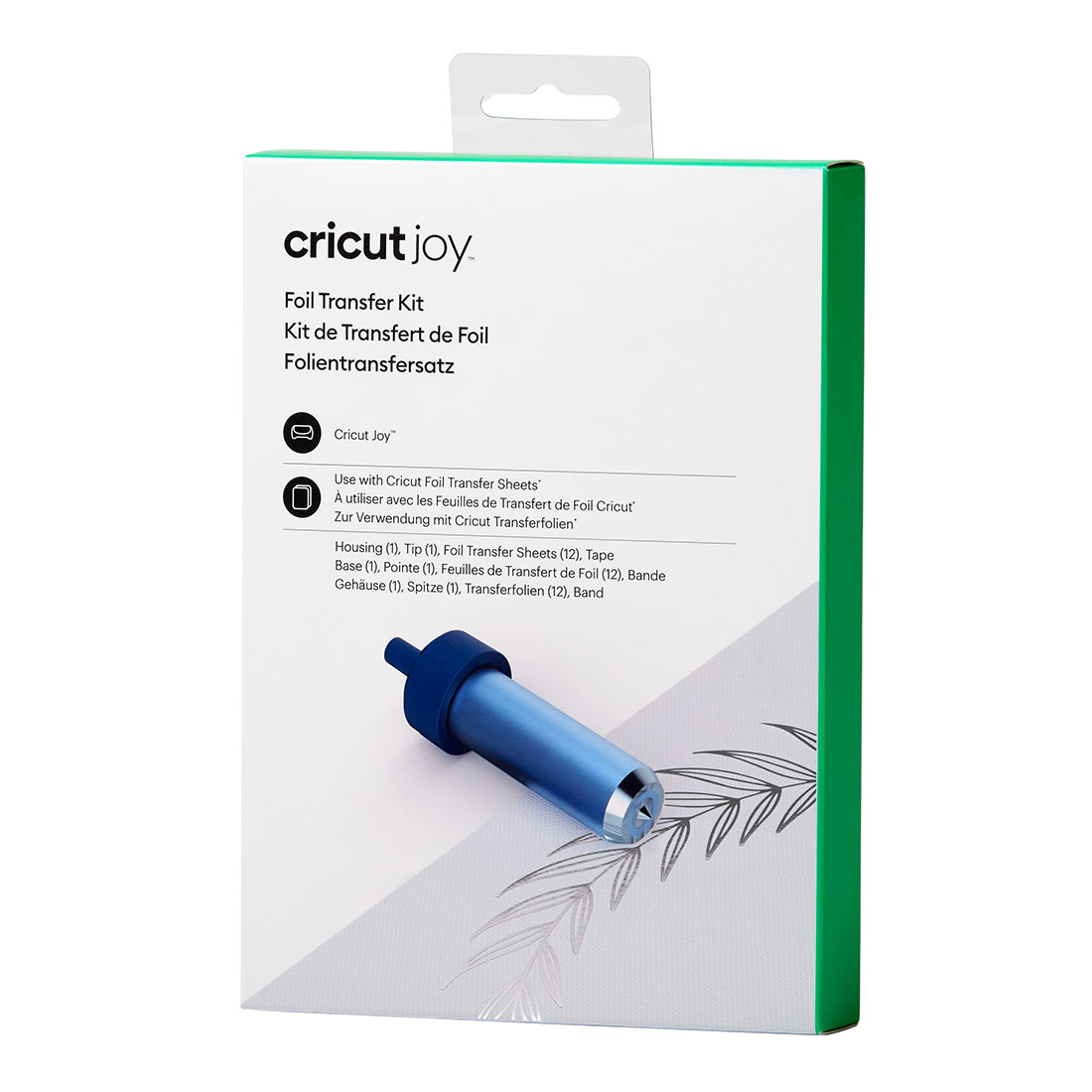
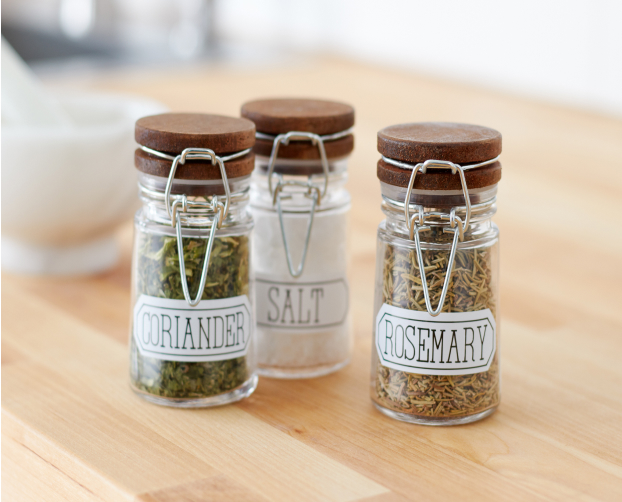
Embellish cards, gift tags & more with a pro-level foil finish


-
Works with all popular materials
-
No design experience required
-
Free workshops & online courses
-
Easy-to-learn Design Space app

Cricut Joy Xtra is perfect for those looking to make our most popular types of projects like full-colour stickers. T-shirts, decals, written labels, cards, mugs - even hats!
You'll need a compatible device and high-speed internet connection. To start making, you'll also need materials, a machine mat, and some basic tools. Consider buying a Cricut bundle to get everything you need in one click. For the full list of available tools, check out the Tools section above.
No, the machine does not require a subscription. Design Space is free for everyone and offers basic fonts and images you can use to create and customise projects. If you want to be able to do everything our design software can offer, a paid Cricut Access subscription can unlock design features, access to more fonts and images, as well as 1,000+ project templates and priority member care.
Along with the machine, you will get the Cricut Joy Premium Fine-Point Blade + Housing, which cuts our most popular materials, including vinyl, iron-on (HTV), and paper. Additionally, you'll get a Mini Weeder and Cricut Joy Fine Point Pen. For the full list of included items, please see the Included section at the top of this page. Note: The practice materials in your box can be used to complete free, guided lessons in the design app.
We have numerous resources to help you find the right machine for you, including a comparison chart (https://cricut.com/en-gb/compare), and a machine quiz (https://cricut.com/en-gb/machine-quiz).
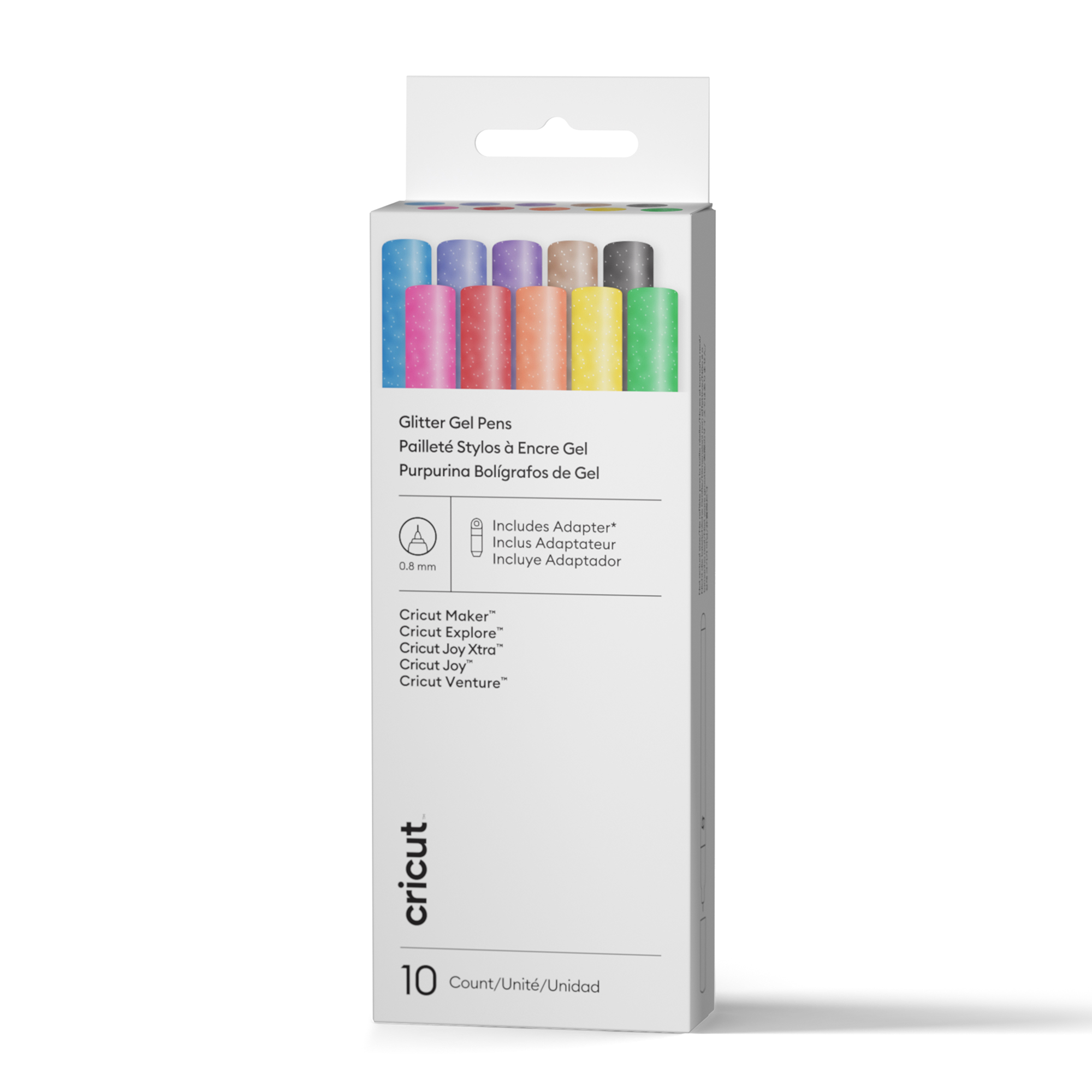
The Cricut Joy Premium Fine-point Blade and Housing, Cricut Joy Foil Transfer Tool and Cricut Joy Pens & Markers are all compatible with Cricut Joy Xtra.
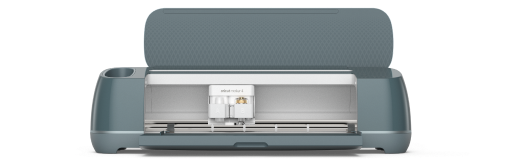
Our ultimate cutting machine that does it all! With more power and tools to cut wood, engrave metal & deboss leather. Plus, make popular projects like cards, T-shirts & stickers.
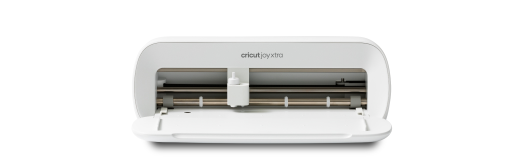
Our fits-in-any-space cutting machine for popular projects like full-colour stickers, custom cards, T-shirts & so much more.
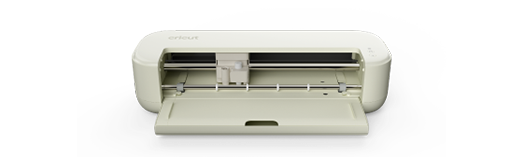
For the crafter looking to create popular projects like vinyl decals, stickers, cards, and T-shirts. You can even make in multiples.