


Cricut Venture™ + Materials Bundle
Meet Cricut Venture, our wide-format professional cutting machine, plus all the materials you need to get started. Cricut Venture precision-cuts 100+ materials up to 22.8 m (75 ft) and works at commercial speeds. Plus, it writes, scores, foils & so much more. Works with Design Space®, our free & easy-to-learn app (desktop only).
- Precision-cut 100+ materials with this 63.5 cm (25 in) professional cutting machine1
- Cuts & writes up to 64.5 cm/sec (25.4 in/sec)
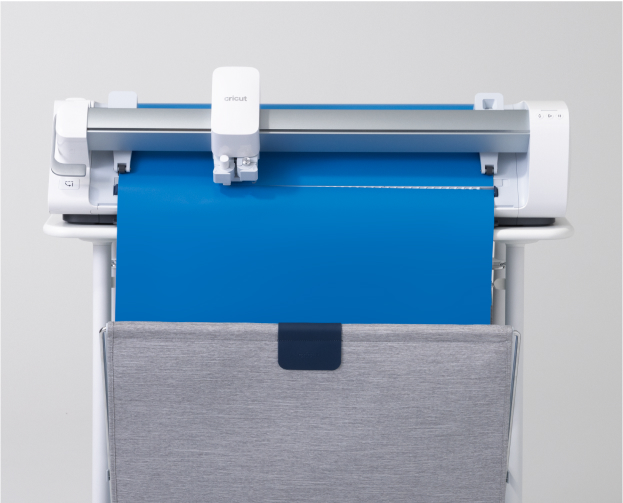
- Cuts single images up to 3.6 m (12 ft) and repeated images up to 22.8 m (75 ft)
- Compatible with 7 tools to write, foil, score & more (sold separately)2
- Space-saving 45° design, plus built-in mat & roll supports
- Adjustable for 33cm and 63.5 cm (13 in and 25 in) width Smart Materials™
- Compatible with your home inkjet printer to print then cut full-color designs up to 61 cm x 71 cm (24 in x 28 in)
- Compatible with Docking Stand for Cricut Venture (sold separately)
- Bluetooth® wireless technology3
- Cut or write with your favorite materials with a Performance Machine Mat (sold separately)
- Cricut Manufacturer Warranty4
1 For compatible materials see cricut.com/materials 2 Additional tools & accessories sold separately. For compatible tools, see cricut.com/blades 3 The Bluetooth® word mark and logos are registered trademarks owned by the Bluetooth SIG, Inc. and any use of such marks by Cricut, Inc. is under license. 4 Warranty is valid and enforceable in the country where the Product was purchased by the original purchaser/end user, provided that Cricut has intended the Product for sale in that country. 5 Max Material Load is subject to roll length and Design Space® software limitations. For more information about your warranty, visit cricut.com/warranty 6 Accuracy and width tested under ideal conditions with use of Docking Stand for Cricut Venture and 3.6 m (12 ft) Smart Materials. 7 Requires computer with Bluetooth® wireless and high-speed internet connection. System requirements may change. For details and updates on compatibility with all devices, browsers, and operating systems, see cricut.com/systemrequirements* Cricut Venture is not intended for use by children 12 years and younger.
- Cricut Venture
- Cricut Venture professional cutting machine
- Performance Fine-Point Blade
- Cutoff Tool
- Roll Supports
- Cleaning Tools
- USB-C Cable & USB-A Cable Power cable
- Mat Support Extension
- Free trial subscription to Cricut Access™ (for new subscribers)
- 50 ready-to-make projects online
- Smart Vinyl™ – Removable 33 cm x 76.2 cm (13 in x 30 in) in Black
- Smart Vinyl™ – Removable 63.5 cm x 1.8 m (25 in x 6 ft) in White
Bundled with:
- Smart Vinyl - Permanent, Black 1.52 m (5 ft)
- Smart Vinyl - Permanent, White 1.52 m (5 ft)
- Smart Vinyl - Removable, Red 1.52 m (5 ft)t
- Transfer Tape, 3.65 m (12ft)
- Smart Iron-On, Black 1.52 m (5 ft)
- Smart Iron-On, Glitter, Gold 1.52 m (5 ft)
- Matte Metallic Smart Vinyl™ – Permanent 0.9 m(3 ft), Champagne
- Smart Iron-On™ Glitter 0.9 m(3 ft), White
- StandardGrip Mat 61 cm x 71 cm (24 in x 28 in)


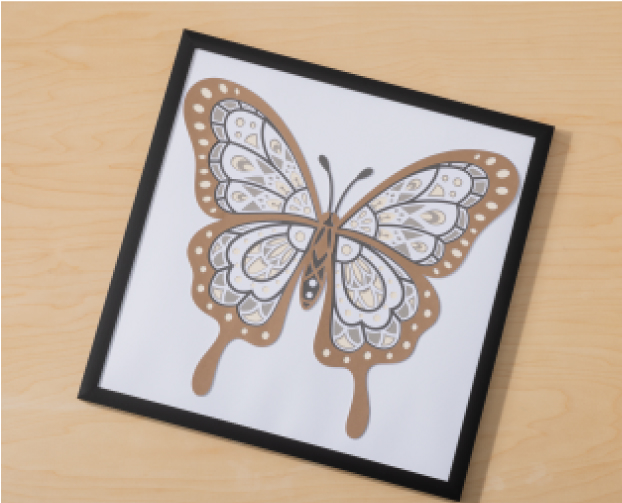
Cuts shapes to perfection out of cardstock, vinyl & more


-
Works with 100+ materials
-
Cuts & writes at commercial speeds
-
Built to last
-
Easy-to-learn Design Space app


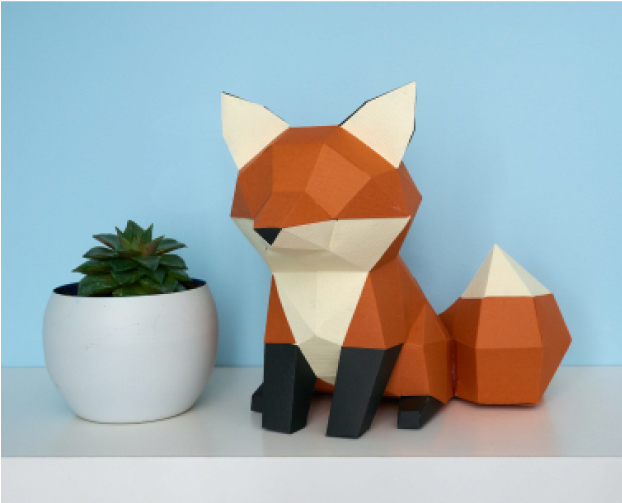
You can make extra-large projects like wall decals, big 3D paper projects, and so much more. Plus, since Cricut Venture can cut repeated images up to 75 ft (22.8 m), making batches of T-shirts or vinyl decals is easier and faster than ever before. You can also make all the popular projects like full-color stickers, personalized apparel, labels, cards, mugs & more.
You need a compatible desktop or laptop computer with high-speed internet connection.7 Cricut Venture is not supported by Design Space for mobile. We recommend a sturdy surface or tabletop for your machine. For the best possible making experience, bundle your machine with a Docking Stand for Cricut Venture (sold separately). If you want to work with matted materials and use specialty tools to write, foil, score & more, you will need Cricut Performance Machine Mats and select tools (sold separately).
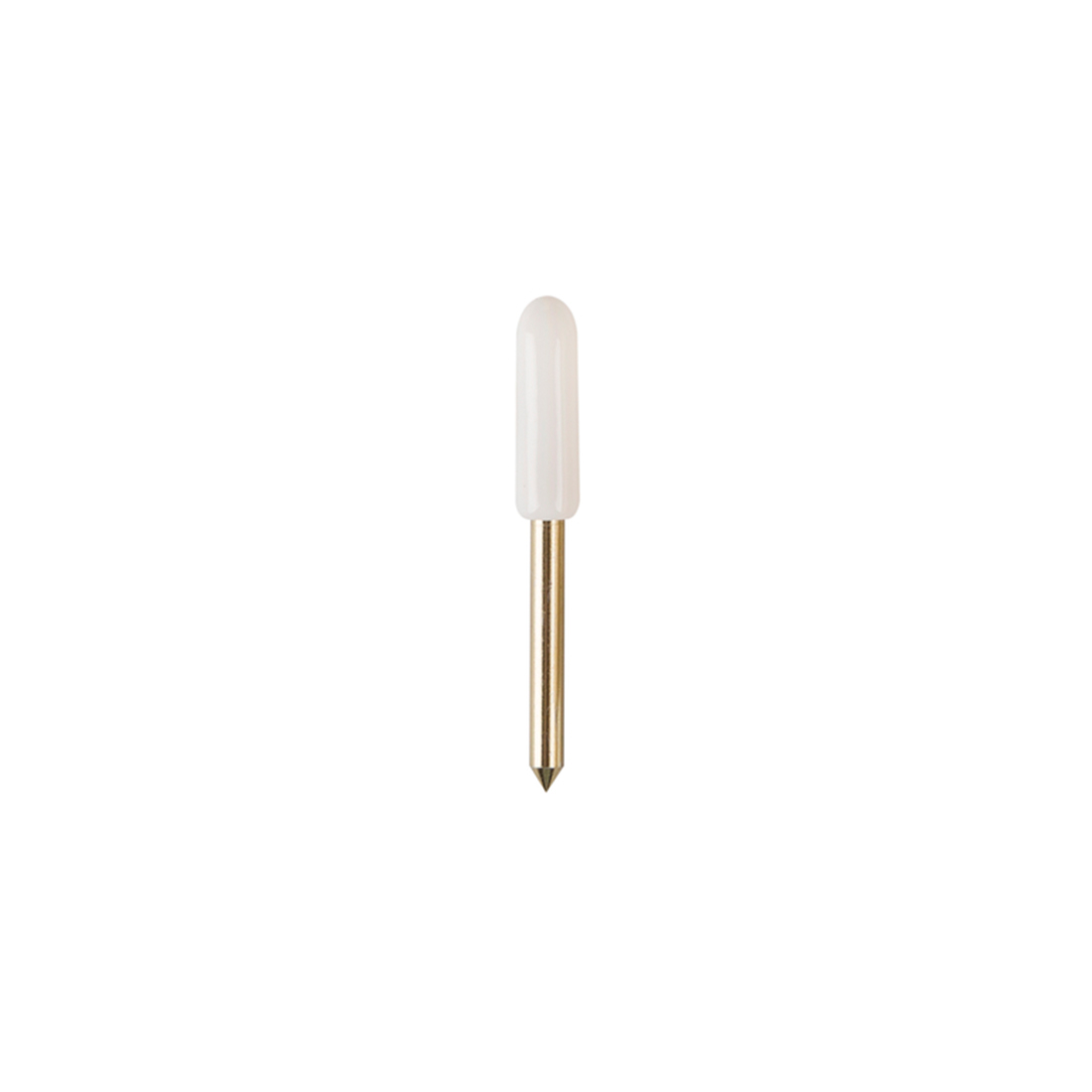
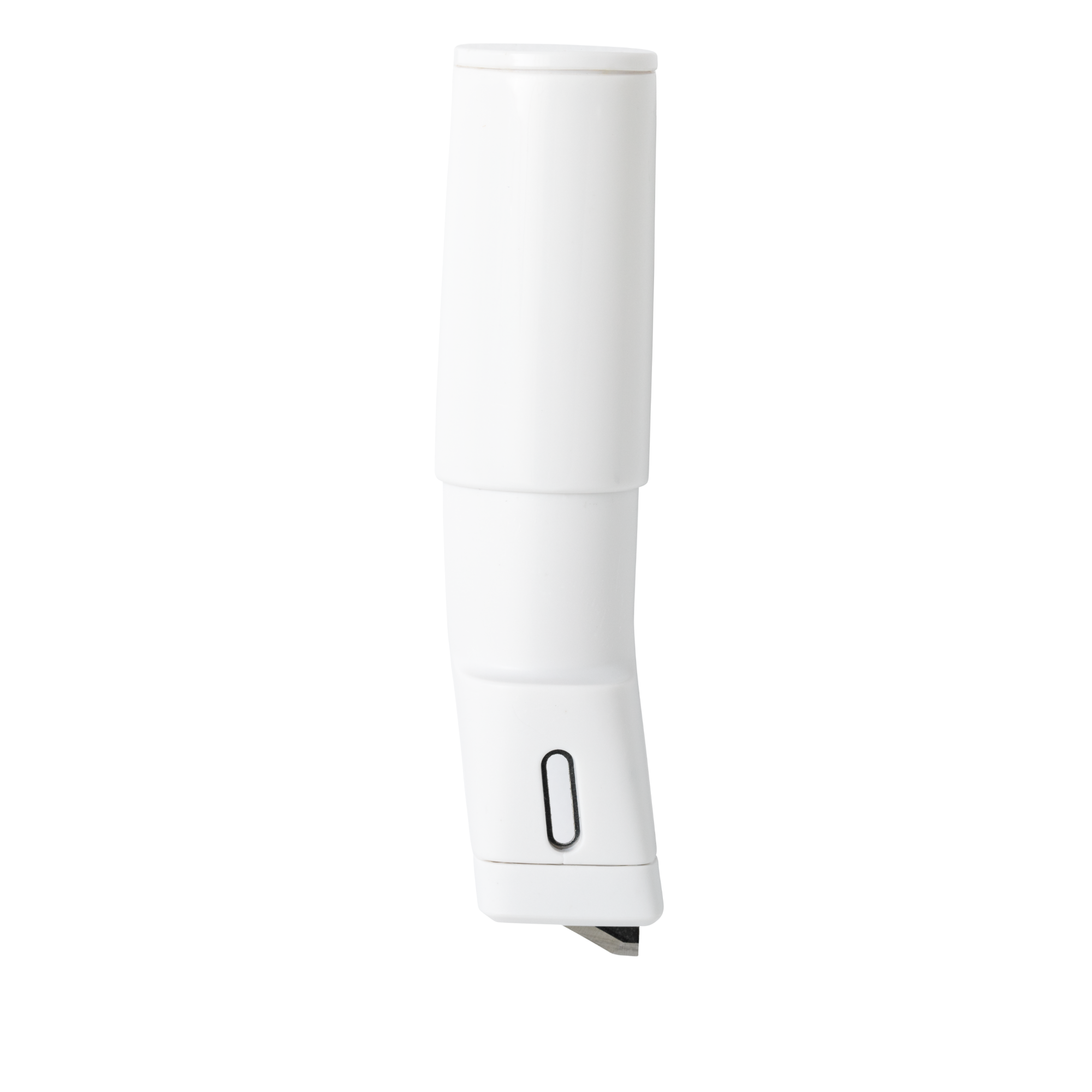
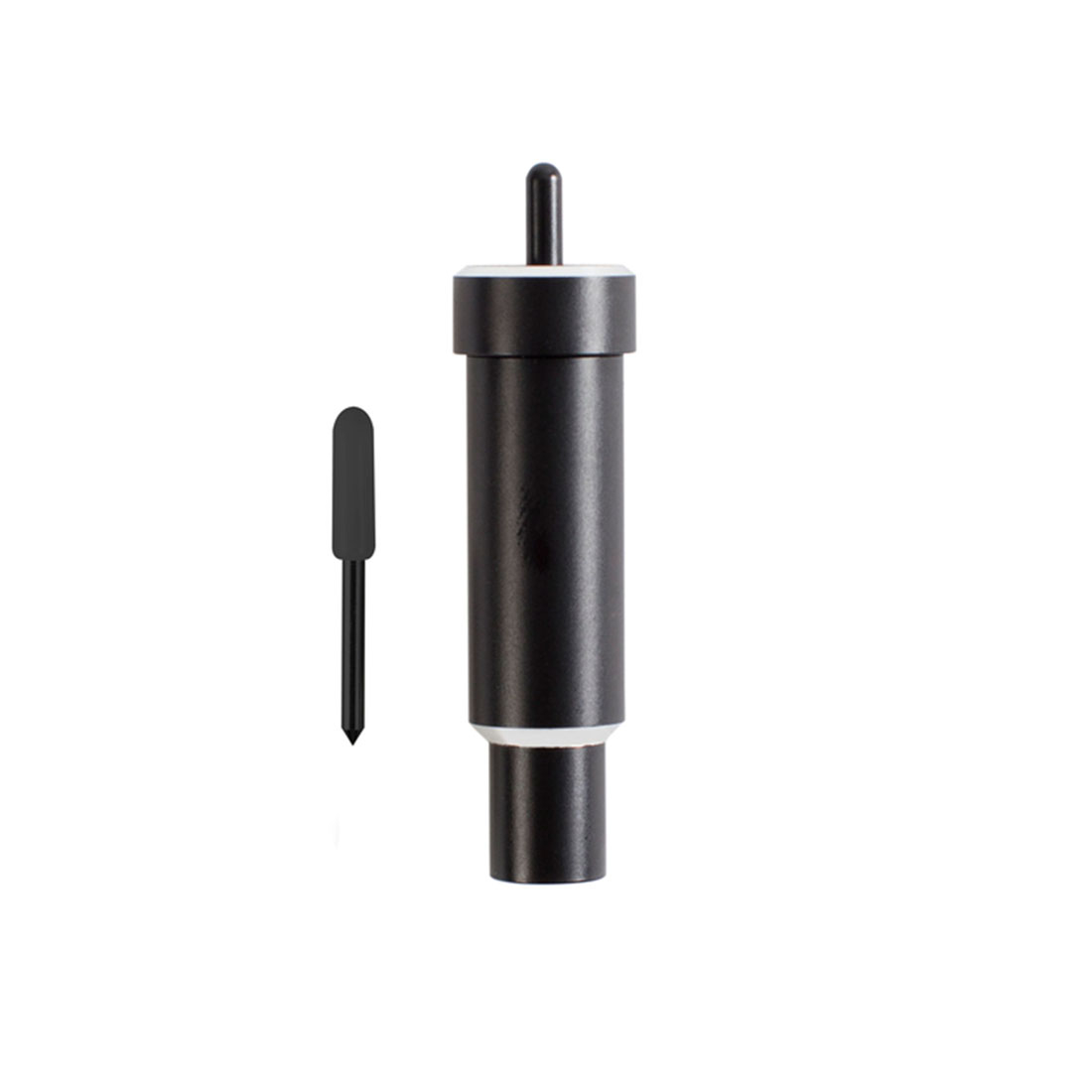
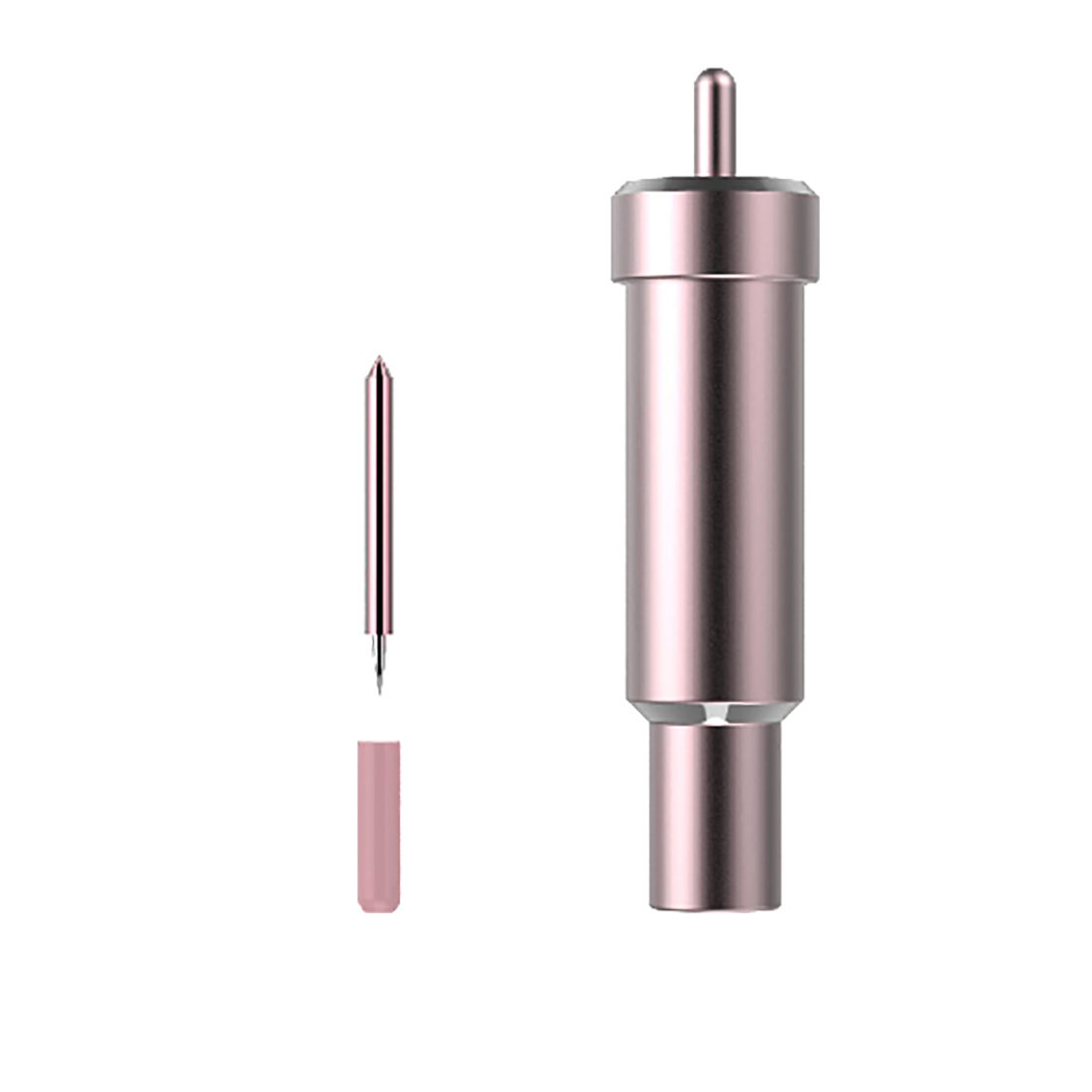
Along with the machine, you will get the Performance Fine-Point Blade, which cuts our most popular materials, including vinyl, iron-on (HTV), and paper. For the full list of included items, please see the Included section at the top of this page. Note: The practice materials in your box can be used for your first test cuts.
No, the machine does not require a subscription. Design Space is free for everyone and offers basic fonts and images you can use to create and customize projects. If you want to be able to do everything our design software can offer, a paid Cricut Access subscription can unlock design features, access to more fonts and images, as well 1,000+ project templates and priority member care.
Ensure whatever table, workbench, or desk you use is sturdy and stable. The work space needs to provide enough clearance in the front and back of the machine for materials and mats to feed through. We recommend a work space with minimum dimensions of L x W x H. Align the front of the machine with the edge of the table. For the best experience, bundle your machine with a Docking Stand for Cricut Venture (sold separately).
Cricut Venture cuts 100+ materials, including Smart Materials, vinyl, iron-on (HTV), cardstock, poster board, bonded fabric & so much more.

Fits-in-any-space cutting machine for popular projects like full-colour stickers, custom cards, T-shirts & so much more.
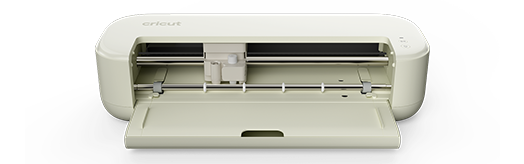
For the crafter looking to make popular projects like custom apparel, home decor & more. You can even make festive banners up to 3.65 m (12 feet) long.
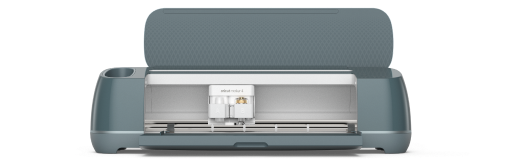
The ultimate cutting machine that does it all! With more power and tools to cut wood, engrave metal & deboss leather. Plus, make popular projects like cards, T-shirts & stickers.