


Cricut EasyPress Mini™ LT
Nuestra prensa térmica de mano compacta y fácil de usar con una sola configuración, ideal para proyectos populares de vinilo termotransferible como camisetas, ropa de bebé y mucho más.
Con su punta de precisión, te ayuda a acceder a espacios de difícil acceso, como alrededor de los botones y las costuras, y a crear proyectos con formas únicas. Al combinar la velocidad de una prensa térmica y la comodidad de una plancha, esta prensa pequeña pero potente ofrece resultados que resisten el paso del tiempo.
- Press With the Best: Designed and built by the brand you know and trust, Cricut™ heat presses are the perfect complement to a Cricut cutting machine — engineered for versatility, ease of use, and pro-looking results every time.
- Pro-Level Personalisation: Use with heat transfer vinyl to make pro-looking, personalised projects that are vibrant and long lasting even after repeated washes.
- Easy-to-Use Heat Guide: Our user-friendly Cricut Heat Guide provides compatible materials and blanks, precise time settings, and step-by-step pressing instructions.
- Advanced Design: Built with a ceramic-coated heat plate that delivers dry, edge-to-edge heat and reaches temperatures up to 180°C (355°F). The precision tip gives you control & accuracy while you press.
- Convenient: Compact and portable.
- Designed for Safety: Includes an insulated safety base, and a ceramic-coated heat plate for extra protection. Cricut products conform with applicable product standards like UL, CSA, FCC, and IEC standards. Cricut products are also listed or certified Nationally Recognised Testing Labs (NRTLs) such as TUV and Intertek.
- World-Class Design & Support: Cricut products are designed and tested in the USA. Our US-based Member Care team is available worldwide via phone and chat. Hours of operation may vary based on country.

-
Single heat setting reaches up to 180 °C (355 °F)
-
Ideal for iron-on (HTV) projects like personalised apparel
-
Easily press hard-to-reach places with precision tip
-
Compact and protable
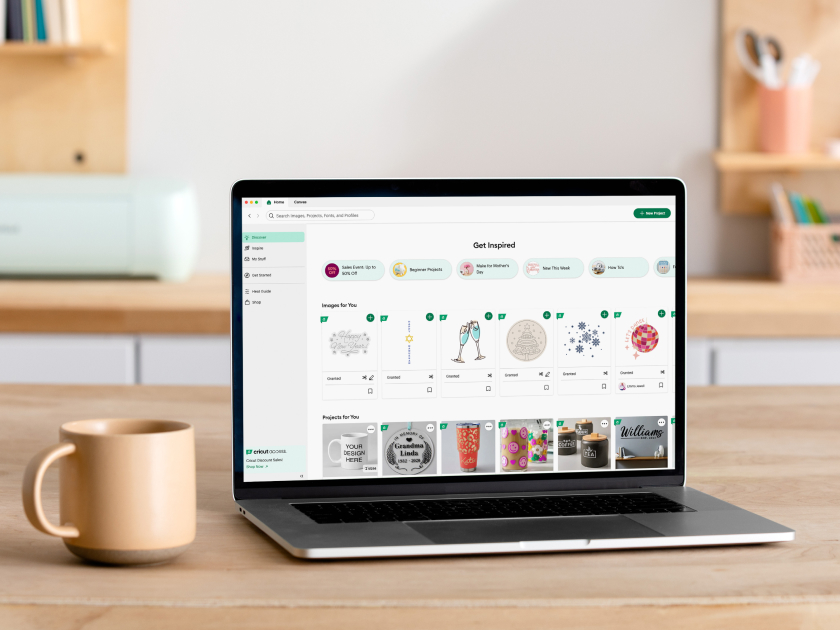
Diseña tu idea desde cero o busca ideas en la biblioteca de diseños de Cricut.
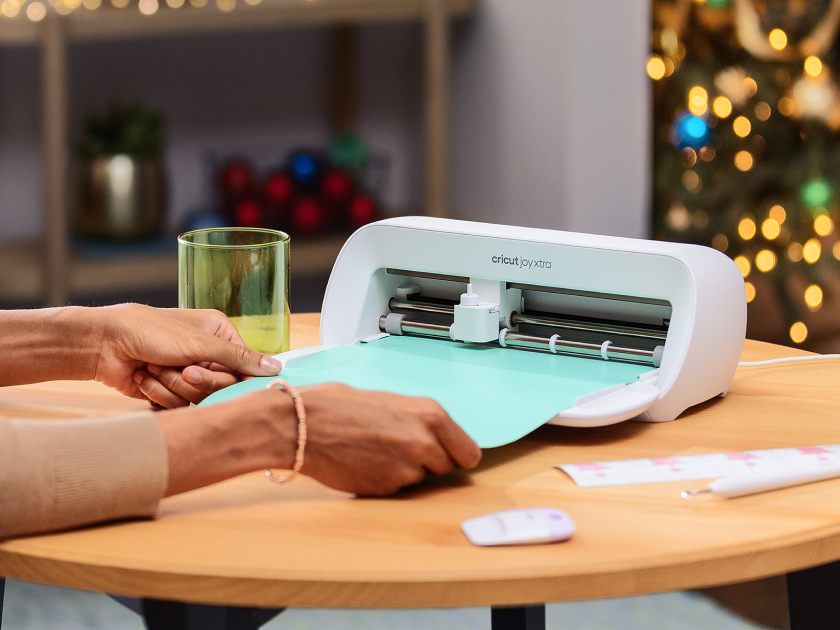
Personaliza tu diseño añadiendo un nombre o una nota y juega con los colores, las fuentes, los efectos y mucho más.
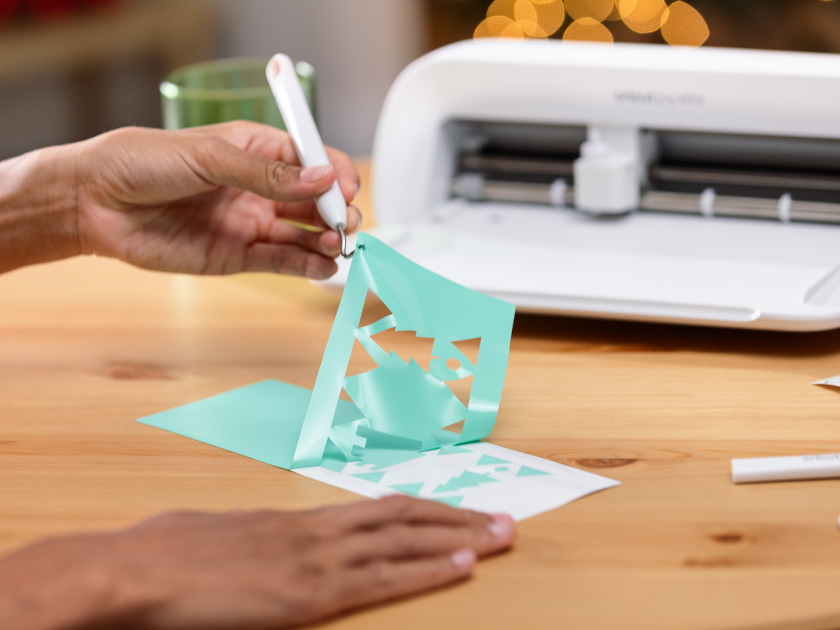
Deja que tu máquina Cricut haga su magia, cortando cada pieza de tu proyecto con total precisión.
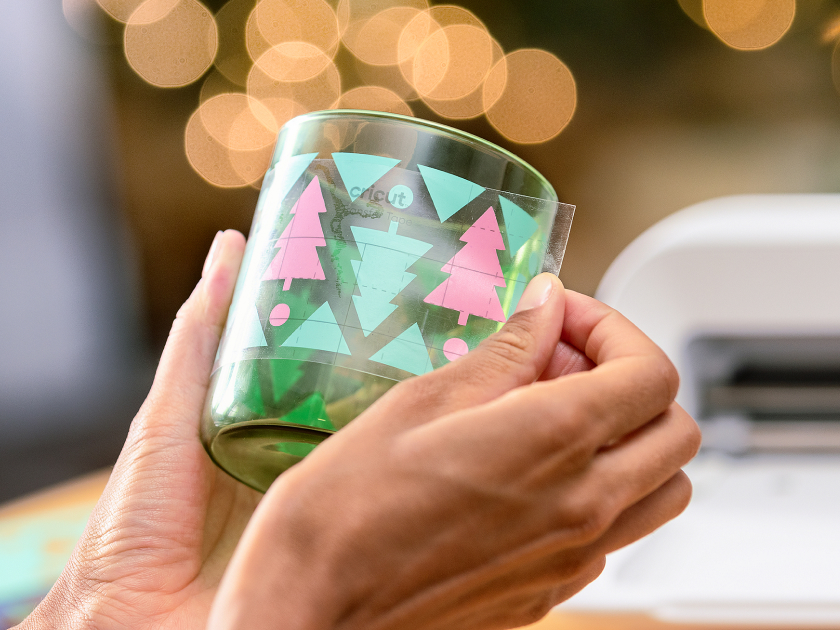
Monta las piezas o aplica tu diseño a casi cualquier cosa, desde cuadernos hasta luces nocturnas, camisetas y bolsas de tela.
