Discover Machines




|
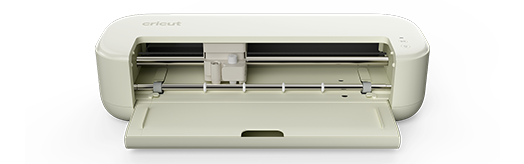
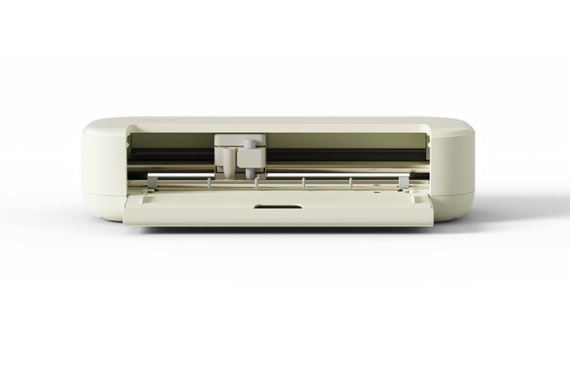
Cricut Maker® 5
|
|
|
|
|---|---|---|---|
| Description | The ultimate smart cutting machine cuts 300+ materials and works with 13 tools, allowing you to make popular projects as well as engrave metal, deboss leather & so much more. | ||
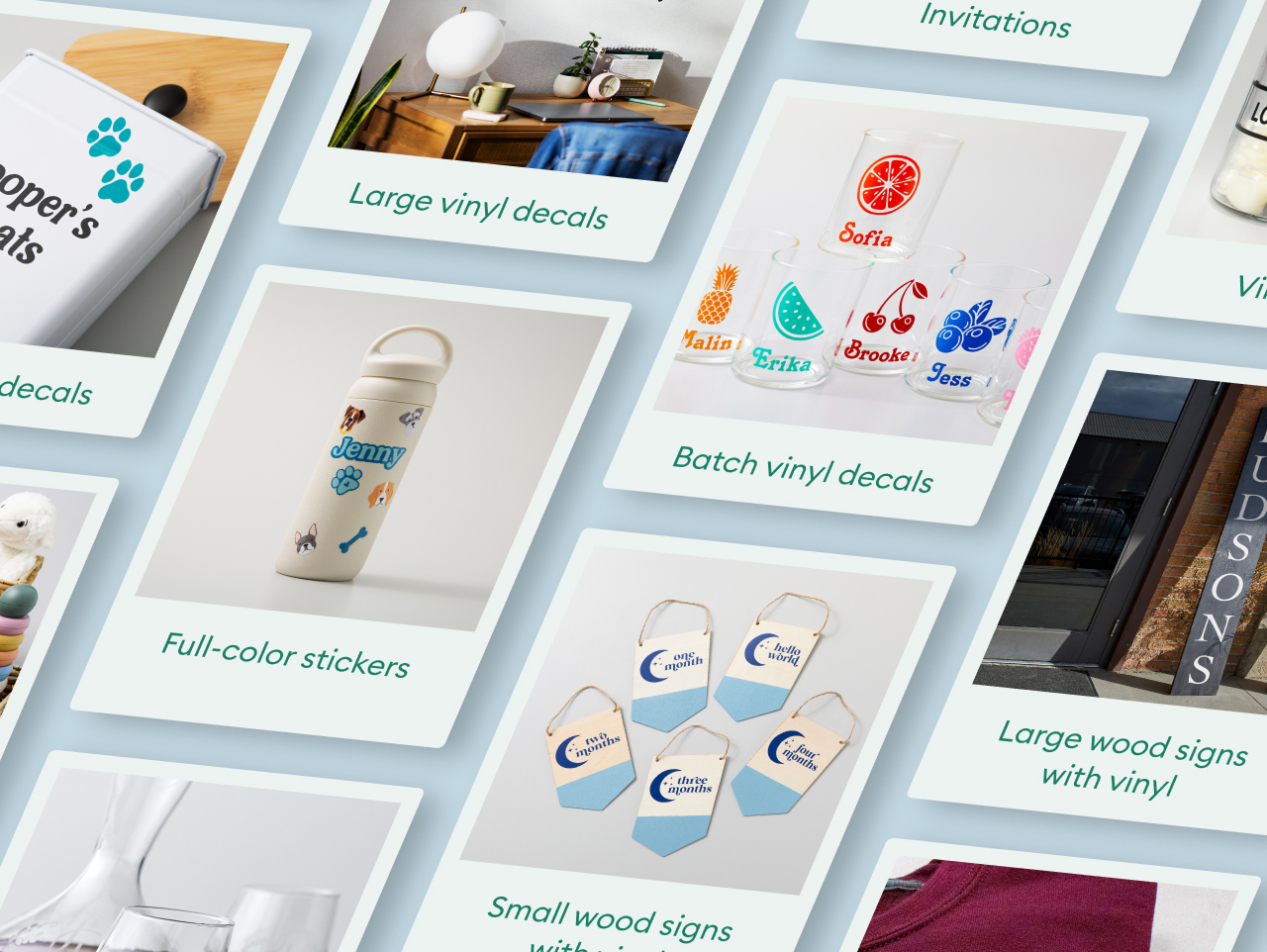
| What You Can Make | T-shirts, Cards, Decals, Stickers, Banners, engraved metal, embossed leather and more | ||
| Machine Capabilities | Cut, Write, Draw, Foil, Score, Engrave, Deboss, Perforate | ||
| Max Cut Width | 12 in | ||
| Max Cut Length | 12 ft | ||
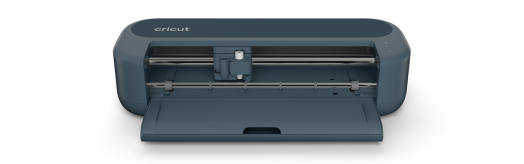
| Machine Dimensions | 19.8 x 7.5 x 4.7 in | ||
| Material Compatibility | Vinyl, Iron-on (HTV), Infusible Ink™, Paper & cardstock, Writeable labels, Kraft board, Printable sticker paper, Leather, Fabric, Felt, Wood veneer, Softwood | ||
| Print Then Cut | Yes |
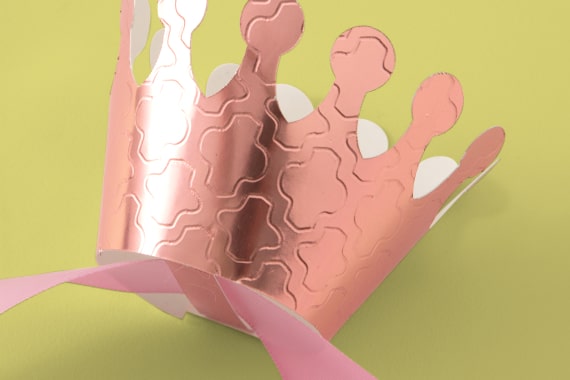
Deboss
Leaves a stunning imprint of artwork on foil poster board, balsa wood & more
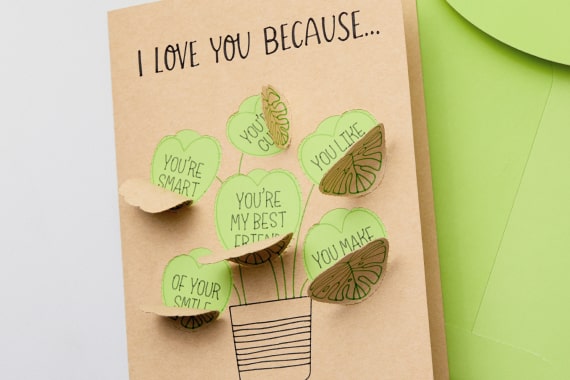
Perforate
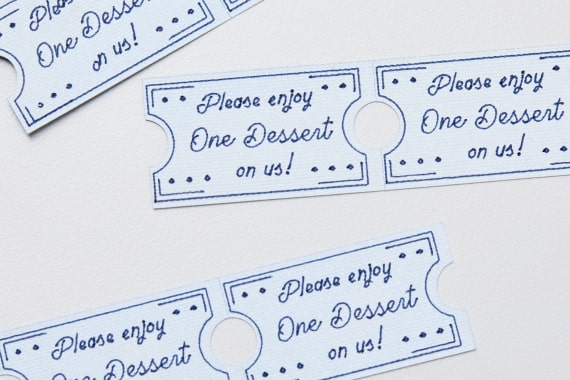
Create uniform, finely perforated lines for perfect tear-offs & easy peel-aways
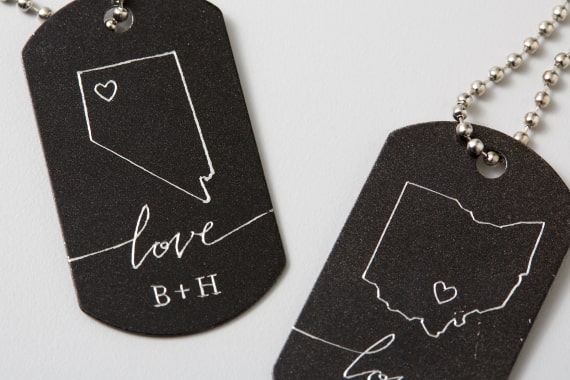
Engrave
Inscribe personalized designs in metal, plastic & more
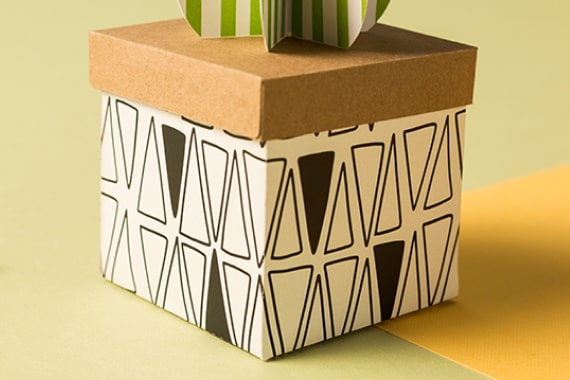
Score
Create easy-to-fold creases to make cards, 3D projects & more
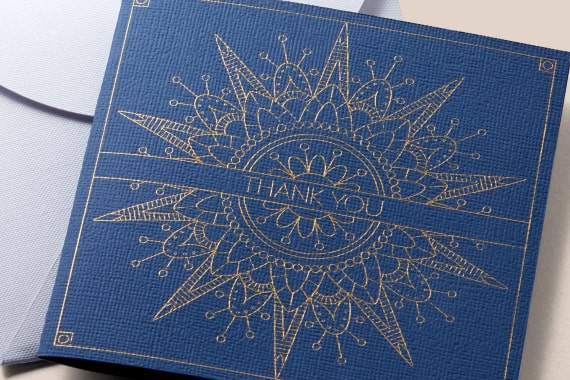
Foil
Embellish invitations, gift boxes, cards & more with a pro-looking foil finish

Write
Add beautiful text in your favorite font
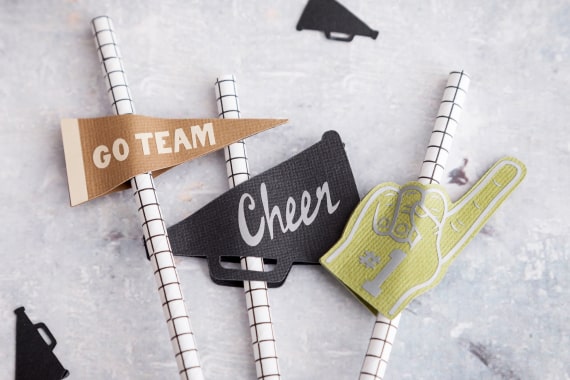
Cut
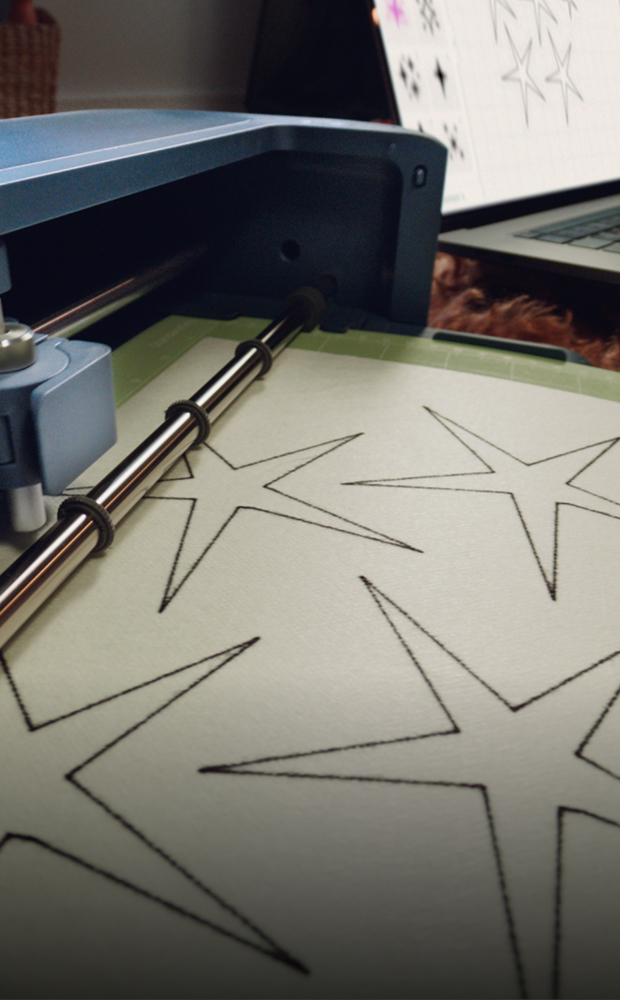
Precision-cuts shapes, letters & objects
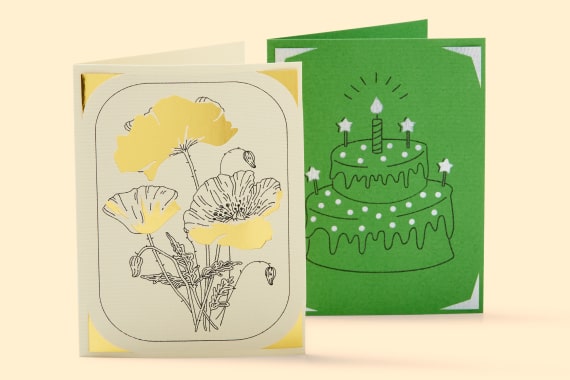
Draw
Add delicately drawn shapes, designs & more
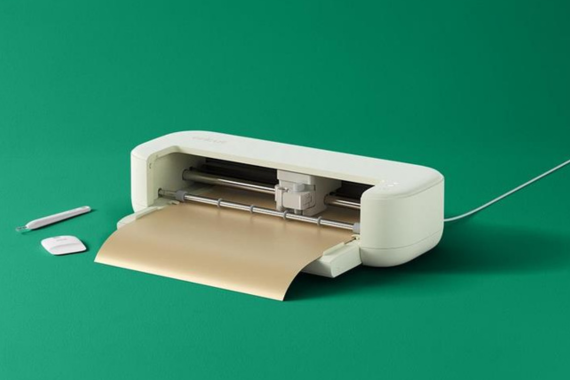
Cricut Explore 5
Cut any compatible material on a machine mat (12 in x 12 in / 12 in x 24 in). Smart Vinyl™ and Smart Iron-On™ are used for cuts up to 12 ft long (no mat required).
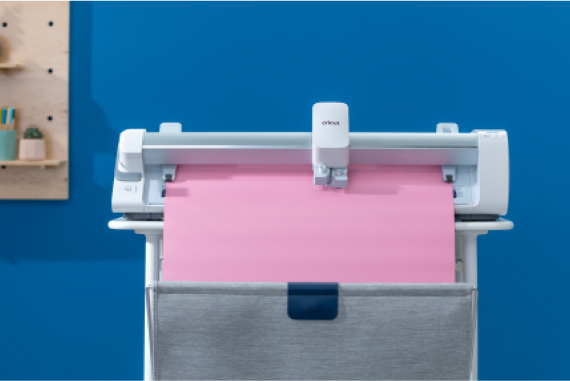
Cricut Venture
Cut any compatible material on a machine mat (24 in x 12 in / 24 in x 28 in). Smart Vinyl™ and Smart Iron-On™ are used for cuts up to 12 ft long (no mat required).
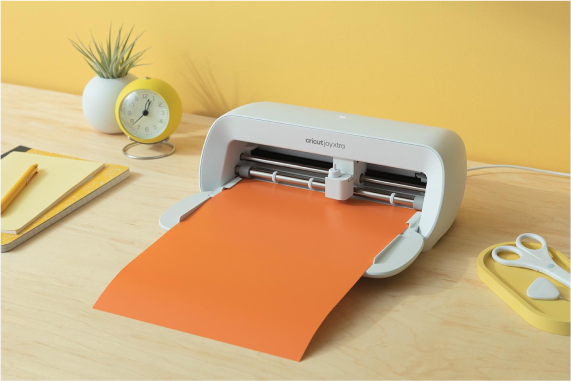
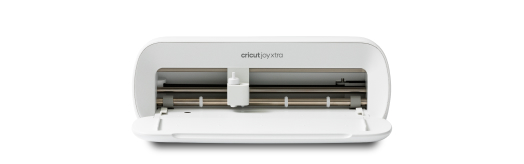
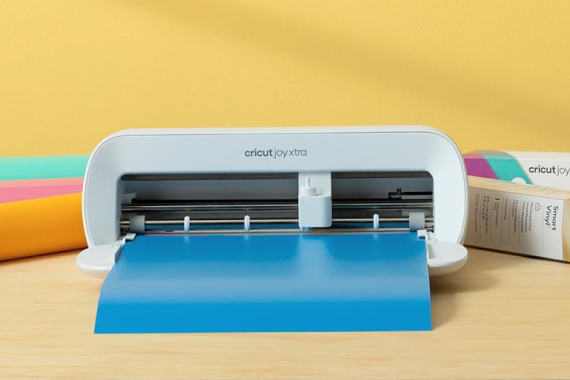
Cricut Joy Xtra
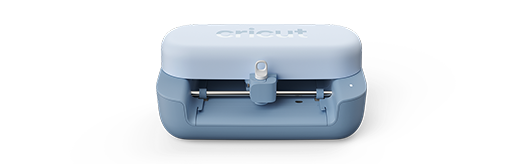
Cut any compatible material on a machine mat (8.5 in x 12 in). Smart Vinyl™ and Smart Iron-On™ are used for cuts up to 4 ft long (no mat required).
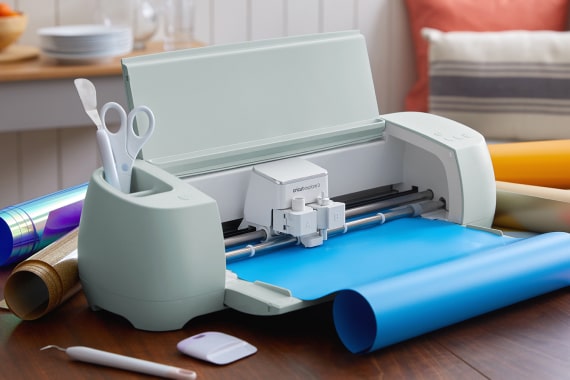
Cricut Explore 3
Cut any compatible material on a machine mat (12 in x 12 in / 12 in x 24 in). Smart Vinyl™ and Smart Iron-On™ are used for cuts up to 12 ft long (no mat required).
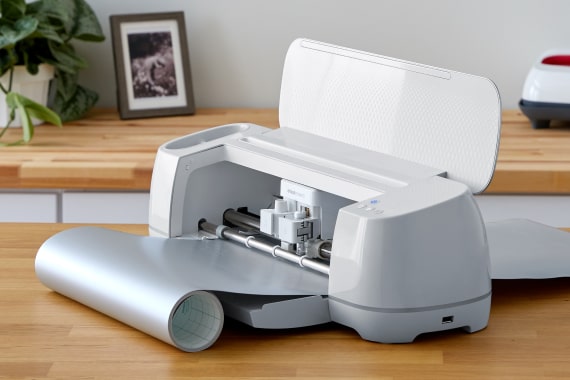
Cricut Maker 3
Cut any compatible material on a machine mat (12 in x 12 in / 12 in x 24 in). Smart Vinyl™ and Smart Iron-On™ are used for cuts up to 12 ft long (no mat required).
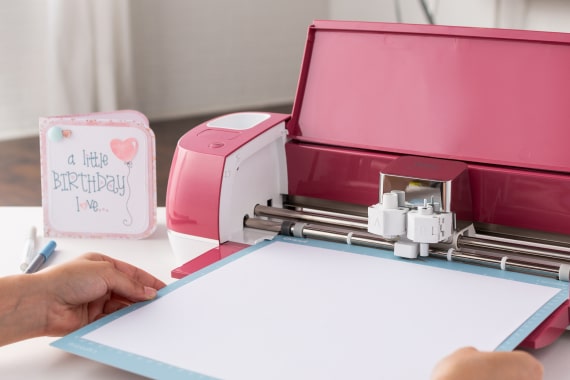
Cricut Explore Air 2
Cut any compatible material on a machine mat (12 in x 12 in / 12 in x 24 in)
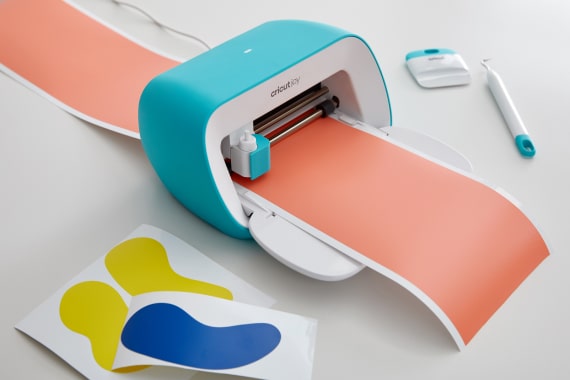
Cricut Joy
Cut any compatible material on a machine mat (4.5 in x 6.5 in / 4.5 in x 12 in). Smart Vinyl™ and Smart Iron-On™ are used for cuts up to 4 ft long (no mat required).
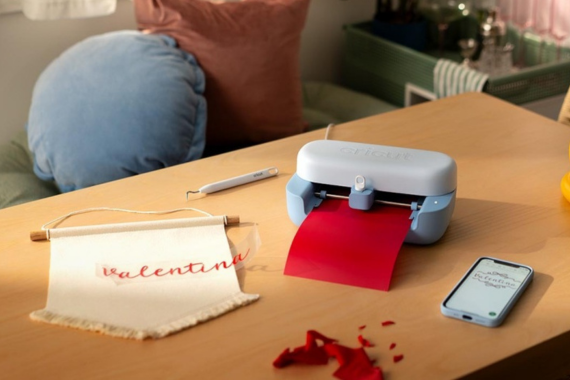
Cricut Joy 2
Cut any compatible material on a machine mat (4.5 in x 6.5 in / 4.5 in x 12 in). Smart Vinyl™ and Smart Iron-On™ are used for cuts up to 4 ft long (no mat required).
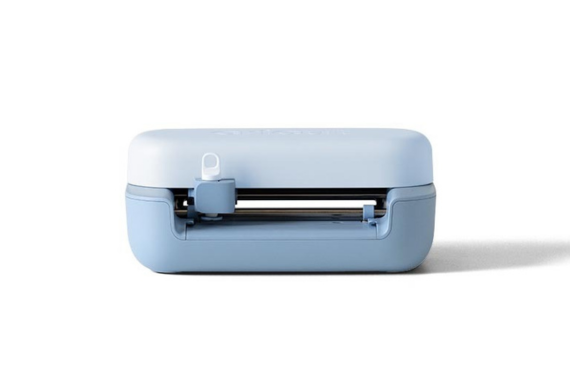
1 tool clamp
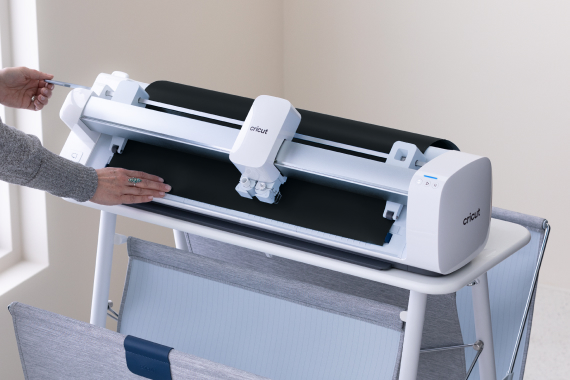
Smart Materials™
Loads directly into the machine, no machine mat required
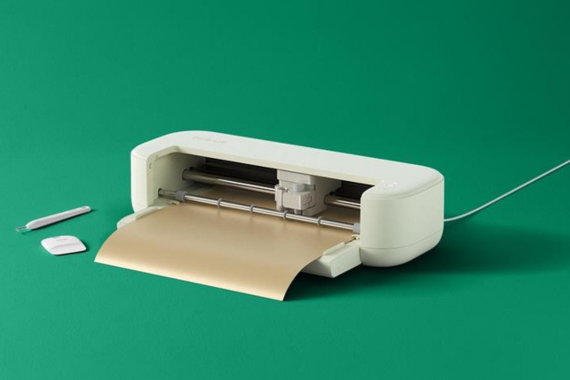
Smart Materials™
Loads directly into the machine, no machine mat required
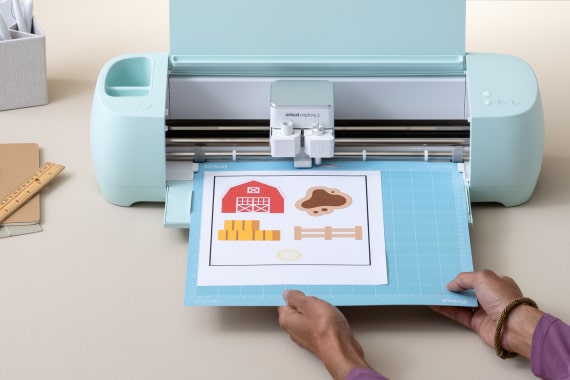
Easy Printables™ sensor
Recognizes and cuts around images printed by inkjet printers
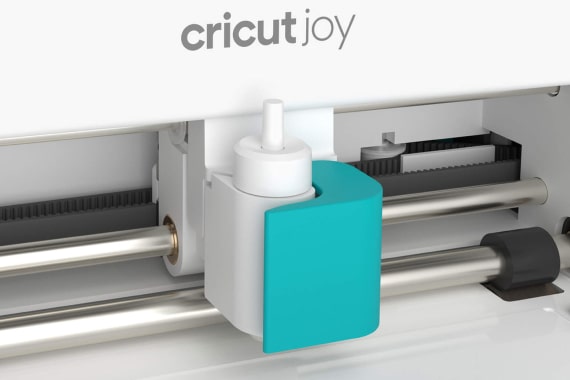
1 tool clamp
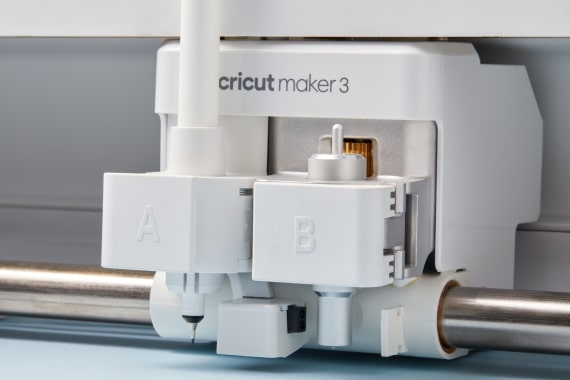
2 tool clamps
Compatible with QuickSwap™ Housing for active tool control
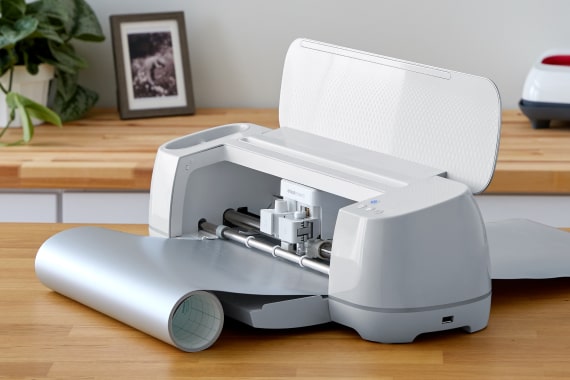
Smart Materials™
Loads directly into the machine, no machine mat required
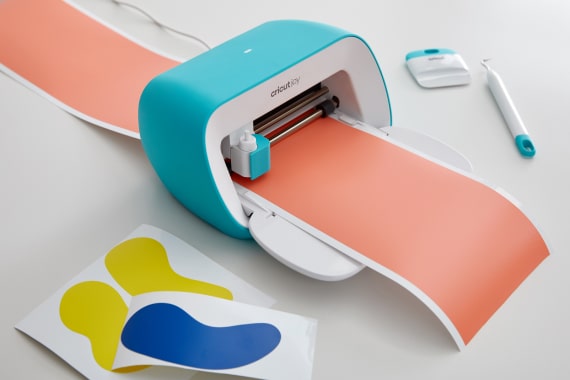
Smart Materials™
Loads directly into the machine, no machine mat required
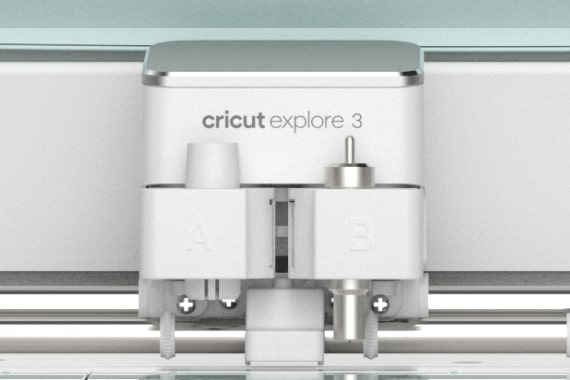
2 tool clamps
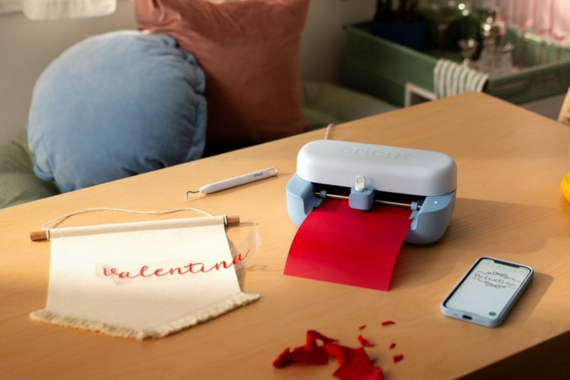
Smart Materials™
Loads directly into the machine, no machine mat required
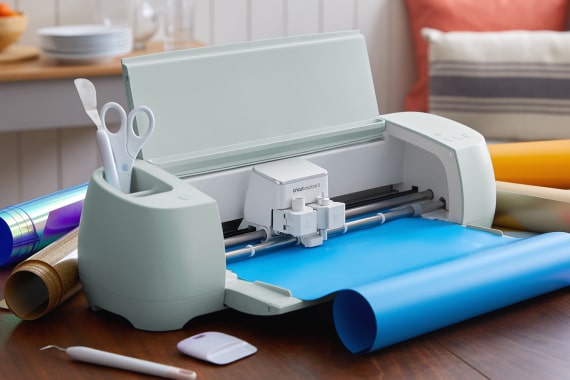
Smart Materials™
Loads directly into the machine, no machine mat required
Smart Materials™
Loads directly into the machine, no machine mat required
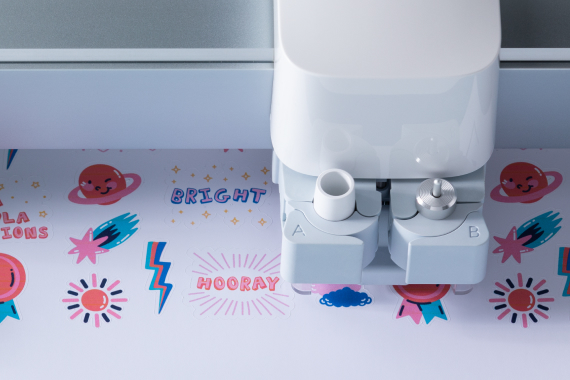
2 tool clamps
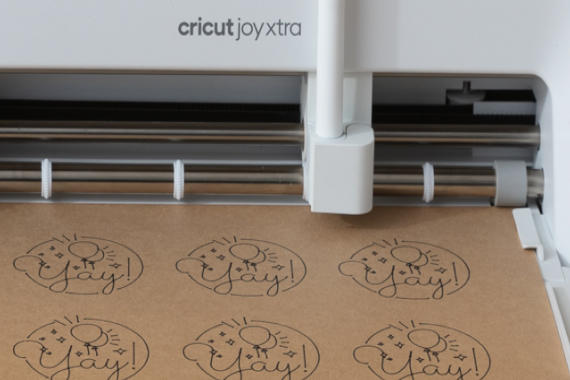
1 tool clamp
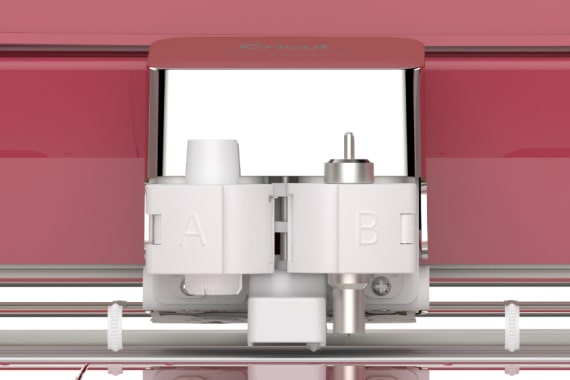
2 tool clamps
1 tool clamp
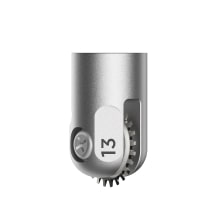
Perforation Blade
Creates uniform, finely perforated lines for tear-offs & peel-aways

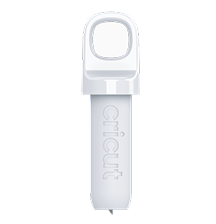
Premium Fine Point Cutting Tool
Cuts shapes to perfection out of cardstock, vinyl & more
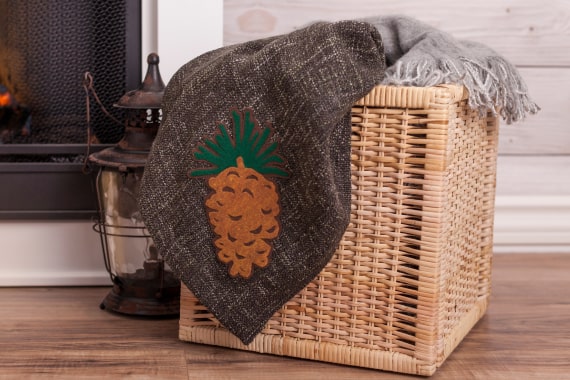
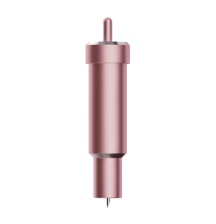
Bonded-Fabric Blade
Easily cuts through bonded fabric
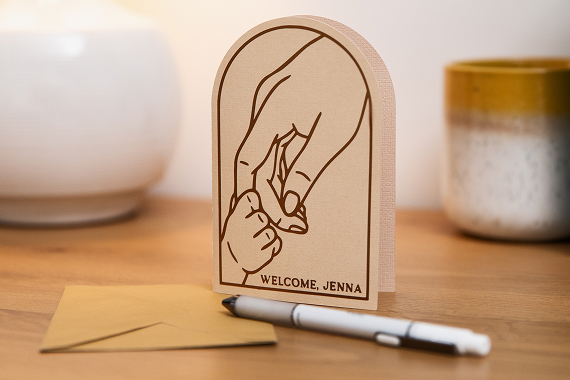
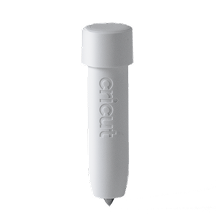
Scoring Tool
Creates foldable creases for cards, invitations & more
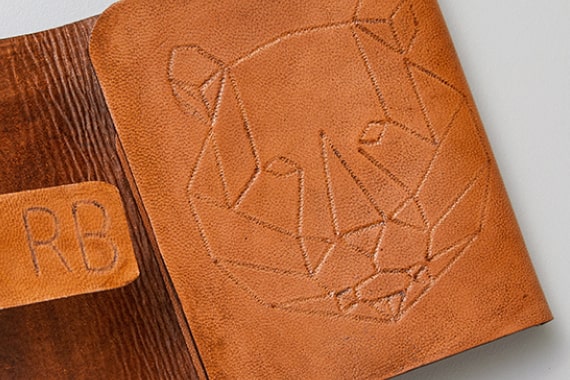
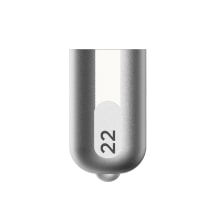
Debossing tip
Leaves an imprint of artwork on leather, basswood & more
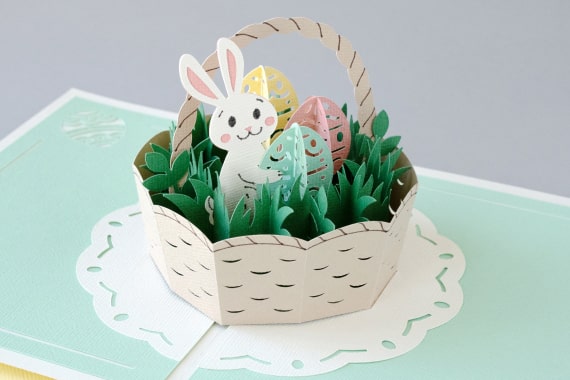
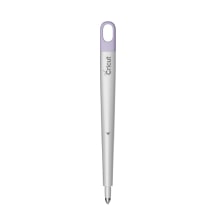
Scoring Stylus
Creates foldable creases for cards, invitations & more
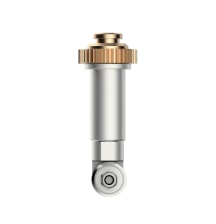
Rotary Blade
Glides through cotton, fleece, denim & more
Scoring Tool
Creates foldable creases for cards, invitations & more
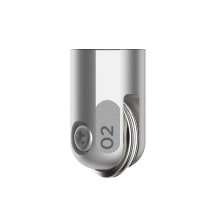
Scoring Wheels (Single & Double)
Makes razor-sharp creases for crisp folds in 3D projects, boxes & more

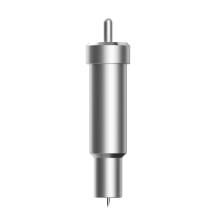
Premium Fine-Point Blade
Cuts shapes to perfection out of cardstock, vinyl & more
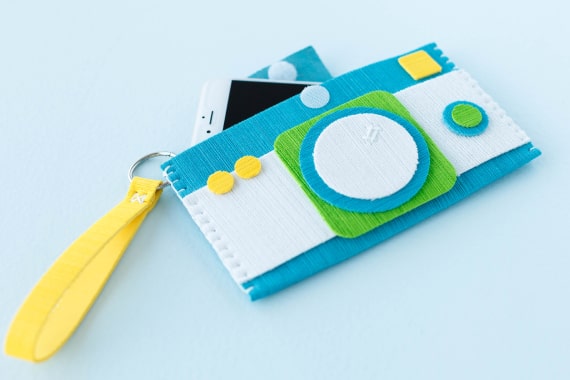
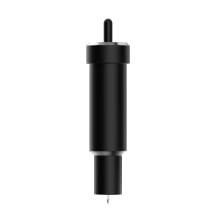
Deep-Point Blade
Cuts thicker materials up to 1.5 mm like poster board & craft foam
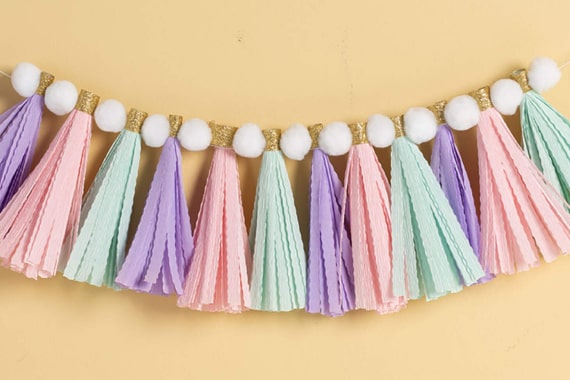
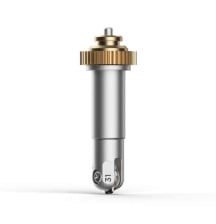
Wavy Blade
Adds a perfectly proportioned wavy edge to paper, vinyl & more
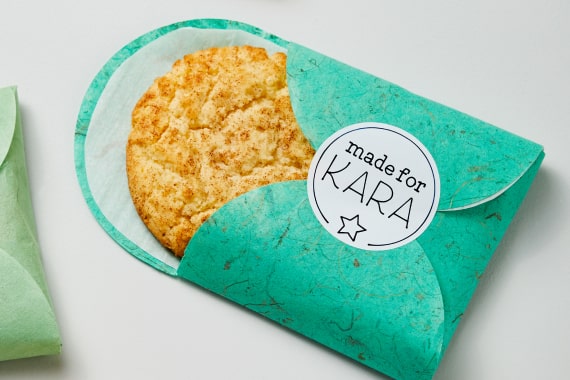
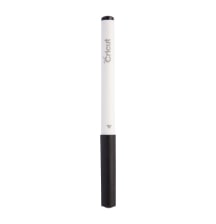
Pens & Markers
Adds written text and drawn shapes to projects
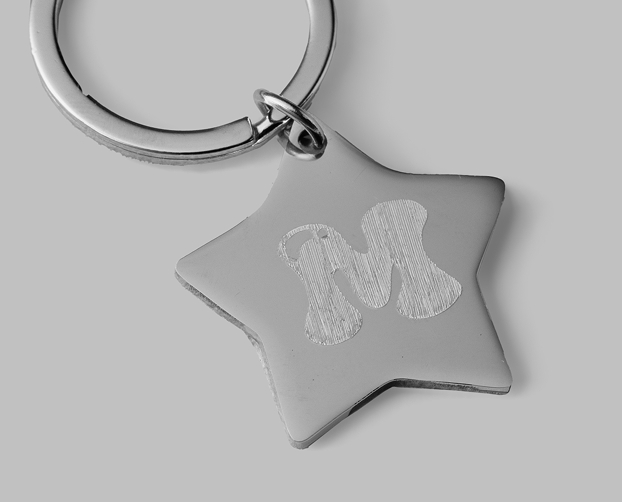
Engraving Tool
Inscribes personalized designs in metal, leather, plastic & more
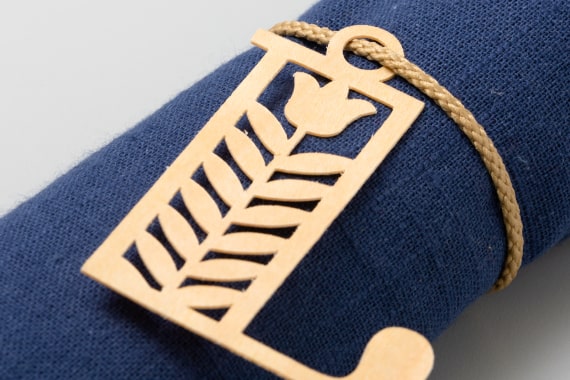
Knife Blade
Cuts thicker & denser material up to 2.4 mm like chipboard & balsa wood
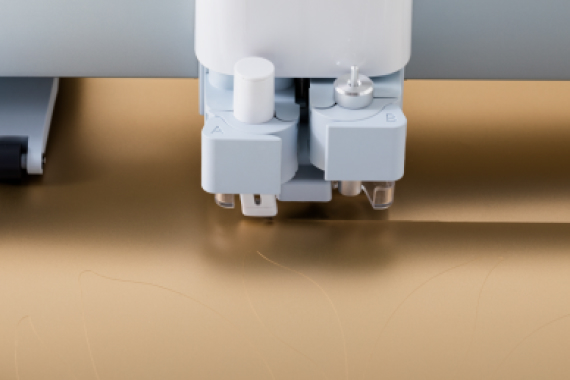
Automatic Cutoff Tool
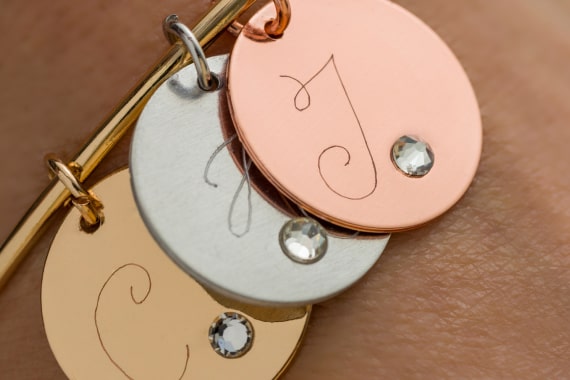
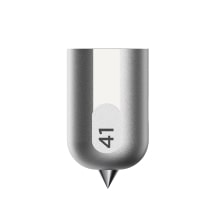
Engraving Tip
Inscribes personalized designs in metal, leather, plastic & more

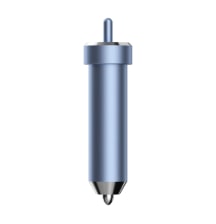
Foil Transfer Tool
Embellish cards, gift tags & more with a pro-level foil finish
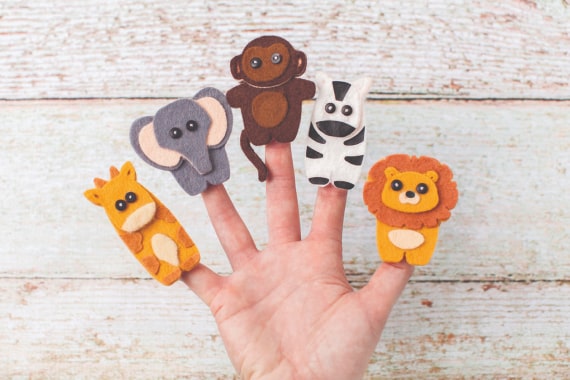
Felt
Great for ornaments, finger puppets & more
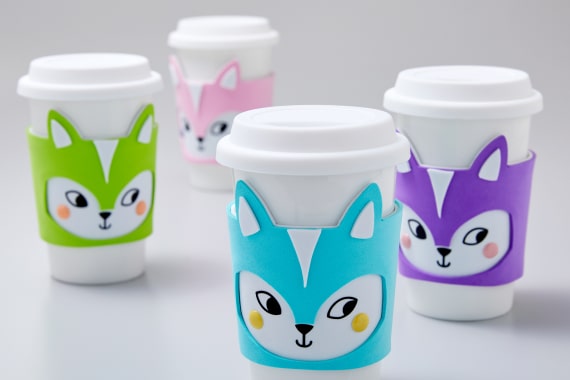
Craft foam (foam sheets)
A must-have for costumes, drink sleeves & more
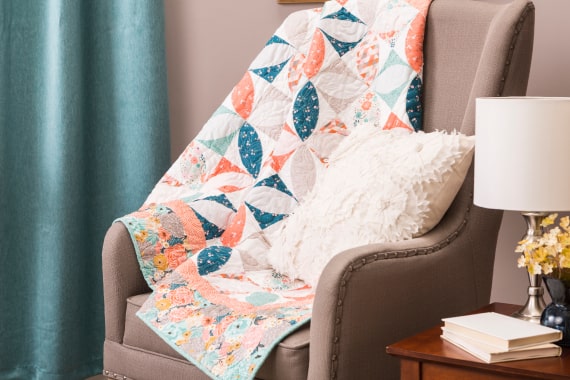
Fabric
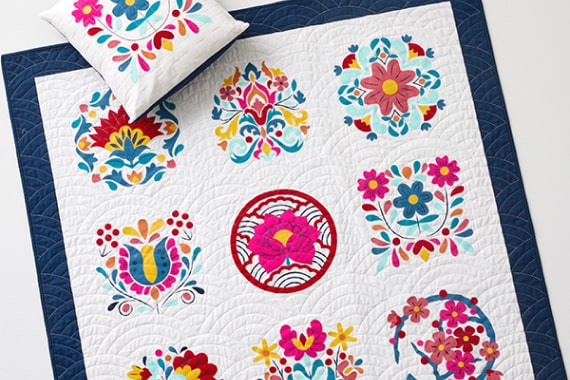
Make precise quilt pieces, bookmarks & more with 100+ compatible fabrics
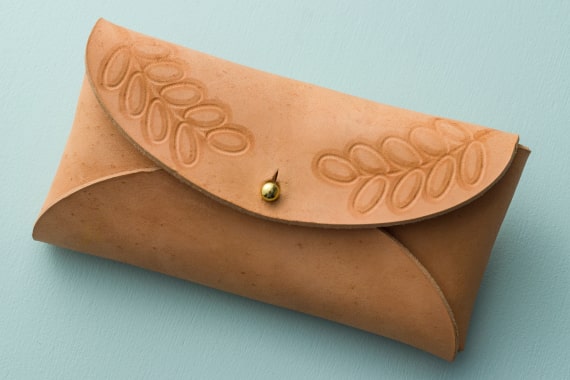
Leather up to 2.4 mm
Choose genuine, faux, or tooling to create unique cases, key chains & more
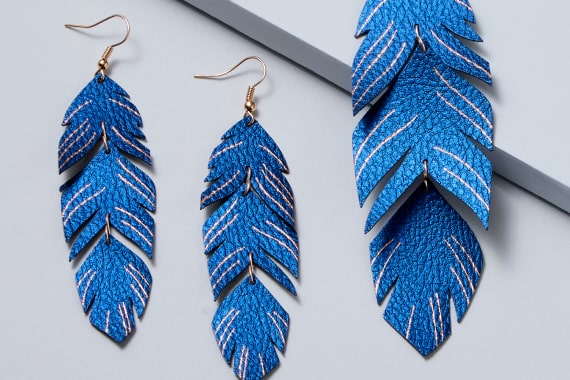
Genuine & faux leather
Create stunning jewelry, pouches & more

Iron-on (HTV)
Use heat-transfer vinyl to personalize T-shirts, hats, tote bags & more

Wood veneer
Creates stunning home decor, bookmarks & more
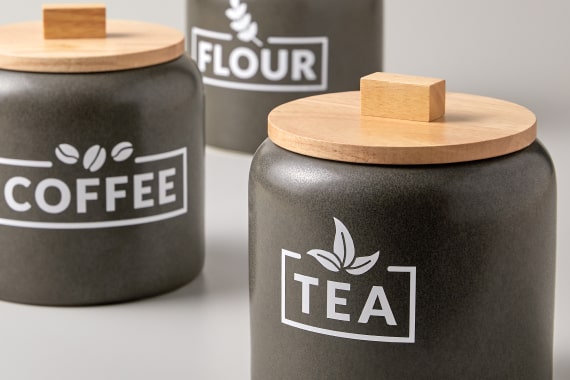
Vinyl
Make decals for water bottles, organization & more
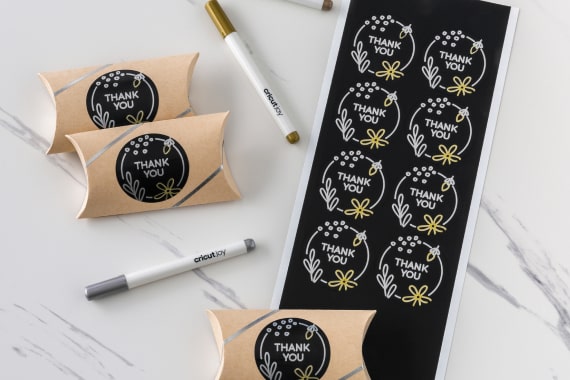
Writable labels
Elevate thank you gifts, name tags & more

Bonded fabric
Great for apparel appliques, embellished banners & more
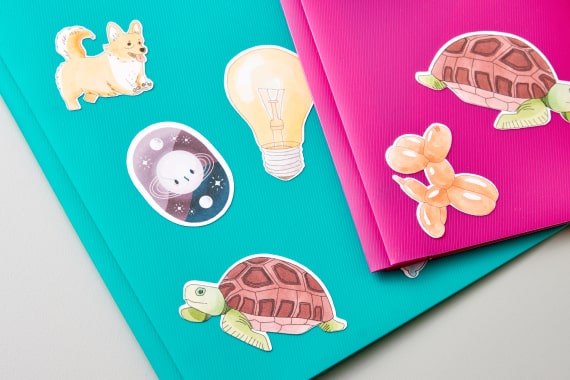
Printable sticker paper
Use with your inkjet printer to create full-color stickers, labels & more

Wool felt
Great for 3D flowers, wall hangings like pennants & more
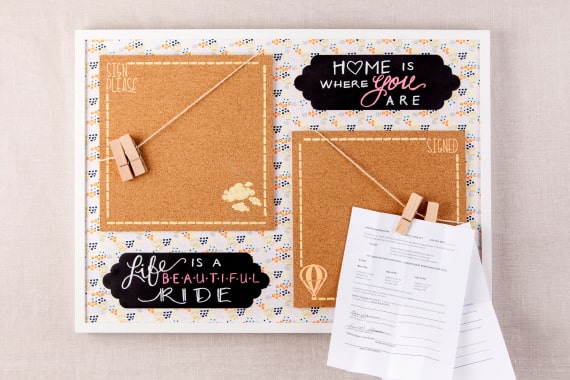
Kraft board
Creates sturdy 3D projects, home decor & more
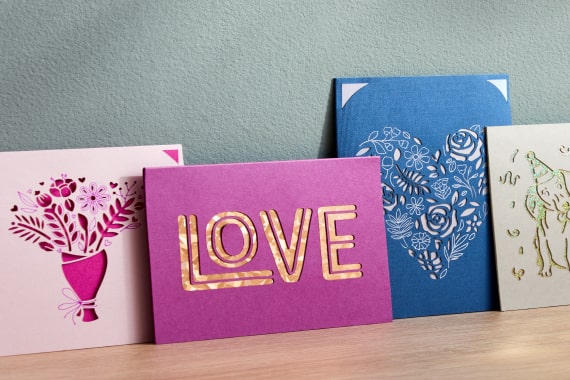
Paper & cardstock
The go-to craft material for cards, party decor & more
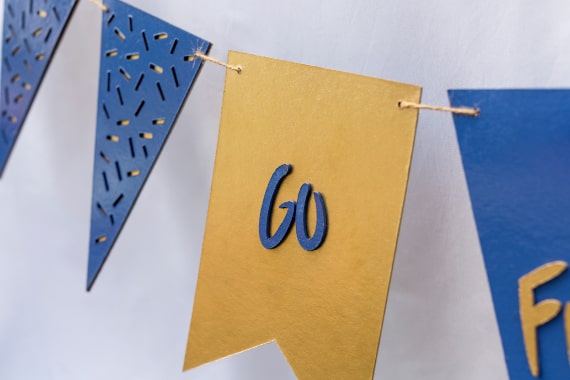
Chipboard up to 2 mm
Use to add depth & dimension for photo frames, party decor & more
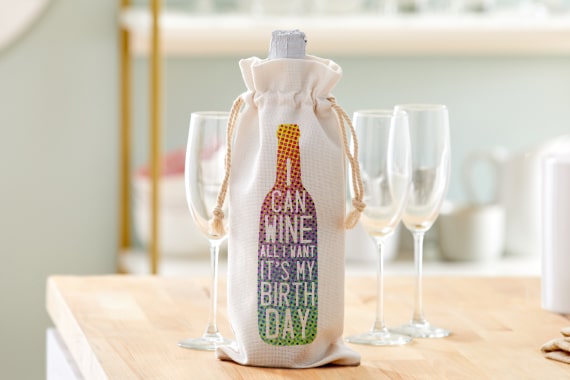
Infusible Ink™
Instead of artwork being attached using adhesive, Infusible Ink transfers become one with the material itself
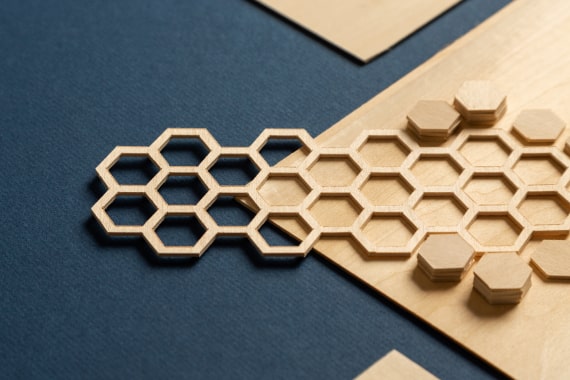
Softwood up to 2.4 mm
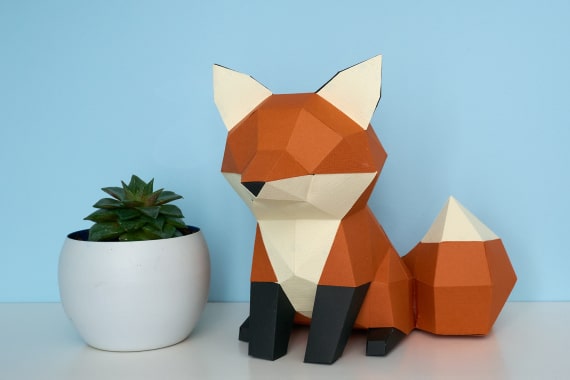
Basswood and balsa wood are ideal for 3D projects, ornaments & more