Discover Heat Presses

|
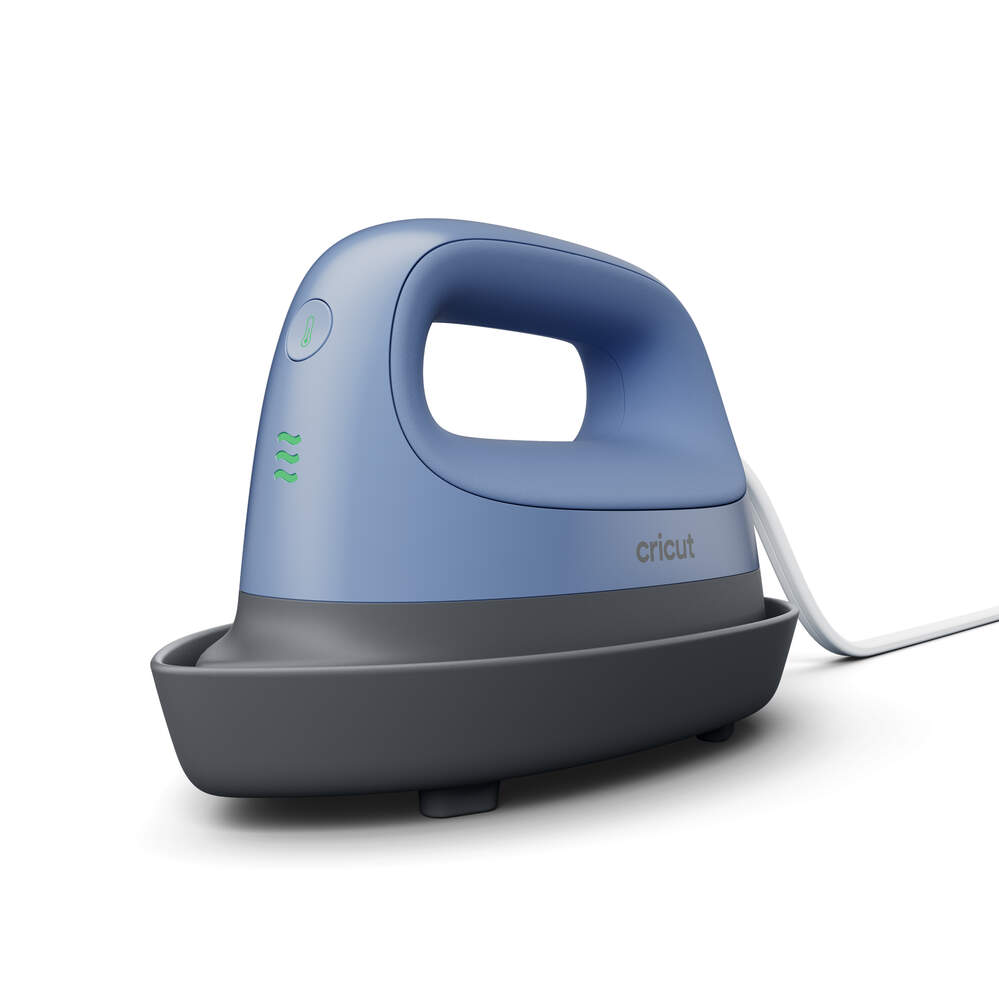
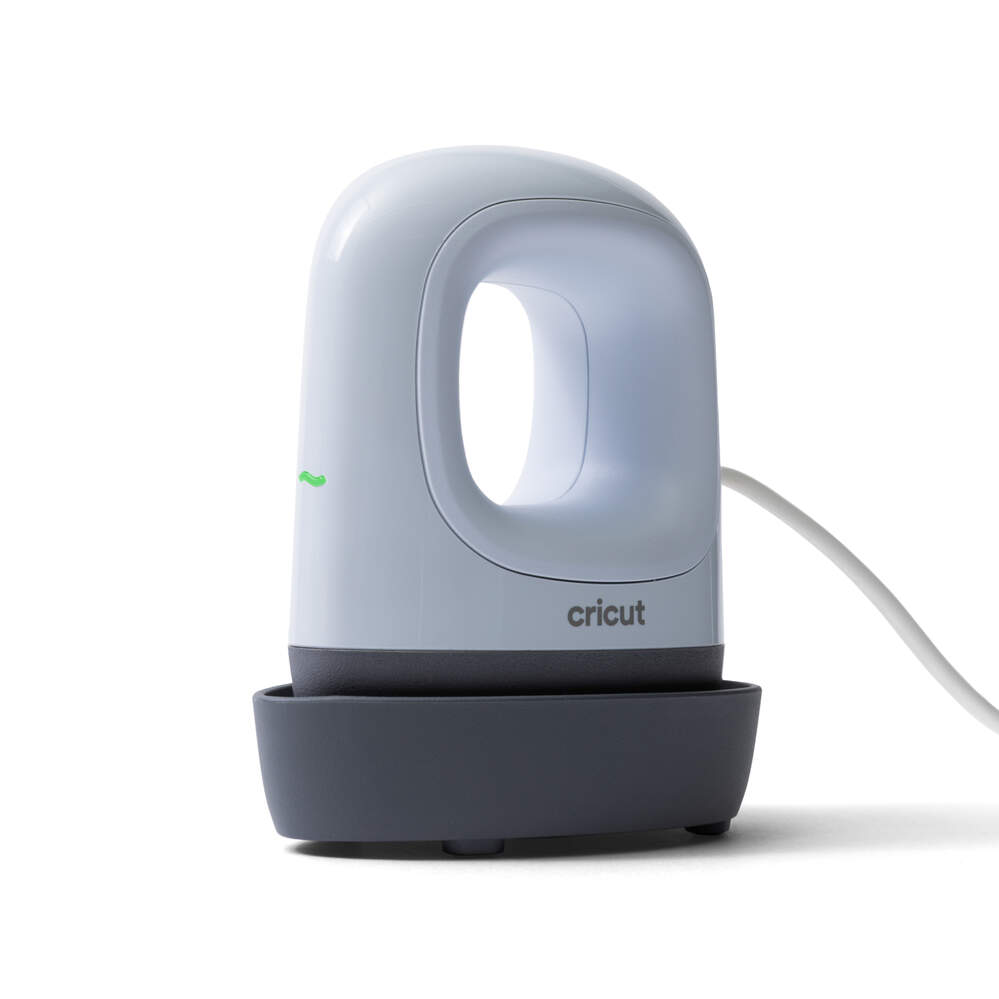
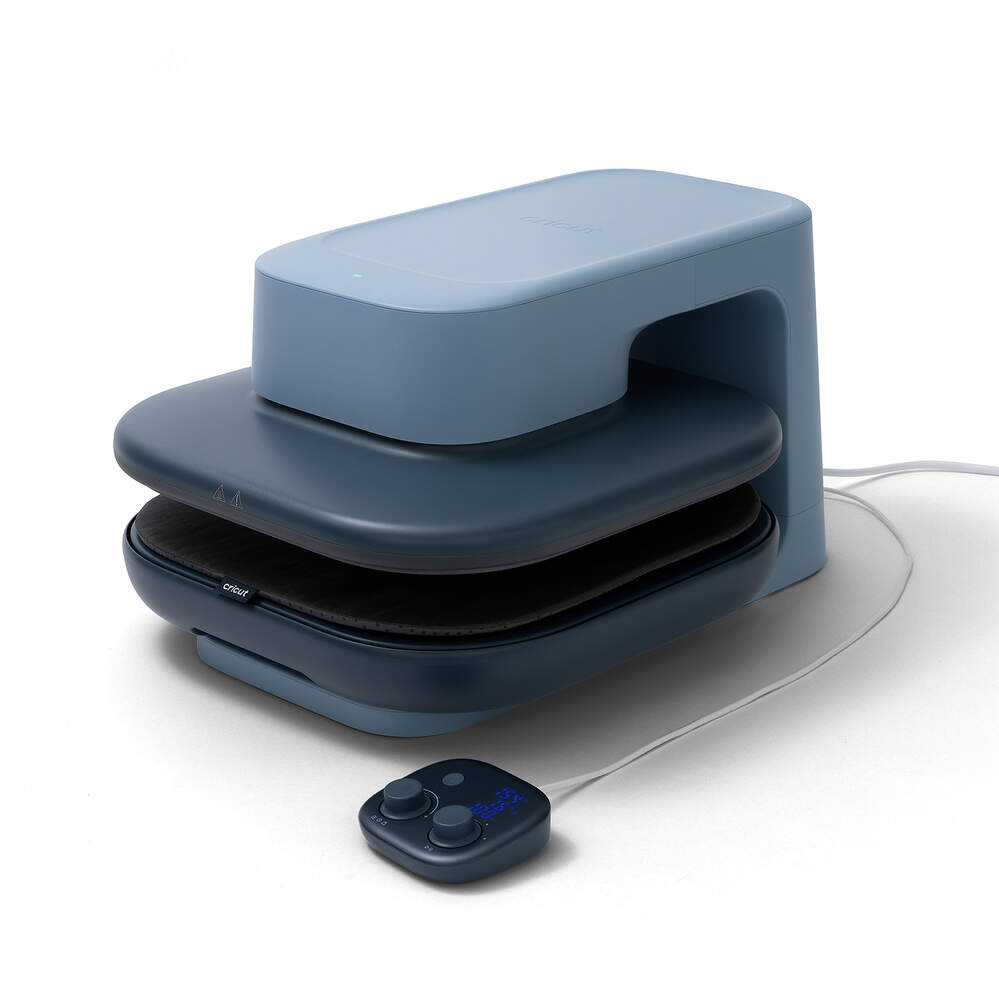
Cricut EasyPress Mini™ – 6 x 3
|
|
|
|
|---|---|---|---|
kr 959.00
|
|||
| Värmeplattans storlek | 15,2 cm x 7,6 cm | ||
| Bäst för | Små till medelstora projekt med mycket detaljer | ||
| Kompatibel med | Iron-On (HTV), Infusible Ink™ och sublimeringsprodukter. | ||
| Automatisk pressning | Nej | ||
| Tryck | Manuellt tryck | ||
| Temperatur | Tre värmeinställningar (låg, medel, hög) | ||
| Press-timer | Nej | ||
| Jämn värme från kant till kant | Ja | ||
| Cricut-värmeguide | Ja | ||
| Bluetooth-aktiverad till Design Space | Nej | ||
| Mått | 15,8 cm x 8,3 cm x 7,8 cm | ||
| Vikt | 0,6 kg |

Bonded fabric
Great for apparel appliques, embellished banners & more
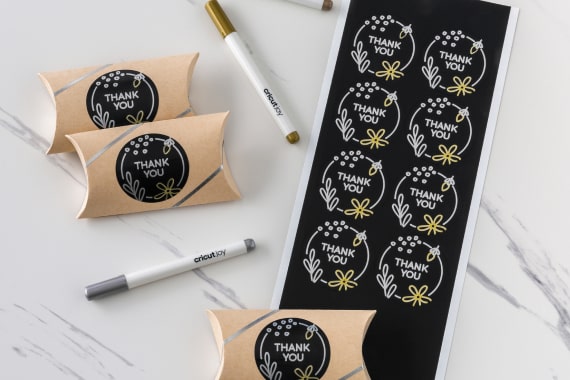
Writable labels
Elevate thank you gifts, name tags & more
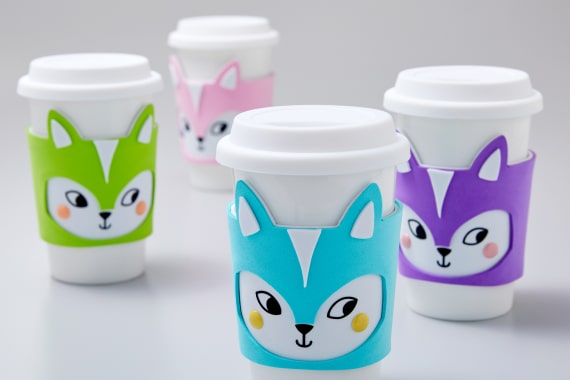
Craft foam (foam sheets)
A must-have for costumes, drink sleeves & more
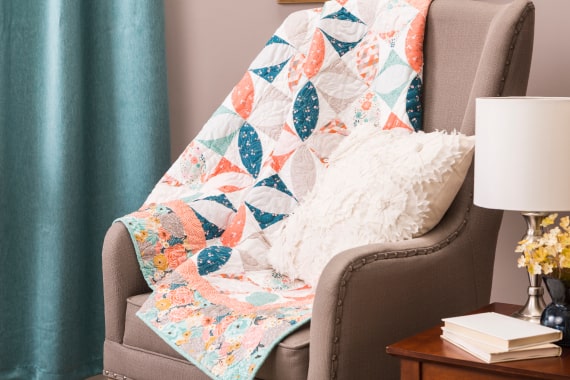
Fabric
Make precise quilt pieces, bookmarks & more with 100+ compatible fabrics
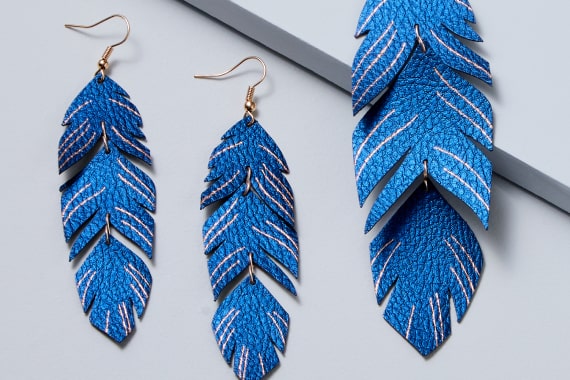
Genuine & faux leather
Create stunning jewelry, pouches & more
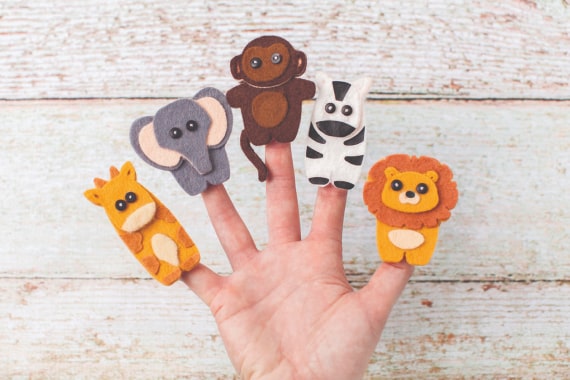
Felt
Great for ornaments, finger puppets & more
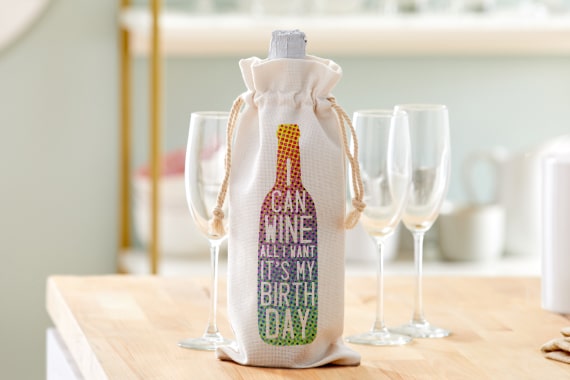
Infusible Ink™
Instead of artwork being attached using adhesive, Infusible Ink transfers become one with the material itself
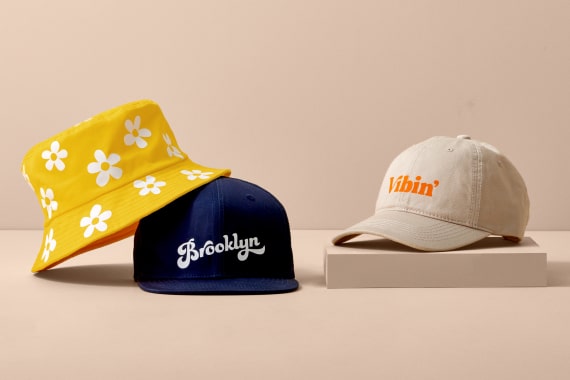
Iron-on (HTV)
Use heat-transfer vinyl to personalize T-shirts, hats, tote bags & more
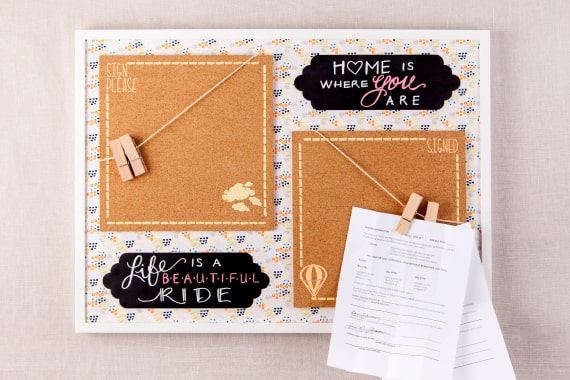
Kraft board
Creates sturdy 3D projects, home decor & more
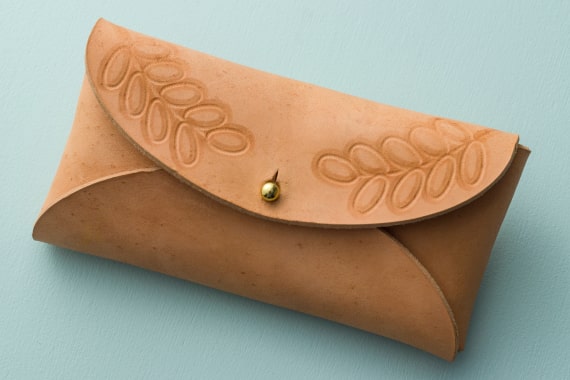
Leather up to 2.4 mm
Choose genuine, faux, or tooling to create unique cases, key chains & more
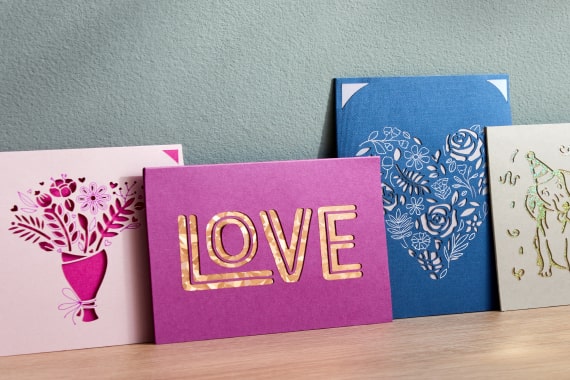
Paper & cardstock
The go-to craft material for cards, party decor & more
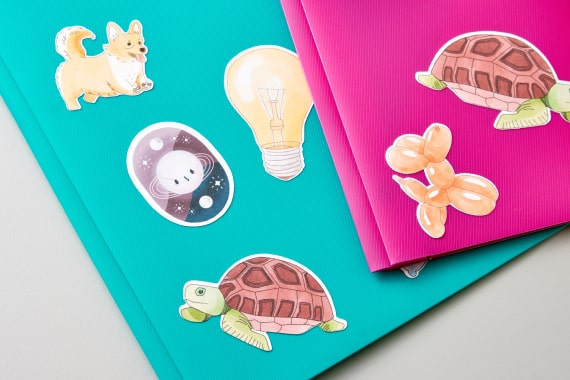
Printable sticker paper
Use with your inkjet printer to create full-color stickers, labels & more
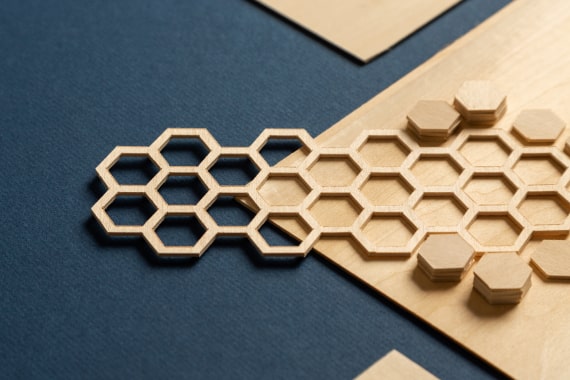
Softwood up to 2.4 mm
Basswood and balsa wood are ideal for 3D projects, ornaments & more
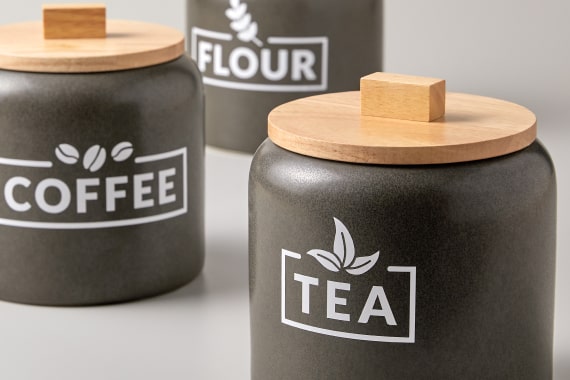
Vinyl
Make decals for water bottles, organization & more
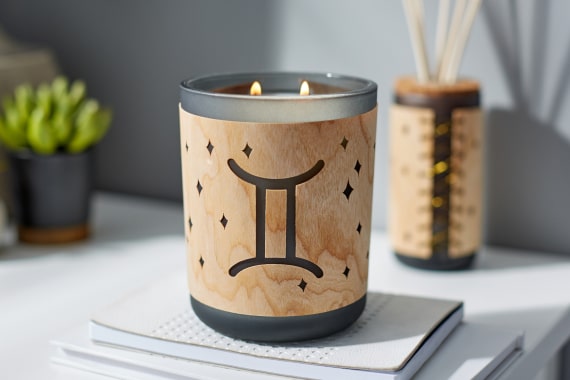
Wood veneer
Creates stunning home decor, bookmarks & more

Wool felt
Great for 3D flowers, wall hangings like pennants & more
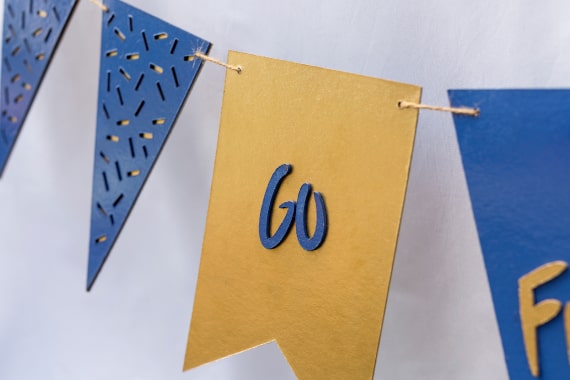
Chipboard up to 2 mm
Use to add depth & dimension for photo frames, party decor & more
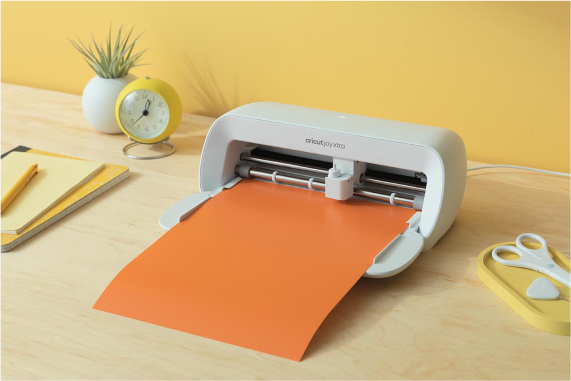
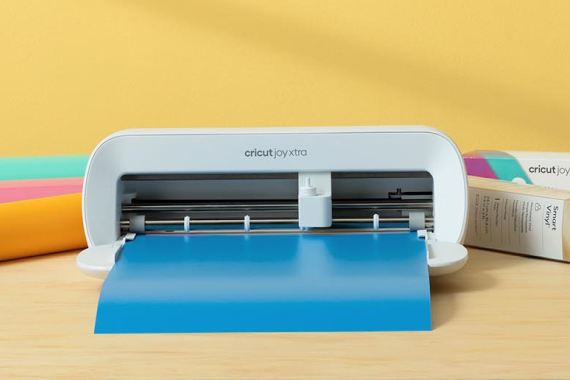
Cricut Joy Xtra
Cut any compatible material on a machine mat (8.5 in x 12 in). Smart Vinyl™ and Smart Iron-On™ are used for cuts up to 4 ft long (no mat required).
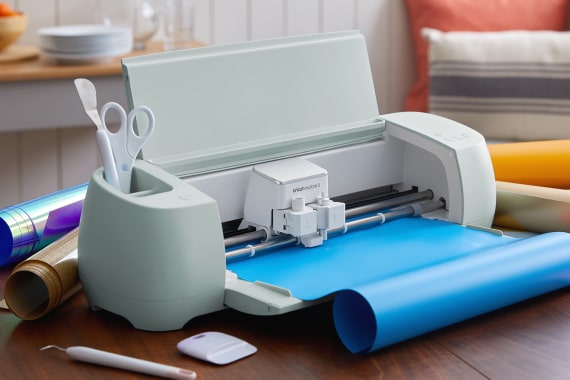
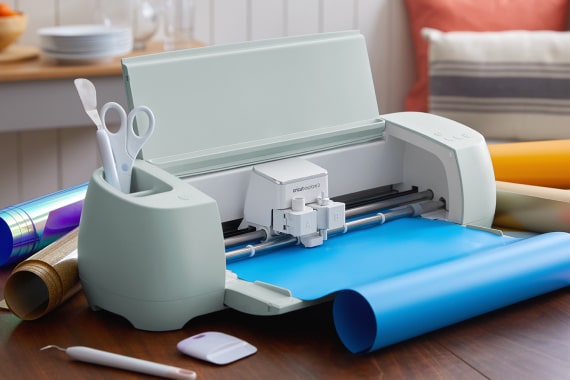
Cricut Explore 3
Cut any compatible material on a machine mat (12 in x 12 in / 12 in x 24 in). Smart Vinyl™ and Smart Iron-On™ are used for cuts up to 12 ft long (no mat required).
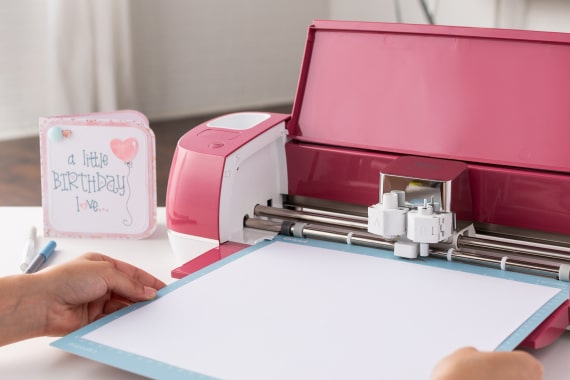
Cricut Explore Air 2
Cut any compatible material on a machine mat (12 in x 12 in / 12 in x 24 in)
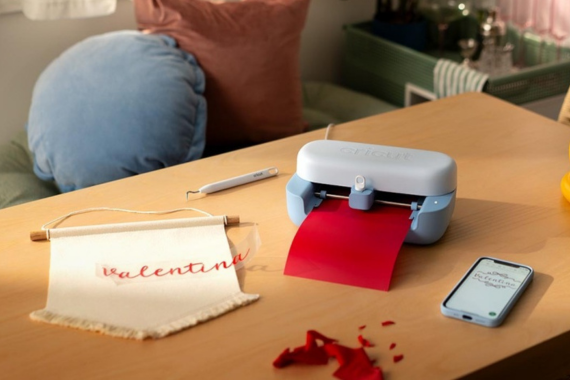
Cricut Joy 2
Cut any compatible material on a machine mat (4.5 in x 6.5 in / 4.5 in x 12 in). Smart Vinyl™ and Smart Iron-On™ are used for cuts up to 4 ft long (no mat required).
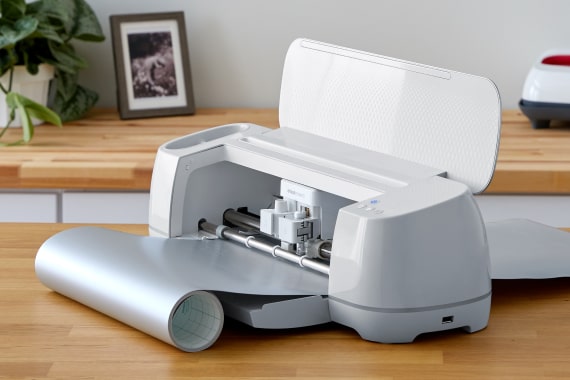
Cricut Maker 3
Cut any compatible material on a machine mat (12 in x 12 in / 12 in x 24 in). Smart Vinyl™ and Smart Iron-On™ are used for cuts up to 12 ft long (no mat required).

Cricut Explore 5
Cut any compatible material on a machine mat (12 in x 12 in / 12 in x 24 in). Smart Vinyl™ and Smart Iron-On™ are used for cuts up to 12 ft long (no mat required).
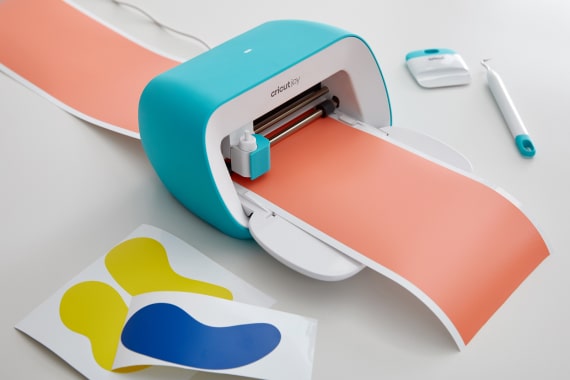
Cricut Joy
Cut any compatible material on a machine mat (4.5 in x 6.5 in / 4.5 in x 12 in). Smart Vinyl™ and Smart Iron-On™ are used for cuts up to 4 ft long (no mat required).
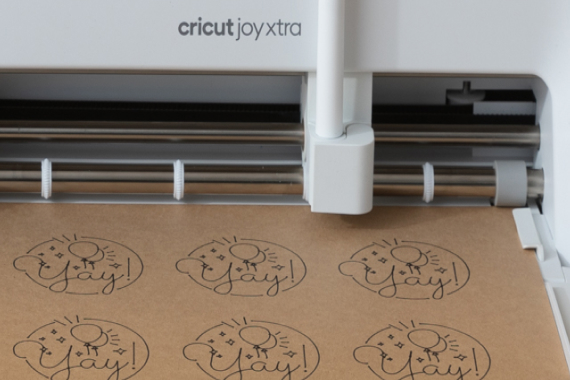
Smart Materials™
Loads directly into the machine, no machine mat required
1 tool clamp
Smart Materials™
Loads directly into the machine, no machine mat required
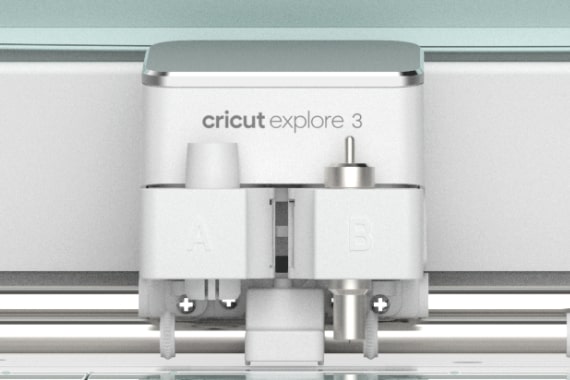
2 tool clamps
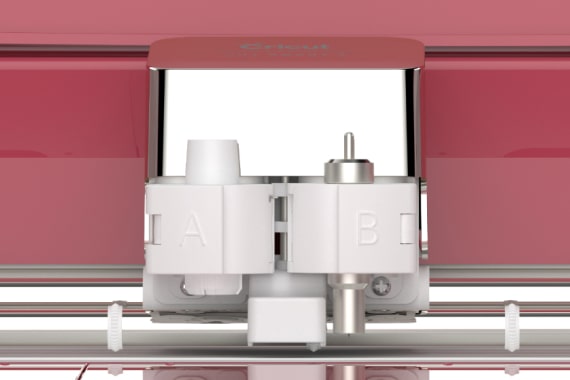
2 tool clamps
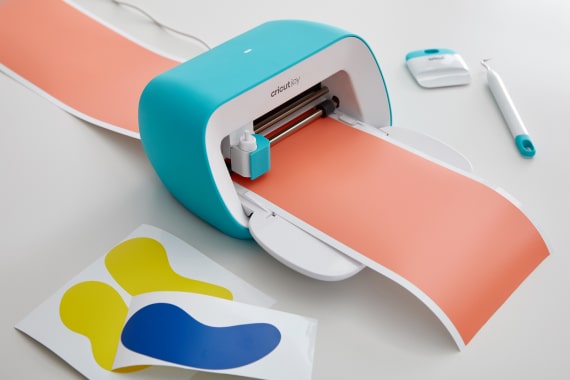
Smart Materials™
Loads directly into the machine, no machine mat required

1 tool clamp
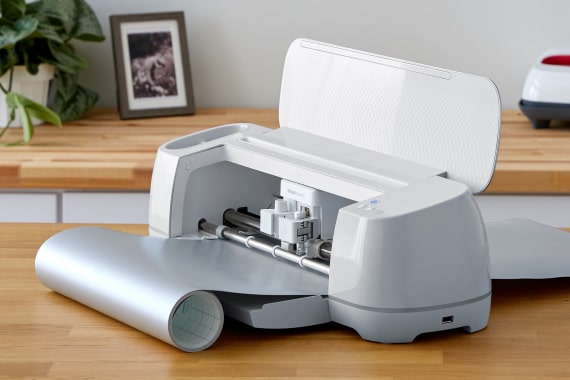
Smart Materials™
Loads directly into the machine, no machine mat required
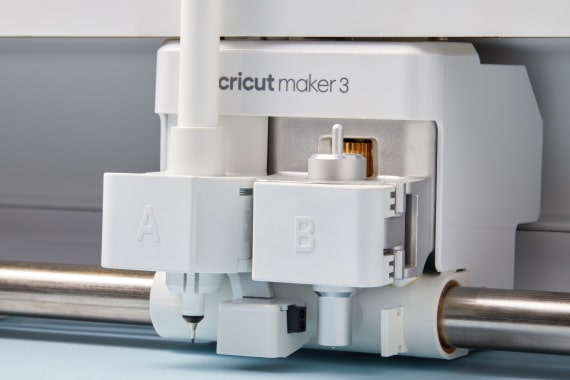
2 tool clamps
Compatible with QuickSwap™ Housing for active tool control
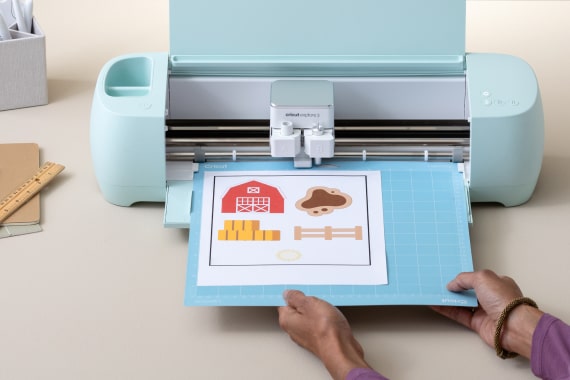
Easy Printables™ sensor
Recognizes and cuts around images printed by inkjet printers

Smart Materials™
Loads directly into the machine, no machine mat required

Smart Materials™
Loads directly into the machine, no machine mat required

1 tool clamp
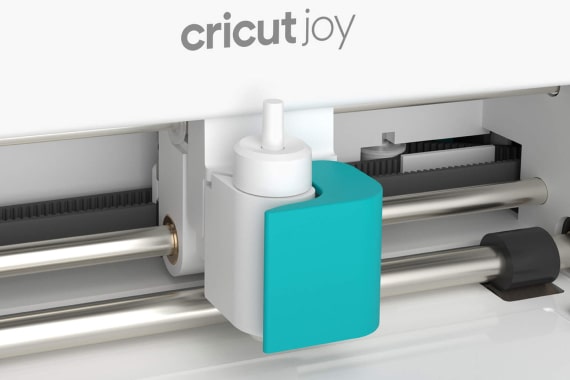
1 tool clamp
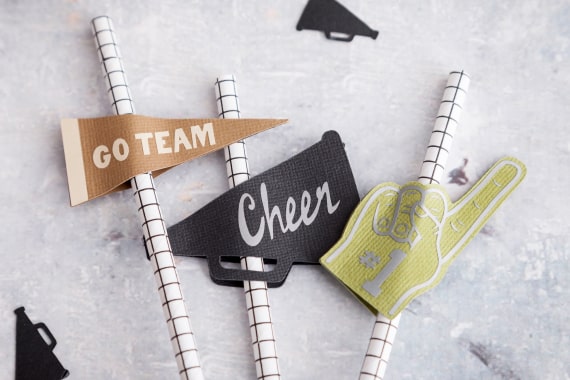
Cut
Precision-cuts shapes, letters & objects
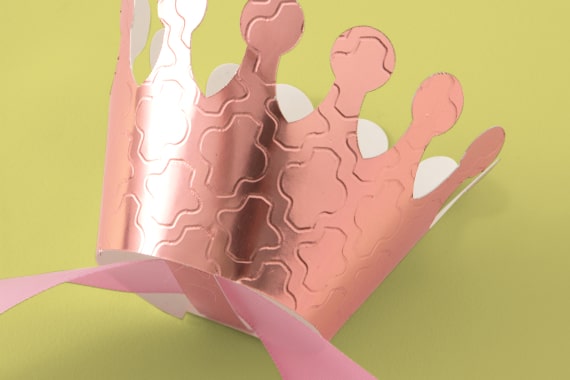
Deboss
Leaves a stunning imprint of artwork on foil poster board, balsa wood & more
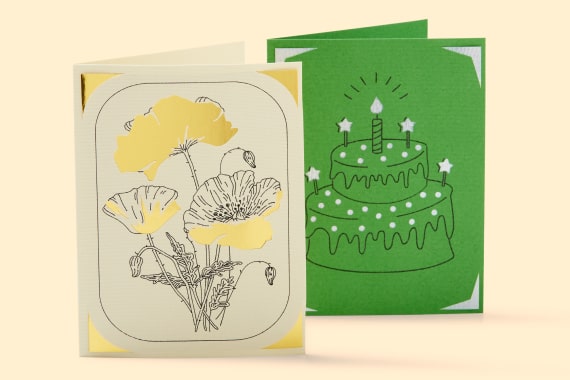
Draw
Add delicately drawn shapes, designs & more

Write
Add beautiful text in your favorite font
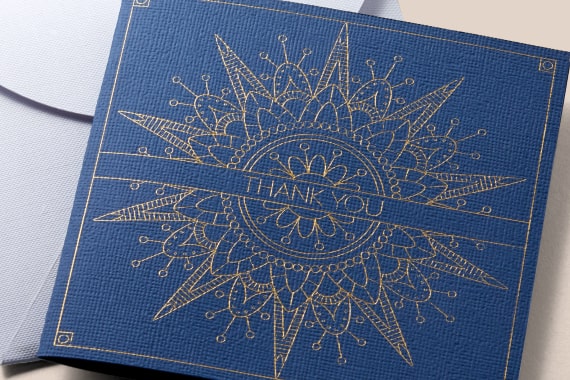
Foil
Embellish invitations, gift boxes, cards & more with a pro-looking foil finish
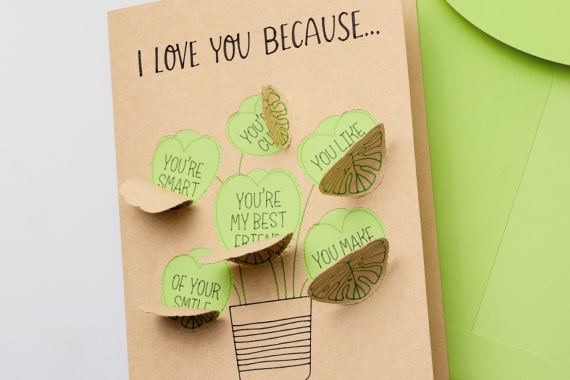
Perforate
Create uniform, finely perforated lines for perfect tear-offs & easy peel-aways
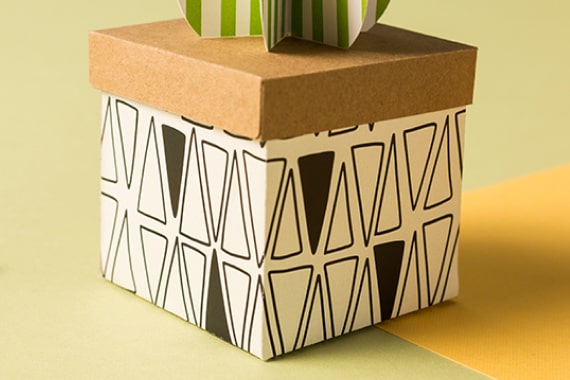
Score
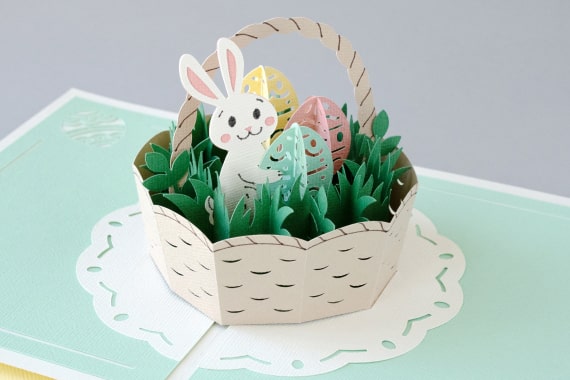
Create easy-to-fold creases to make cards, 3D projects & more
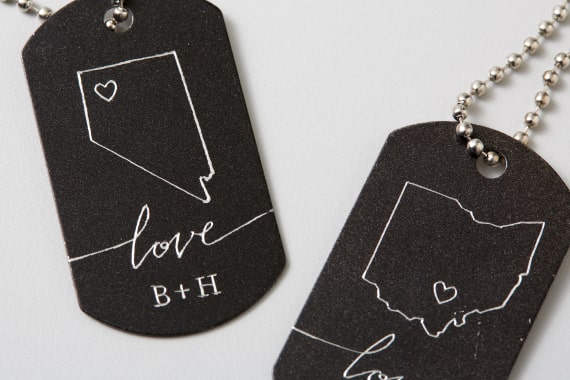
Engrave
Inscribe personalized designs in metal, plastic & more
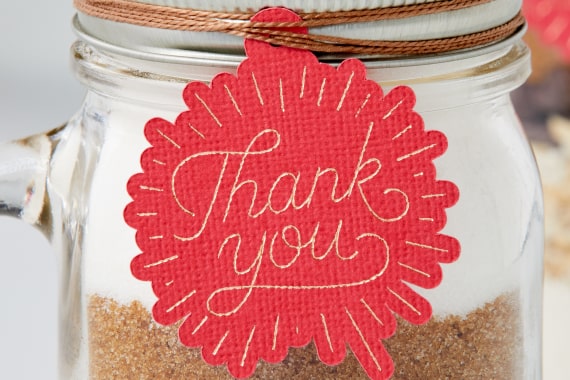
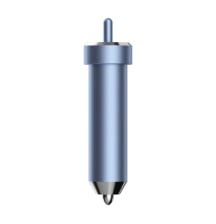
Foil Transfer Tool
Embellish cards, gift tags & more with a pro-level foil finish


Premium Fine-Point Tool
Cuts shapes to perfection out of cardstock, vinyl & more
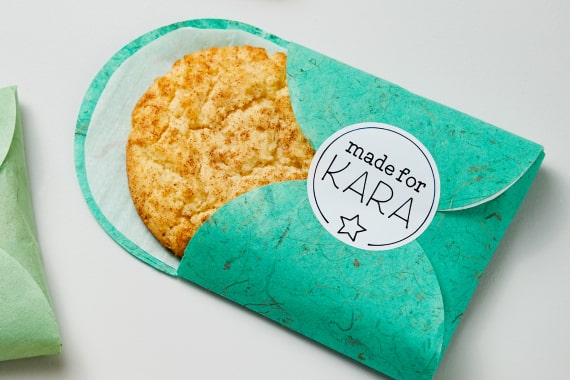
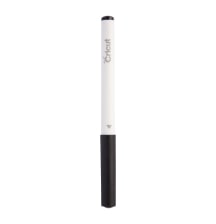
Pens & Markers
Adds written text and drawn shapes to projects
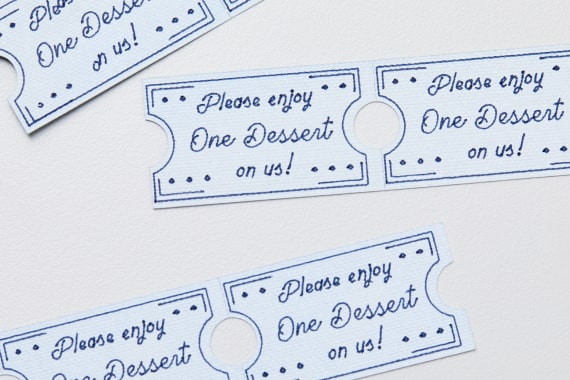
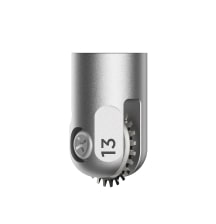
Perforation Blade
Creates uniform, finely perforated lines for tear-offs & peel-aways

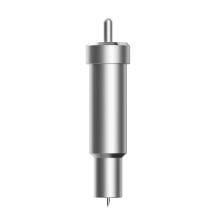
Premium Fine-Point Blade
Cuts shapes to perfection out of cardstock, vinyl & more
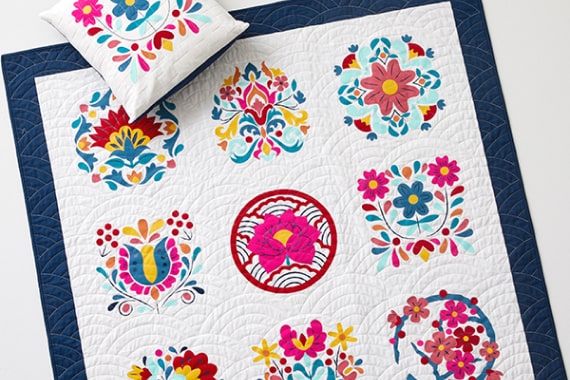
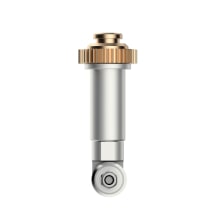
Rotary Blade
Glides through cotton, fleece, denim & more
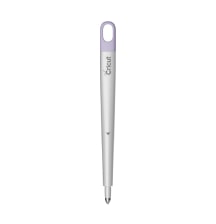
Scoring Stylus
Creates foldable creases for cards, invitations & more
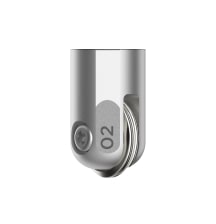
Scoring Wheels (Single & Double)
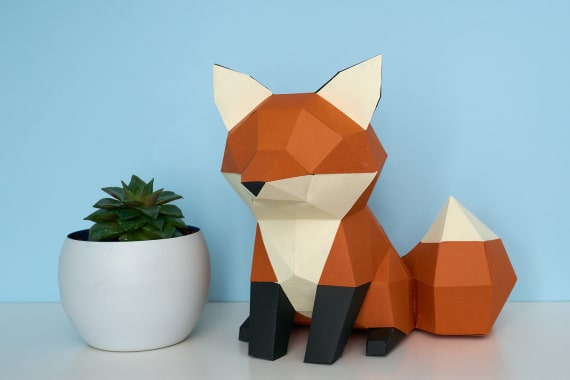
Makes razor-sharp creases for crisp folds in 3D projects, boxes & more
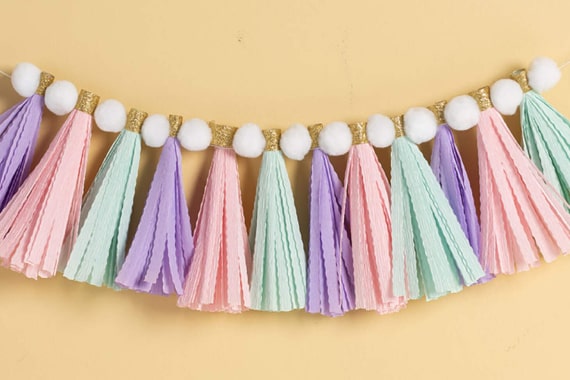
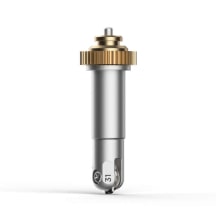
Wavy Blade
Adds a perfectly proportioned wavy edge to paper, vinyl & more
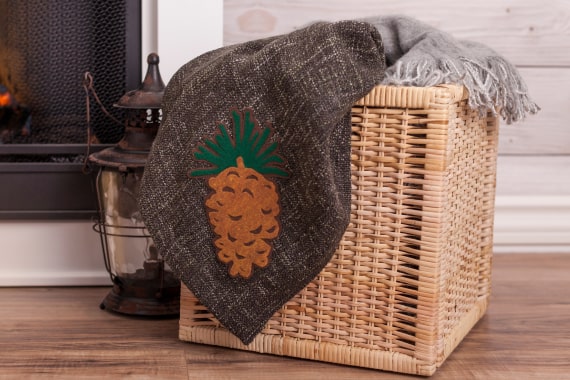
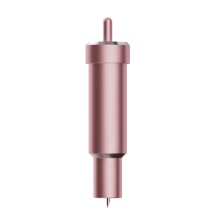
Bonded-Fabric Blade
Easily cuts through bonded fabric
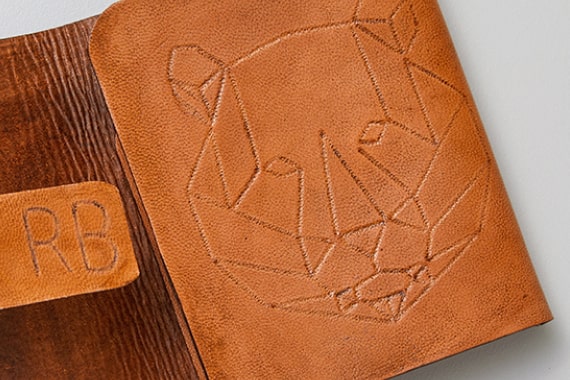
Debossing tip
Leaves an imprint of artwork on leather, basswood & more
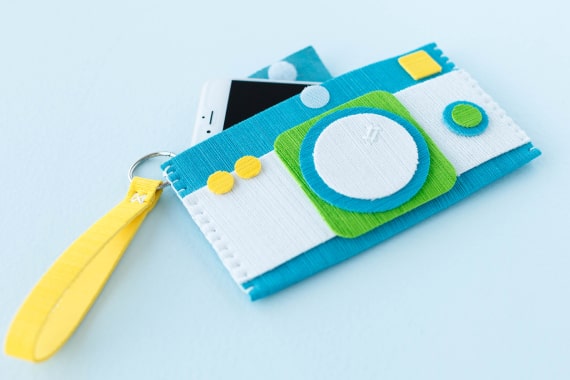
Deep-Point Blade
Cuts thicker materials up to 1.5 mm like poster board & craft foam
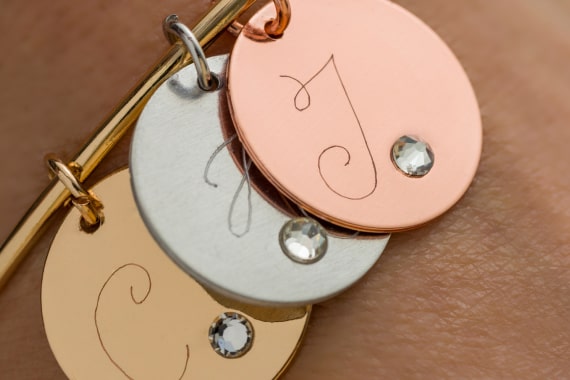
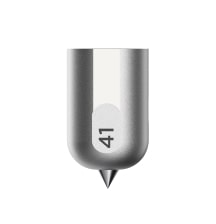
Engraving Tip
Inscribes personalized designs in metal, leather, plastic & more


Scoring Tool
Creates foldable creases for cards, invitations & more

Scoring Tool
Creates foldable creases for cards, invitations & more
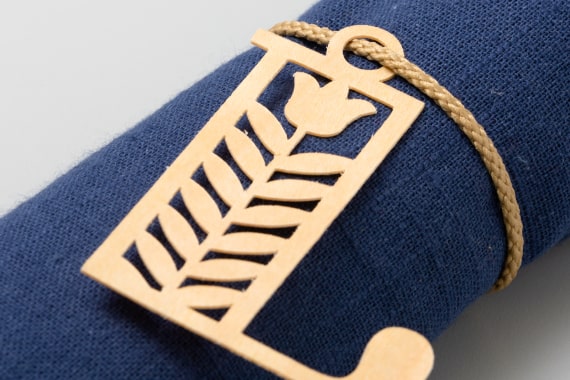
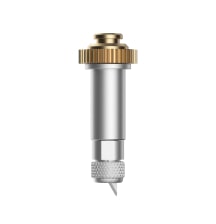
Knife Blade
Cuts thicker & denser material up to 2.4 mm like chipboard & balsa wood


